Shared inbox
Answer received mail as a team: assign, add notes, reply and close conversations.
The shared inbox is where your team answers received mail together. Each customer's messages are grouped into a conversation. You can assign it to a teammate, leave notes only the team sees, reply from your own domain, and close it when it is done.
Find your way around
Inbox has four columns:
- Views and inboxes. Mine, Unassigned, All open, Pending and Closed, then one row per inbox, then Spam.
- The conversation list. Unread conversations have a dot. Search by sender or subject.
- The thread. Every message from the customer and every reply from your team, oldest first, with notes and changes in between.
- The customer. The contact the sender is linked to, and their other conversations.
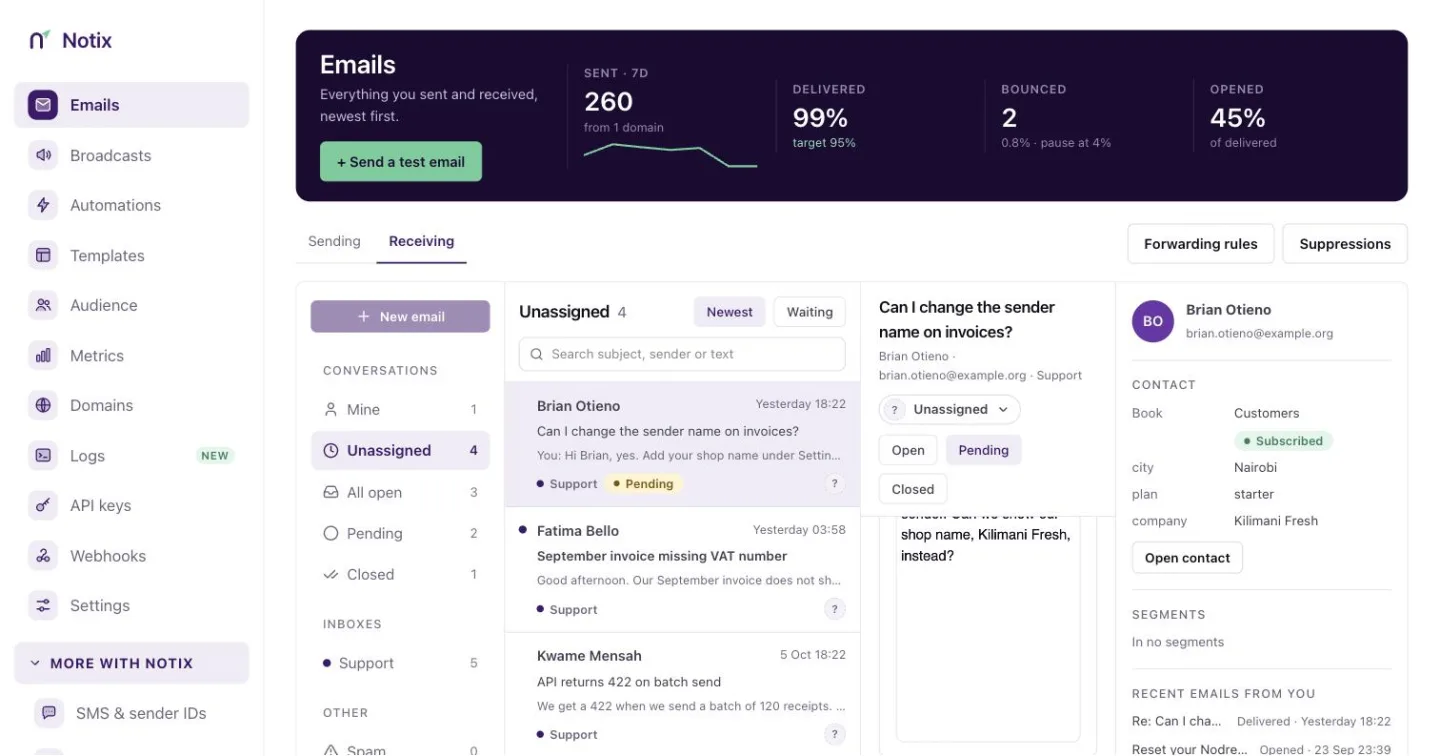
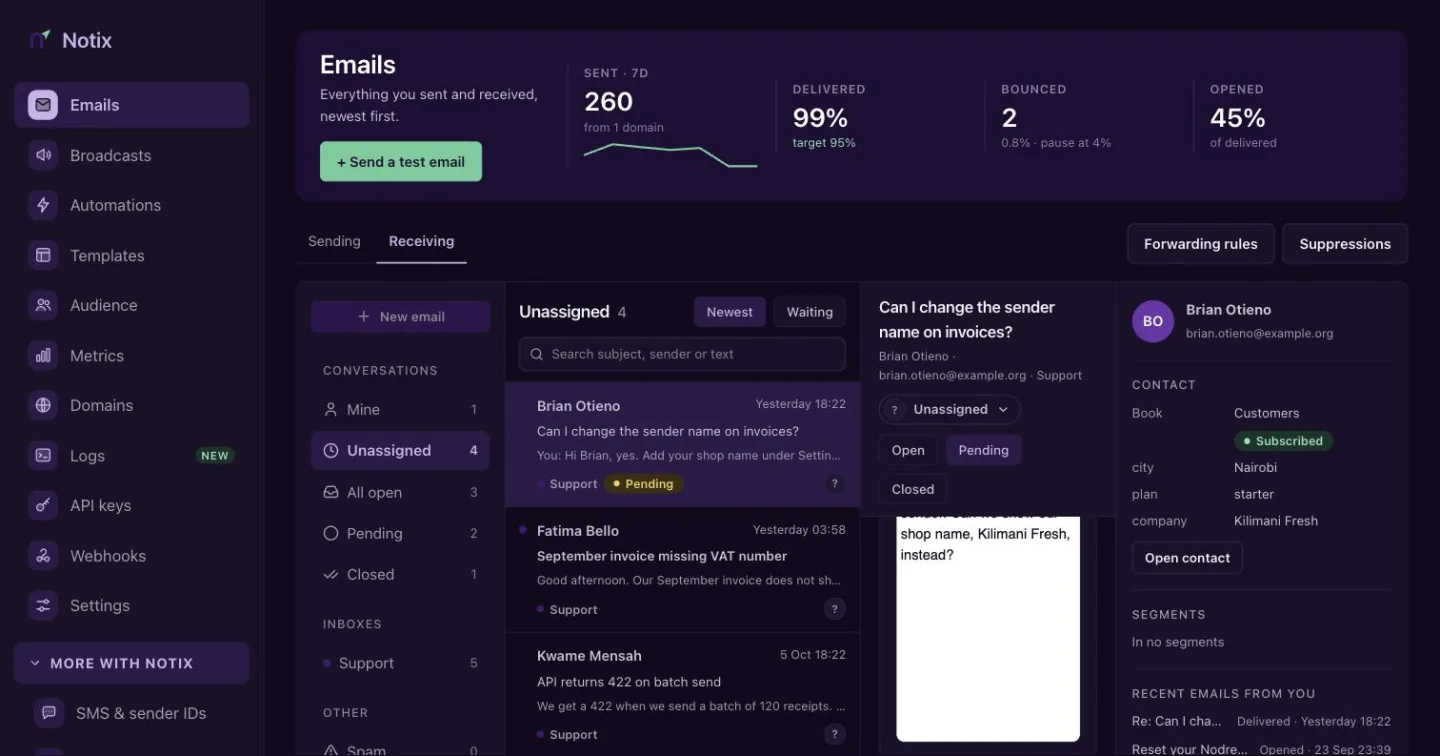
A team admin sees every inbox. A member sees only the inboxes they belong to. Read marks are per person, so what you read stays unread for your teammates.
Work a conversation
Open the conversation
Select it in the list. It is marked read for you.
Assign it
Use the assign menu at the top of the thread to give the conversation to a teammate, or take it yourself. The person you assign is notified, and the thread records the change.
Leave a note
Switch the box at the bottom from Reply to Internal note. Write
@and a teammate's name to mention them, and they get a notification. The customer never sees notes.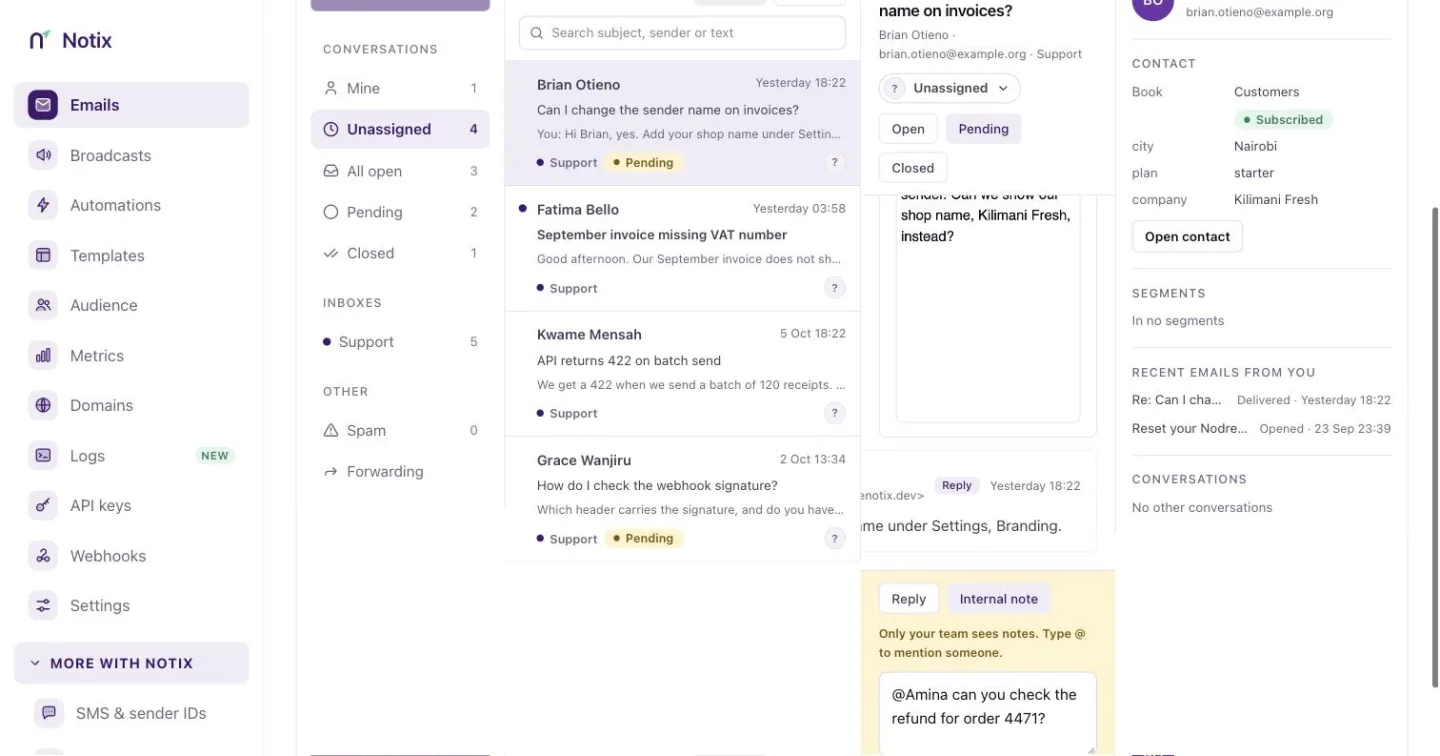
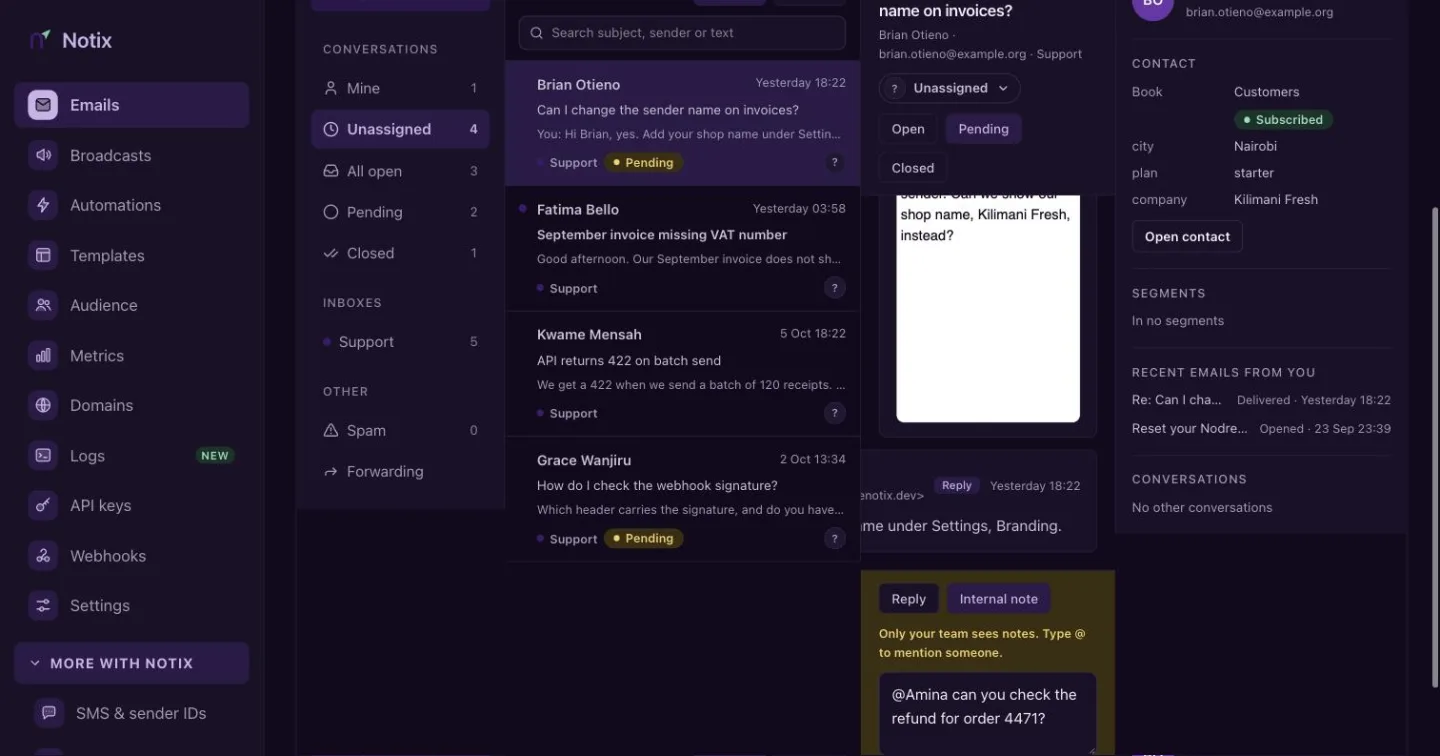
An internal note. The box turns yellow so you know the customer will not see it. Reply
Switch back to Reply, write your answer and press Send, or Send and close to close it at the same time. The reply goes out from the inbox's name at your verified sending domain, in the same thread in the customer's mail app. Their answer comes back to the inbox. You can attach files.
Set the status
A conversation is Open, Pending (you answered, and you are waiting for the customer) or Closed. A reply makes it Pending unless you close it. When the customer writes again, it opens again. A conversation closed more than 7 days ago stays closed, and their new message starts a new conversation.
A reply is a real email. It follows every sending rule: a verified domain that is not paused, your suppression list and your sending limits.
Unsubscribe requests
When a contact answers a broadcast asking to stop getting it, the thread shows an Unsubscribe from button with the contact book's name. Press it, and Notix unsubscribes the contact from that book, removes them from any automations, and records it in the thread.
The button shows only when the first message answers a broadcast, reads like an unsubscribe request, comes from a sender whose domain passed DMARC, and the contact is still subscribed.
Spam
Messages caught by the spam or virus check go to Spam. They are not threaded with other mail, do not fire the email.received webhook and cannot be replied to.
Work the inbox with the API
Every action in the console has an API call. A key acts as the person who made it: their inboxes, their read marks, and their name on notes, assignments and replies. Reading needs a full access or read only key. Changing anything needs a full access key.
| Call | What it does |
|---|---|
| List conversations | The conversations in a view or an inbox. |
| Get a reply thread | The whole conversation, without internal notes. |
| Reply to a conversation | Send a reply. Pass close: true to close it. |
| Assign a conversation | Assign it to a member, or null to unassign. |
| Set a conversation's status | OPEN, PENDING or CLOSED. |
| Add a note | Leave an internal note, with @handle mentions. |
| List a conversation's notes | The team's notes, oldest first. |
| List an inbox's members | Who a conversation can be assigned to or mention. |
| Mark a conversation read | Mark it read for the key's creator. |
| Mark a conversation unread | Mark it unread again. |
| Unsubscribe the sender | Act on an unsubscribe request. |
| Get the inbox status | Your inboxes, their addresses and the counts behind each view. |
curl -X POST https://app.usenotix.dev/api/v1/inbound/conversations/cnv_31ad9/reply \
  -H "Authorization: Bearer $NOTIX_API_KEY" \
  -H "Content-Type: application/json" \
  -H "Idempotency-Key: refund-4471-reply" \
  -d '{
    "text": "Thanks Chiamaka, your refund for order 4471 is on its way.",
    "close": true
  }'
import { Notix } from "notix-js";

const notix = new Notix(process.env.NOTIX_API_KEY);

const { error } = await notix.conversations.reply(
  "cnv_31ad9",
  { text: "Thanks Chiamaka, your refund for order 4471 is on its way.", close: true },
  { idempotencyKey: "refund-4471-reply" },
);
if (error) throw new Error(error.message);
A reply through the API cannot carry attachments. Reply from the console to attach files.
Limits
- 30 replies, 60 notes and 30 unsubscribes a minute for the team.
- 120 inbox reads a minute through the API.
- A reply's text can be up to 20,000 characters, and a note up to 5,000.