Platform tour
Every screen of the Notix console, one by one, with a link to the guide for each.
This tour walks the Notix console from top to bottom, in the order of the menu on the left. Each section shows the screen, says what it is for, and links to the guide with the details.
The menu lists Emails, Broadcasts, Automations, Templates, Audience, Metrics, Domains, Logs, API keys, Webhooks and Settings. Under them, More with Notix opens SMS & sender IDs, One-time codes and Connect your AI. Press ⌘K (Ctrl K on Windows) anywhere to jump to a page or run an action.
Emails
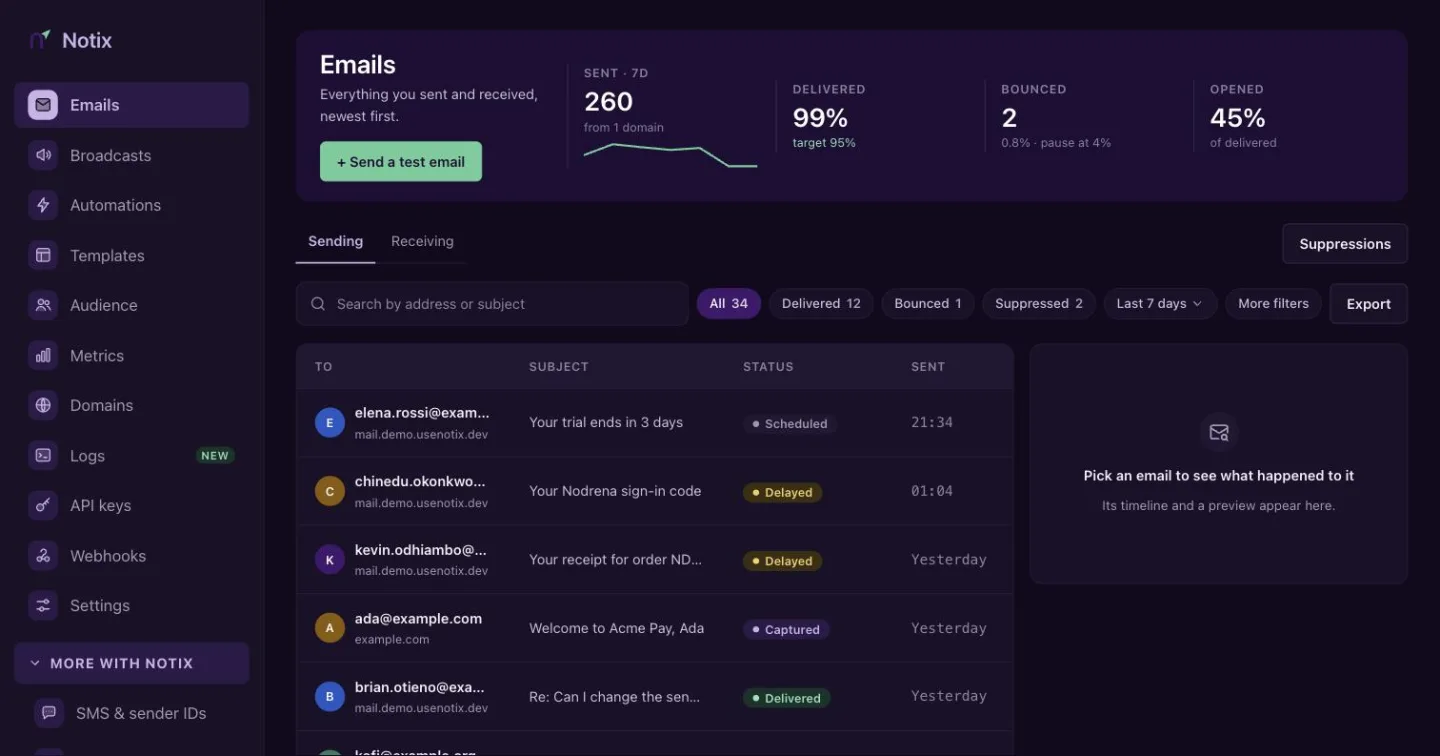
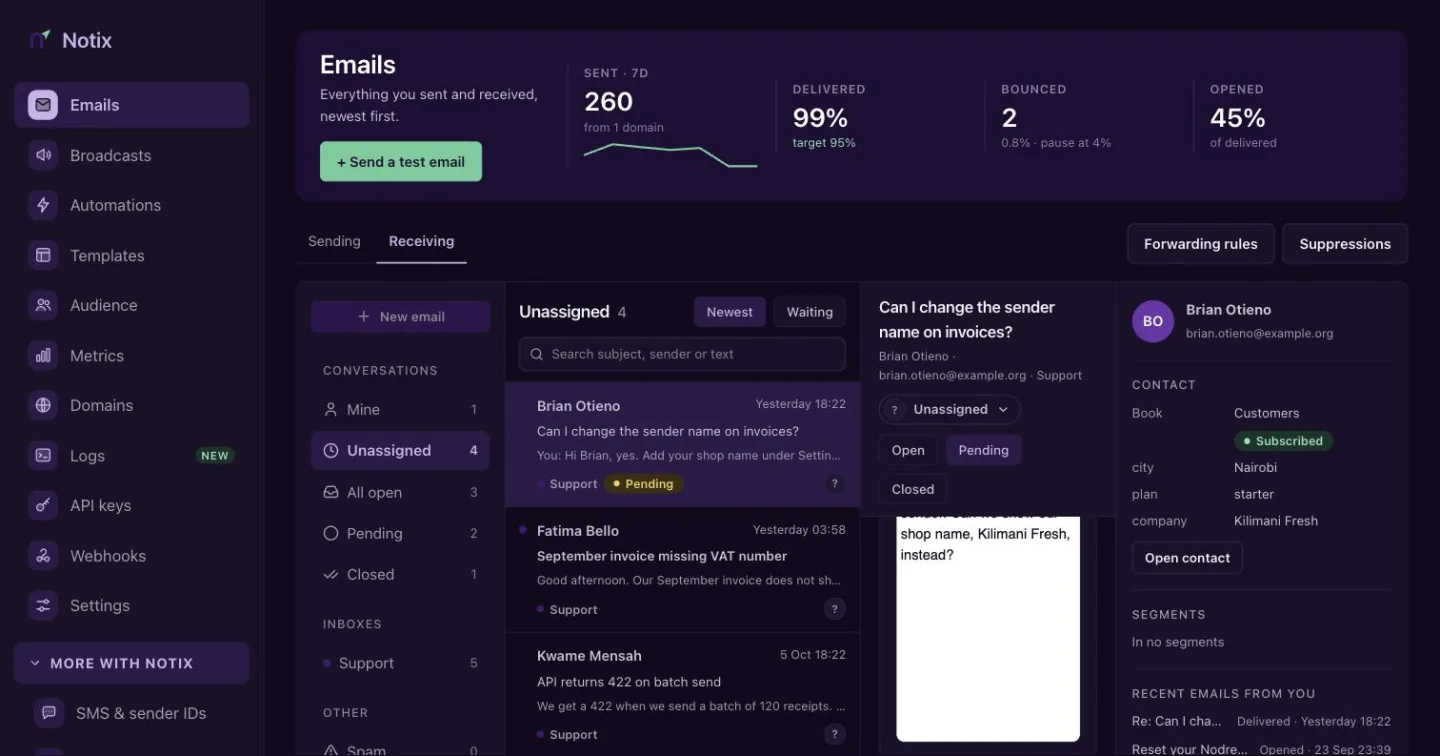
The first page you see after you sign in. Sending lists every email your account sent, newest first: search and filter, then open one to see its events, its rendered body and why it bounced. Receiving is your inbox: replies and messages to your inbox addresses, in one place. Assign a conversation to a teammate, add notes, reply and close it. Forwarding rules sends received mail on to other addresses.
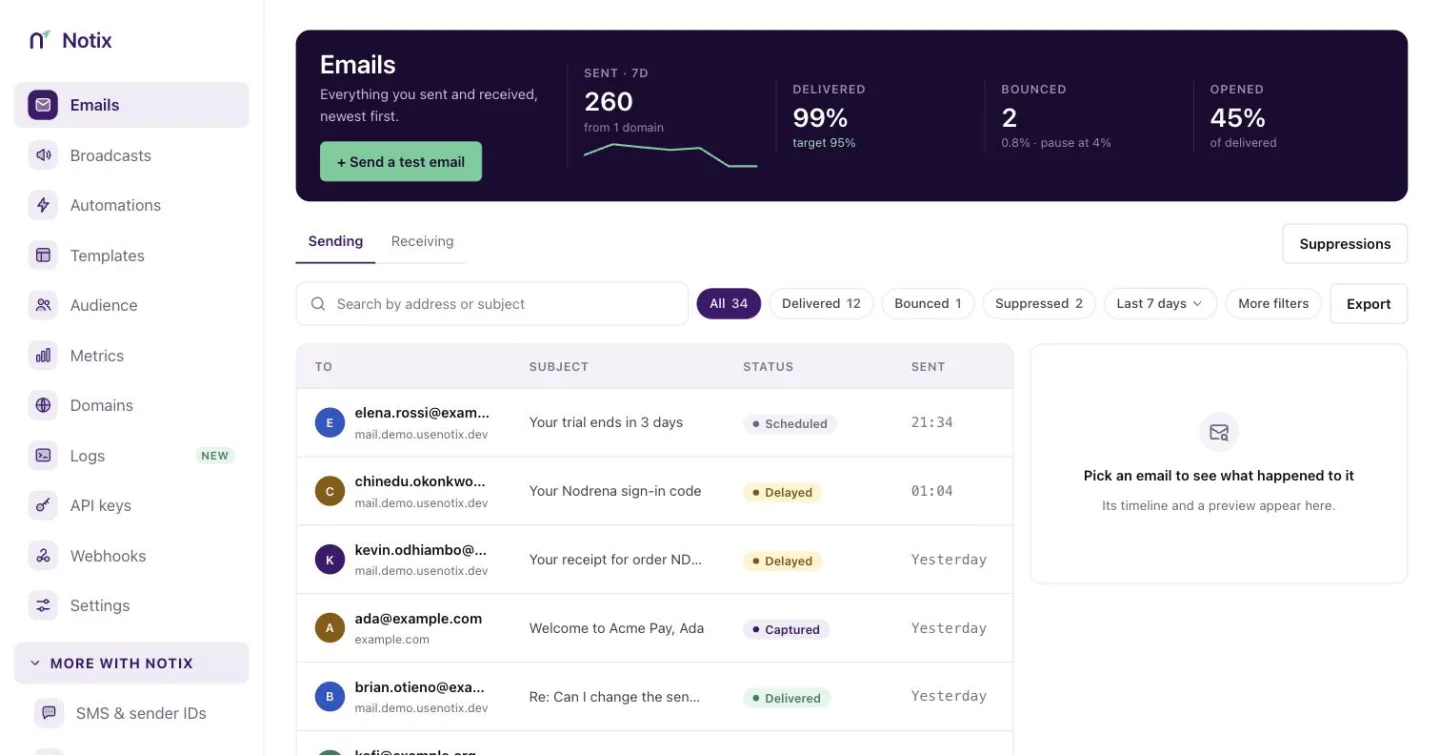
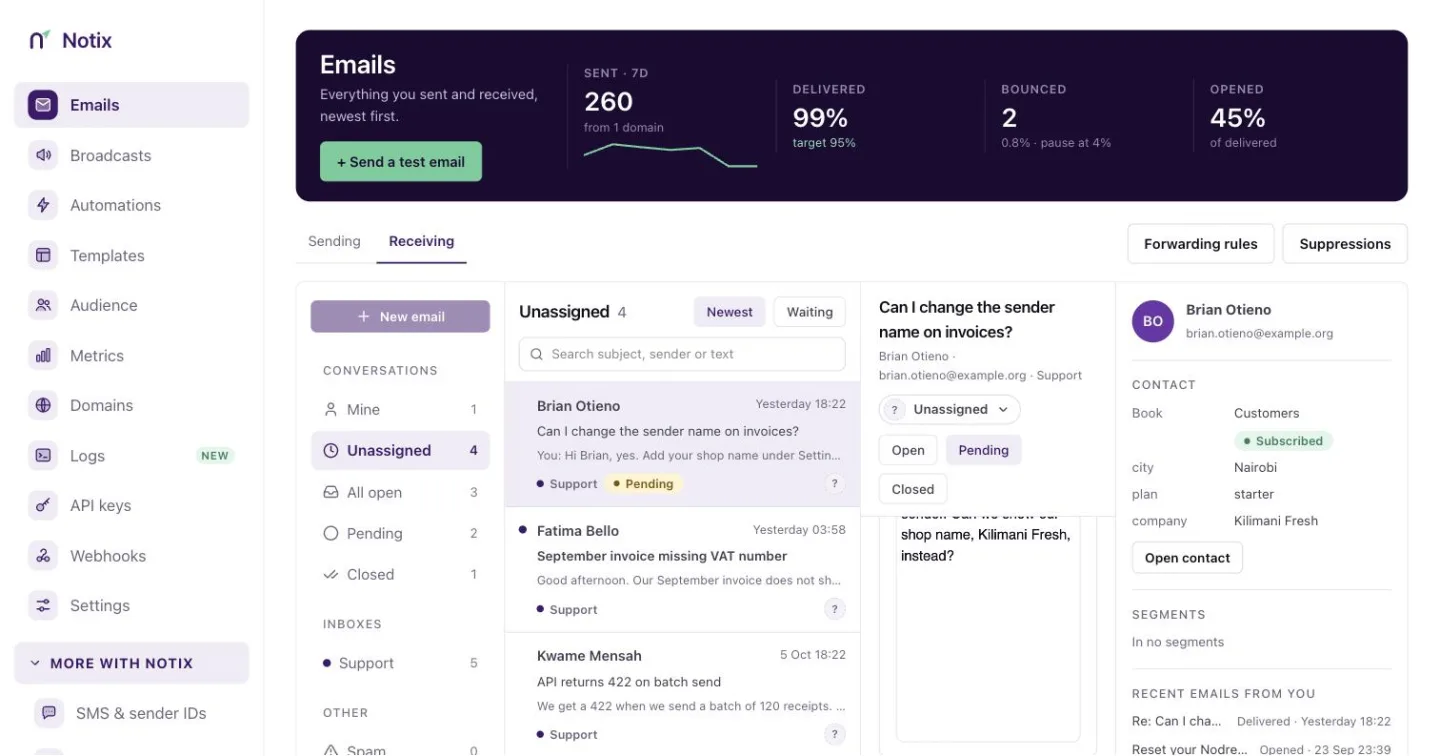
Read Email logs, Receiving emails and Shared inbox.
The Get started checklist
New teams get a Get started card at the top of Emails with five items: create your account, take the tour, send a test email, verify your domain, and connect your AI or API key. Each open item links to where it gets done. The hide button puts it away for good. It also goes once all five are done.
Start with the Quickstart.
Suppressions
Press Suppressions on the Emails page to see the addresses Notix will never send to: bounces, complaints, unsubscribes and the ones you add.
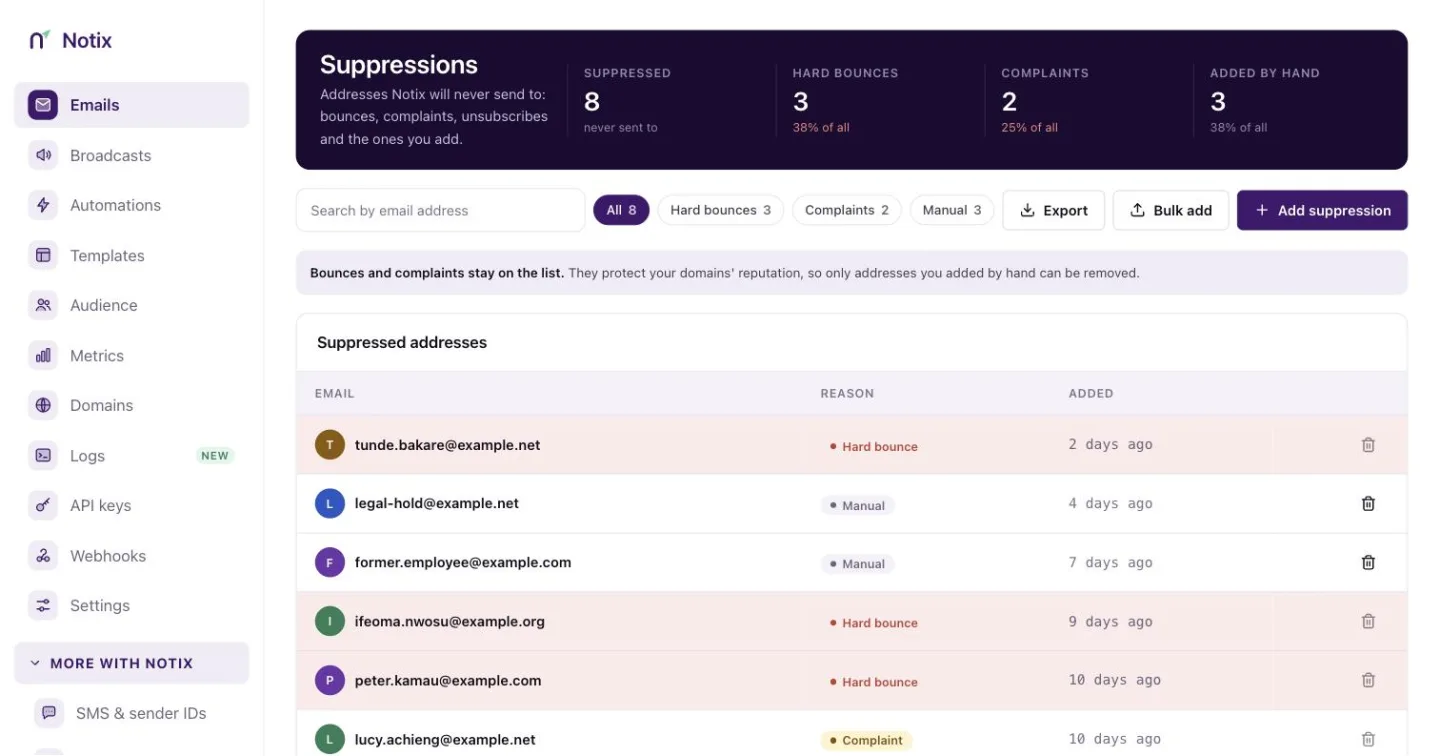
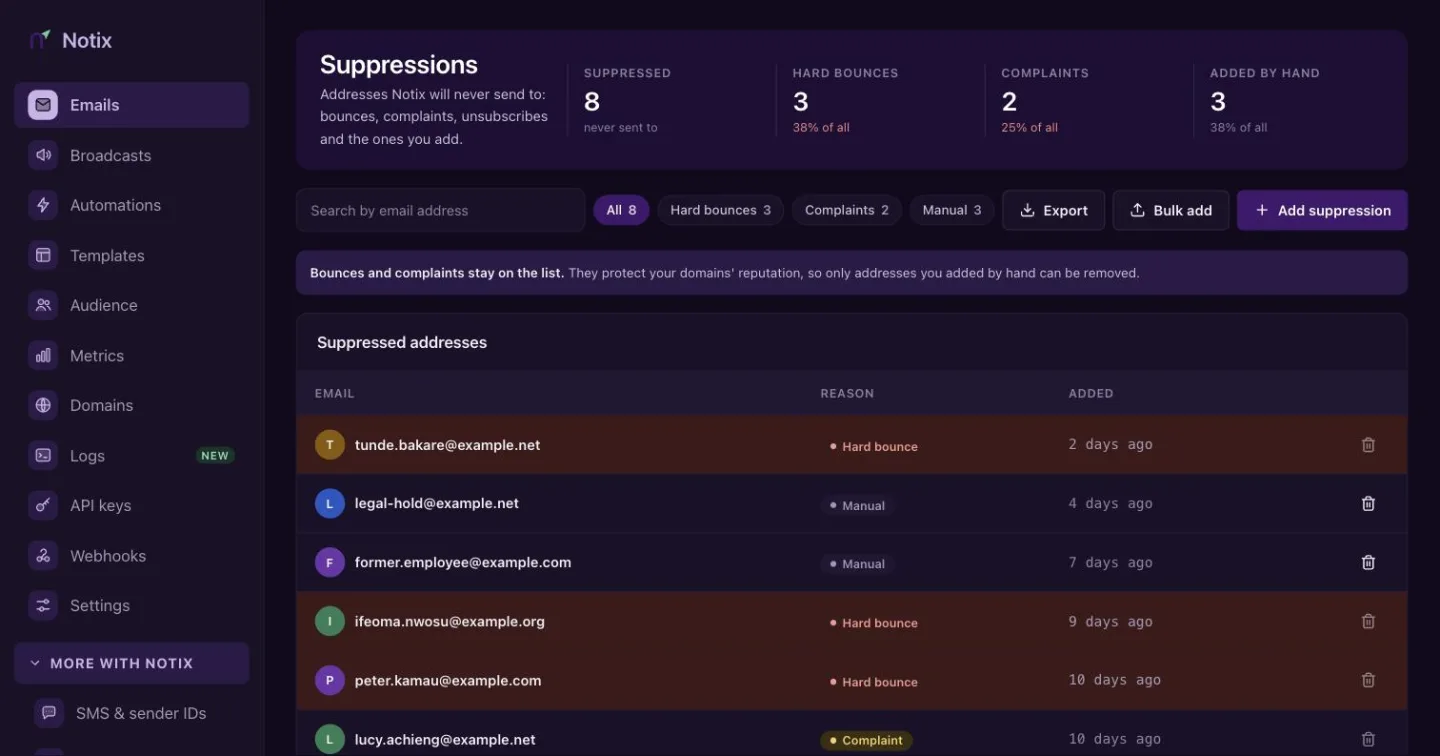
Read Bounces and suppressions.
Broadcasts
Emails to a list or segment, drafted by you or your AI agent. Write it, pick who gets it, then Review and send checks everything before it goes. Broadcasts were called campaigns before.
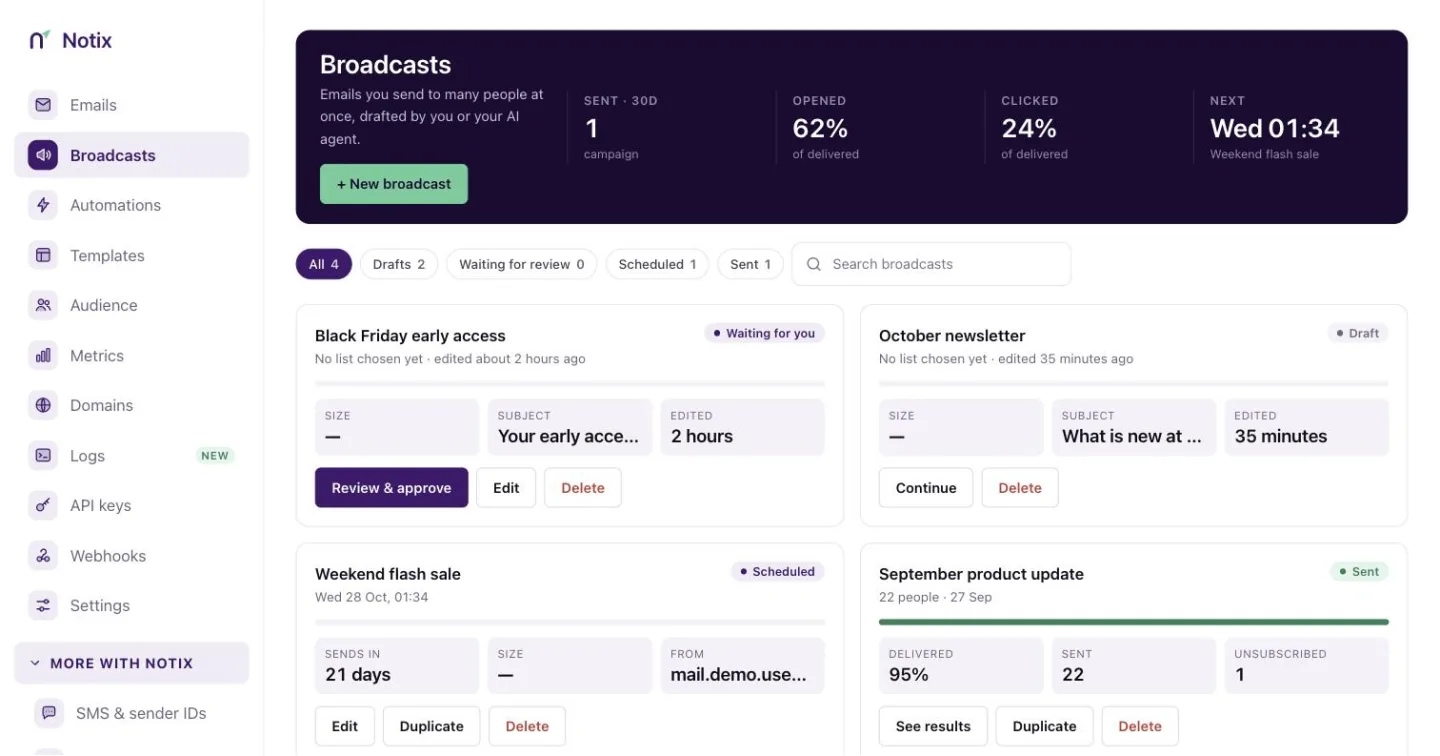
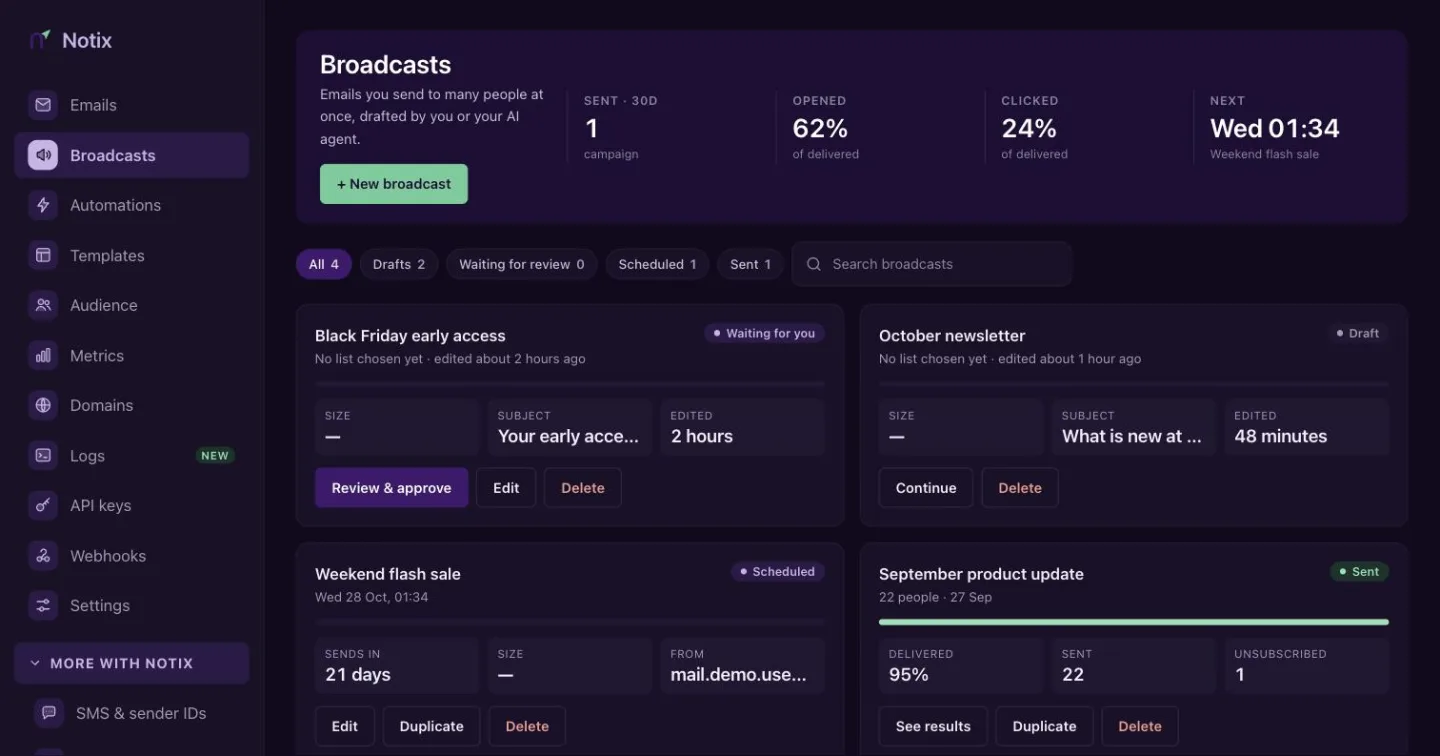
Read Broadcasts.
Automations
Automatic emails that walk each person through your steps. Build them in the automation builder, check them, then turn them on. Automations were called journeys before.
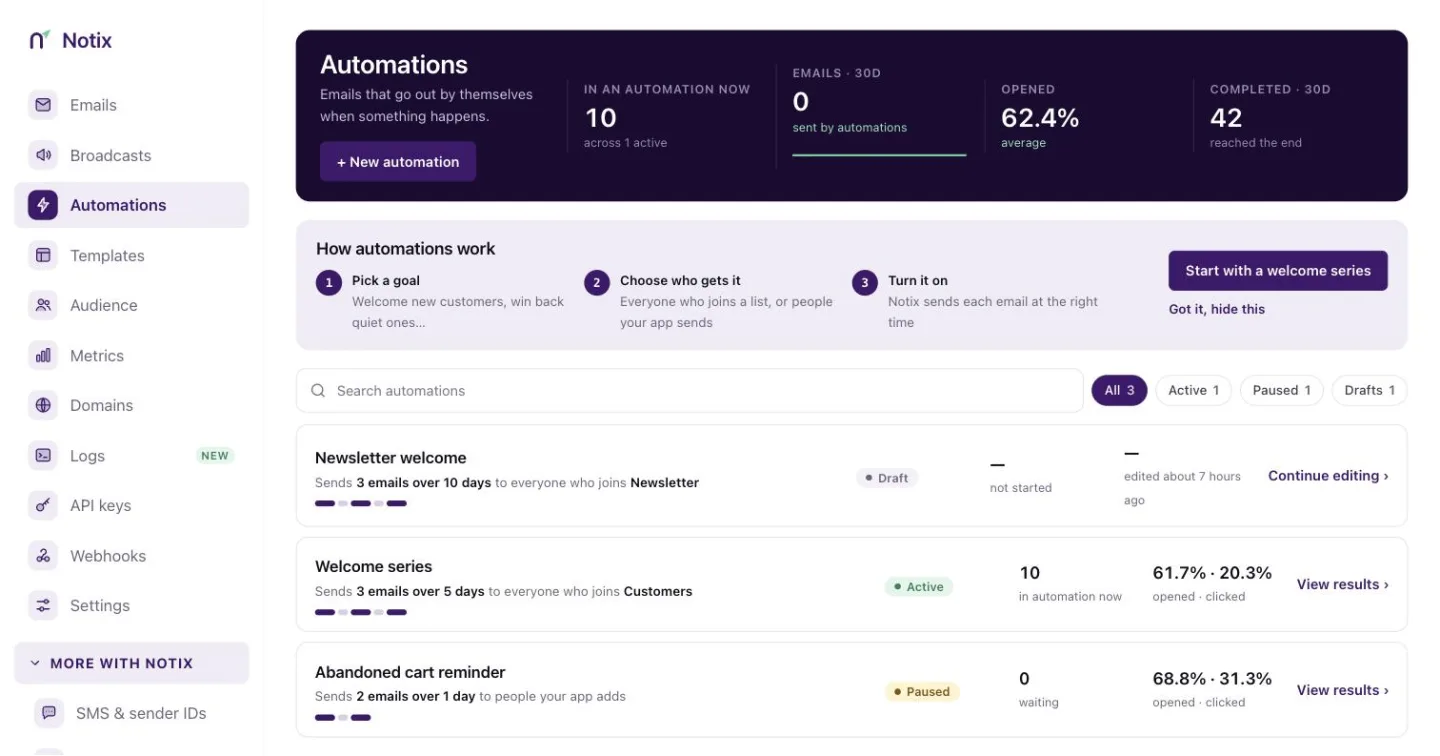
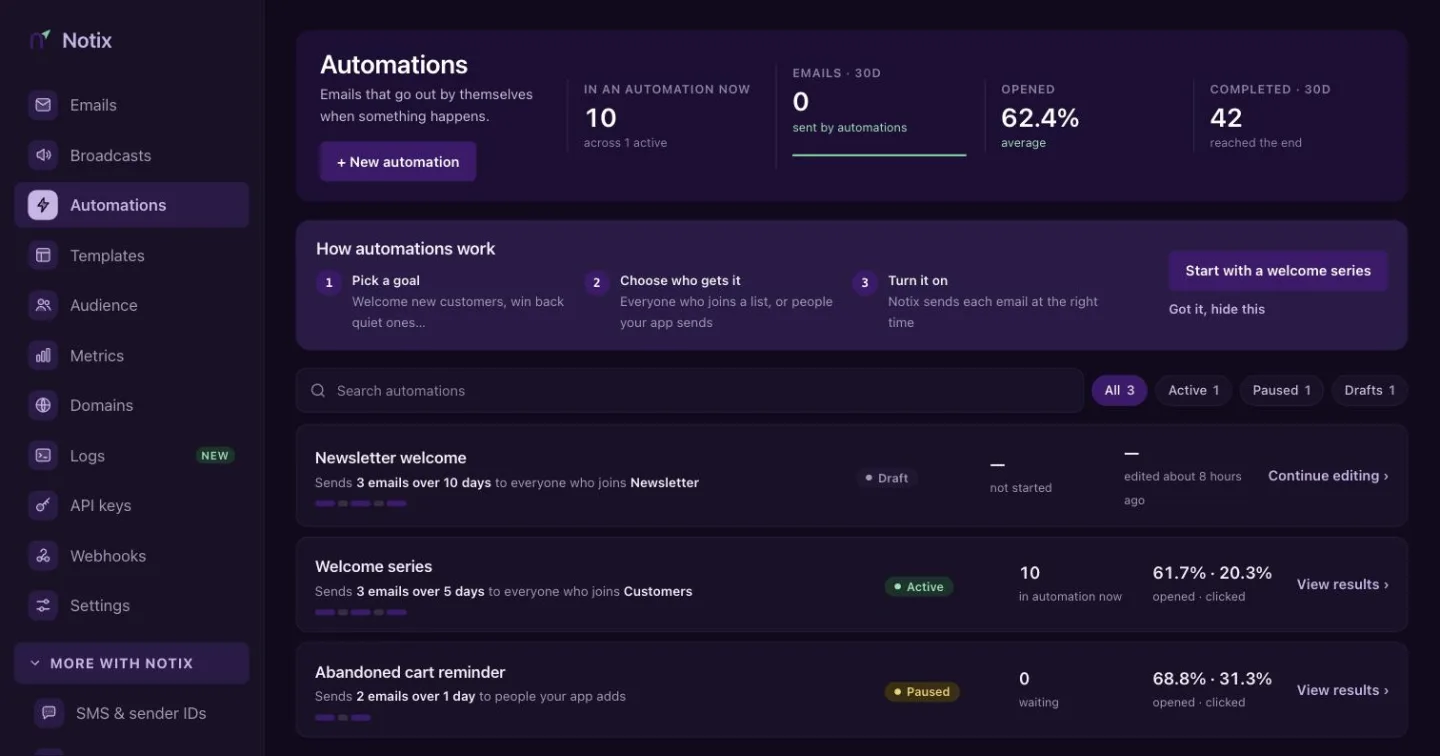
Read Automations.
Templates
Reusable emails your team and your AI agent can send. Start from the library of 54 ready-made emails, then edit in Template Studio.
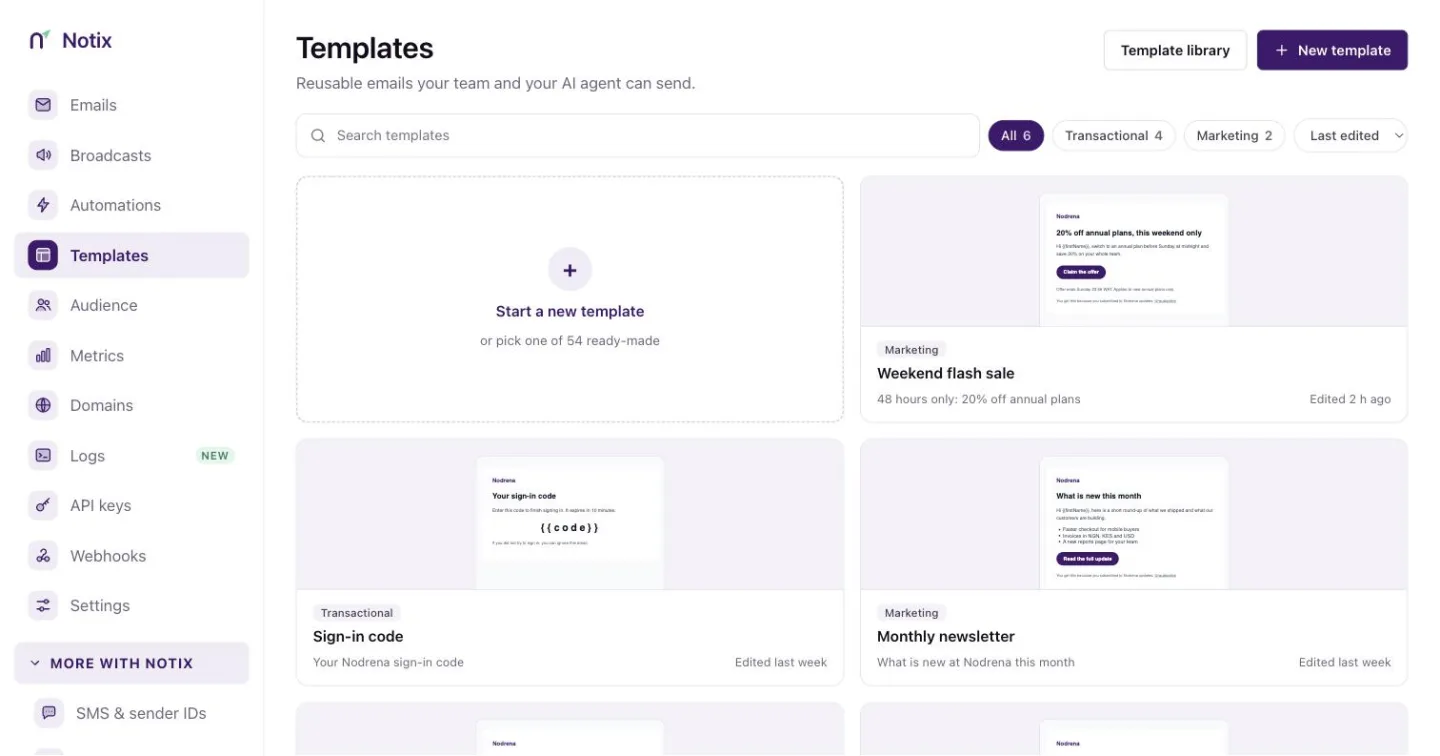
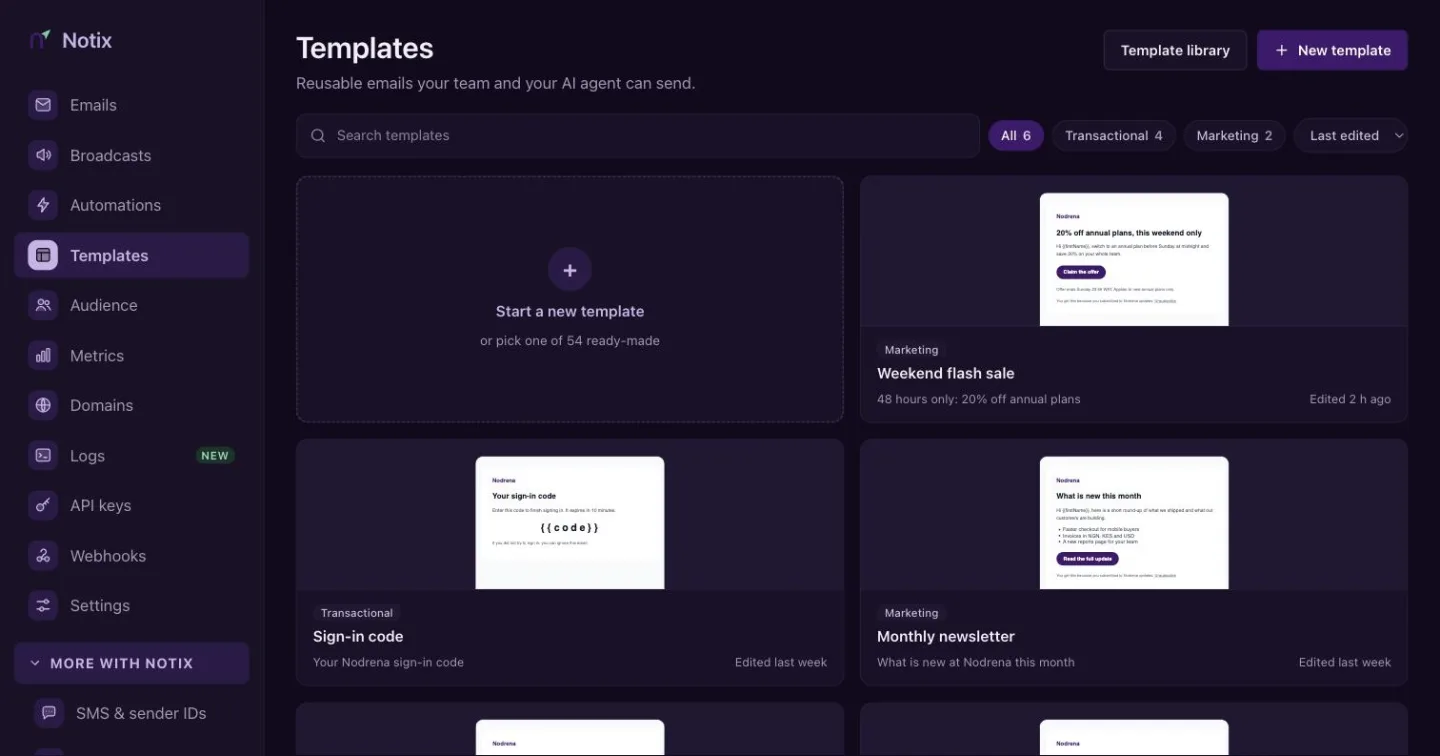
Read Templates and library.
Audience
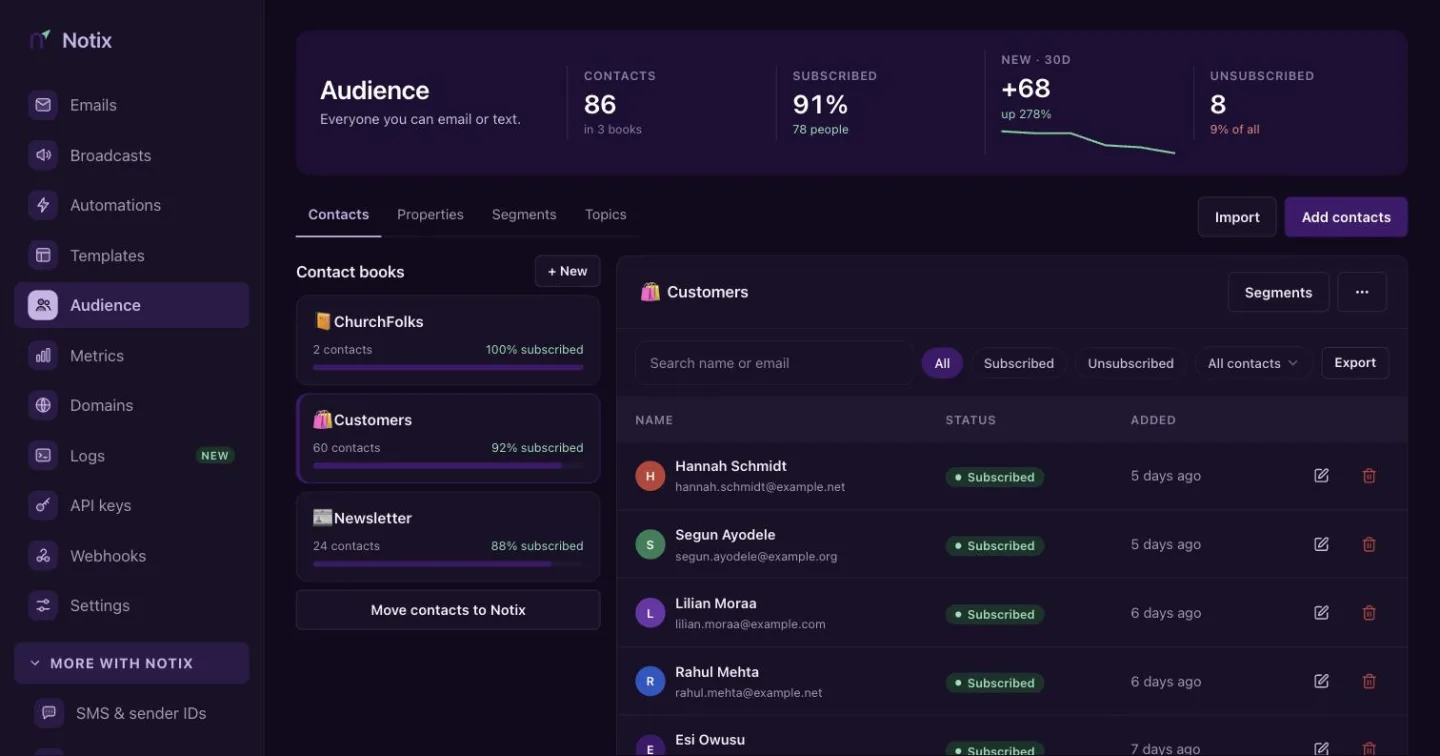
Everyone you can email or text. Contacts holds your contact books: import a CSV, turn on double opt-in and open a book to see its people. Properties lists the custom fields your contacts carry, Segments the live filters you send to, and Topics is coming soon.
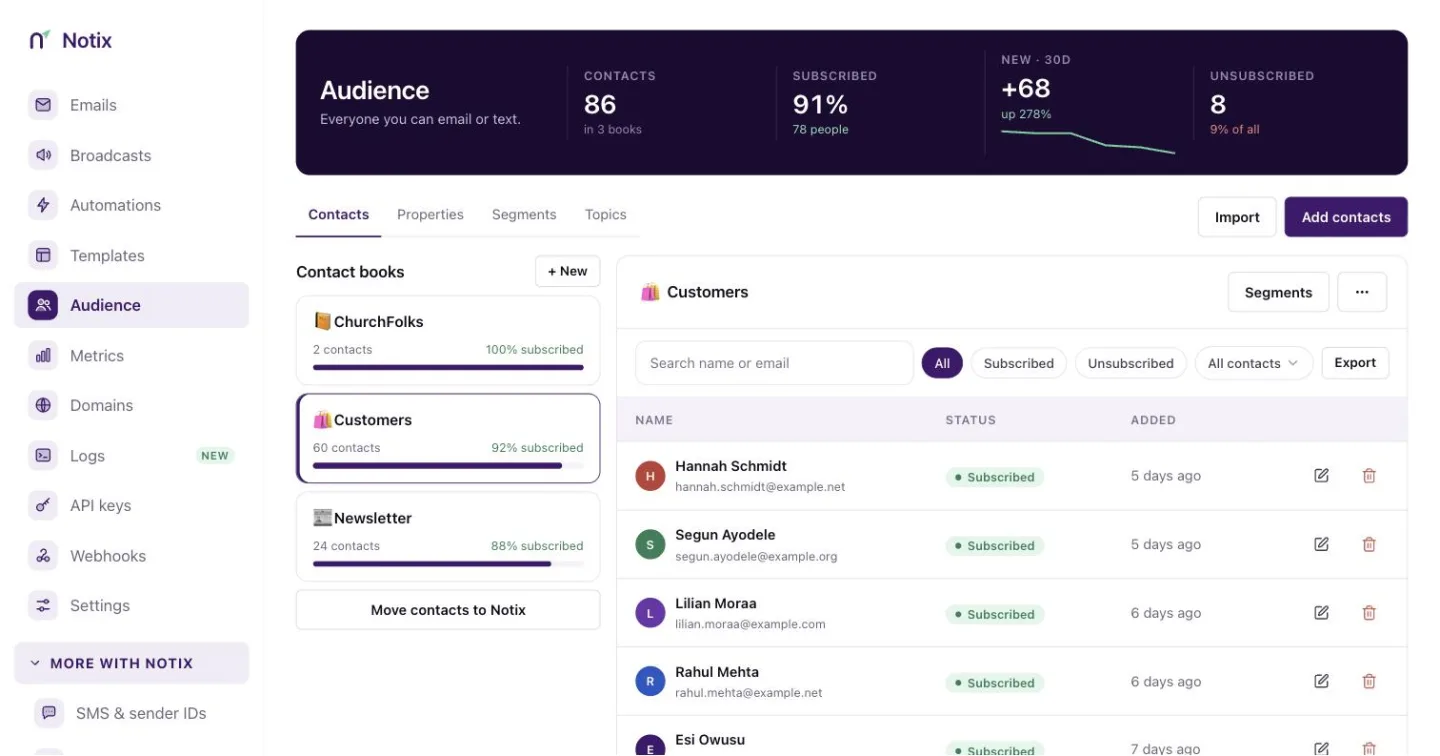
Read Contacts and segments.
Migrate to Notix
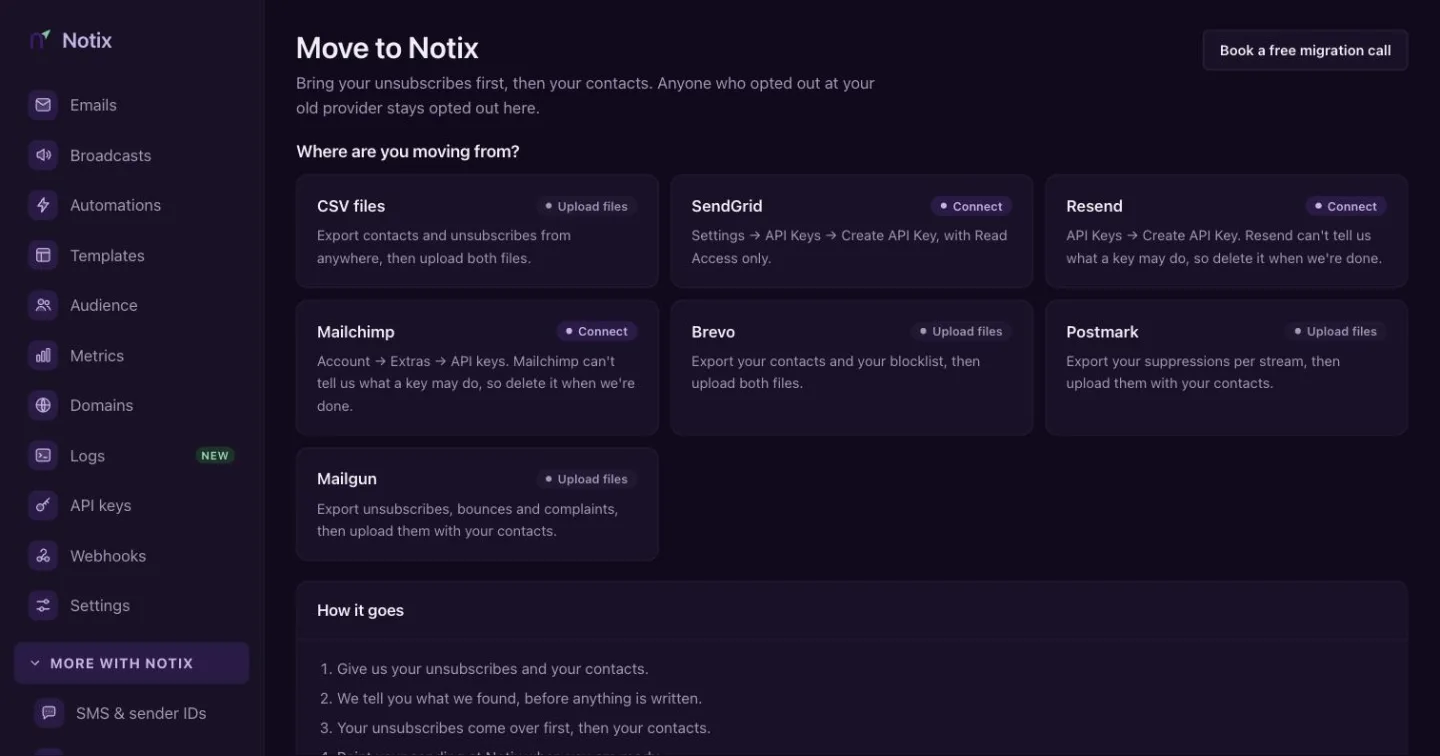
The Migration Center brings your unsubscribes first, then your contacts, from your old provider. Nothing is written until you say so. Open it from the Audience page.
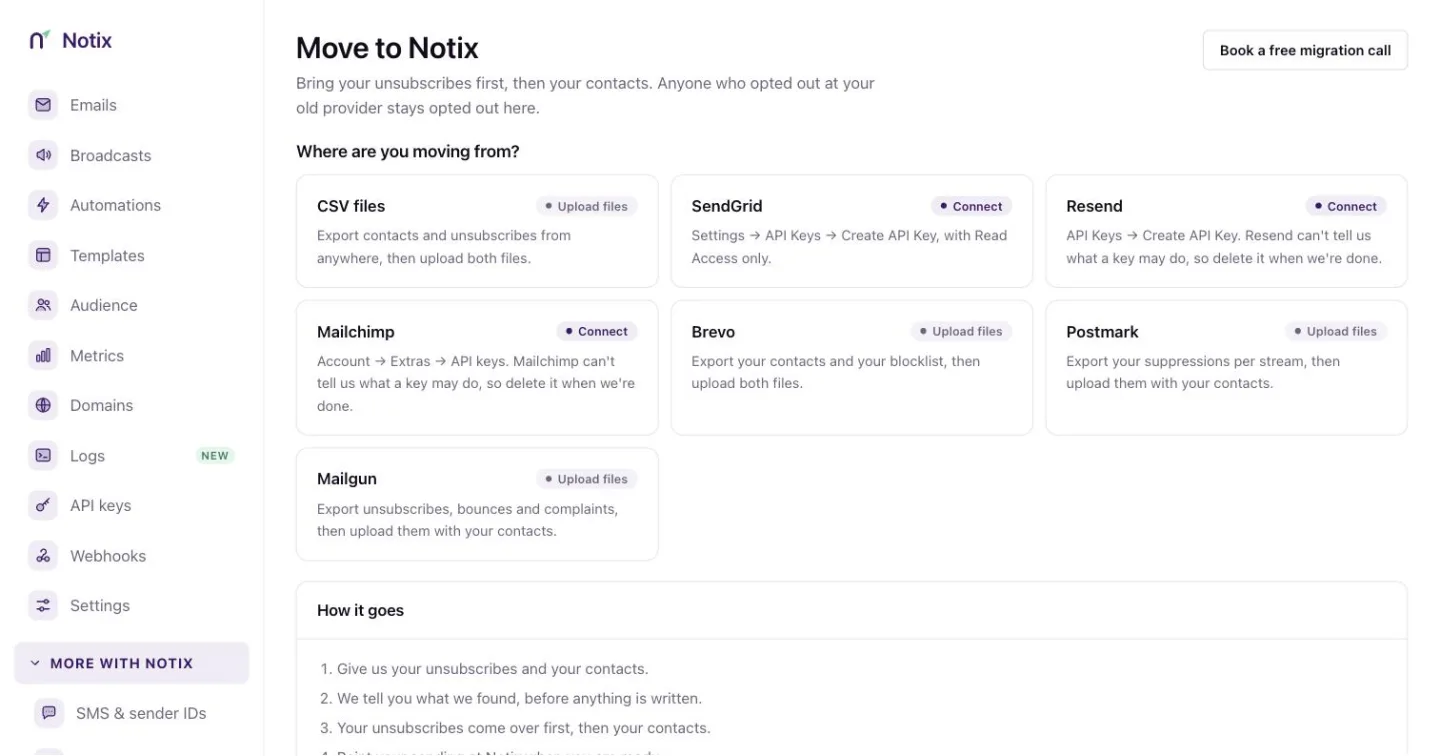
Read Migrate to Notix.
Metrics
Your real sending numbers for the last 7, 15, 30 or 90 days, for every domain or one: emails sent, deliverability, each day's delivered, bounced and complained mail, and your bounce, complaint, open and click rates.
Read Metrics.
Domains
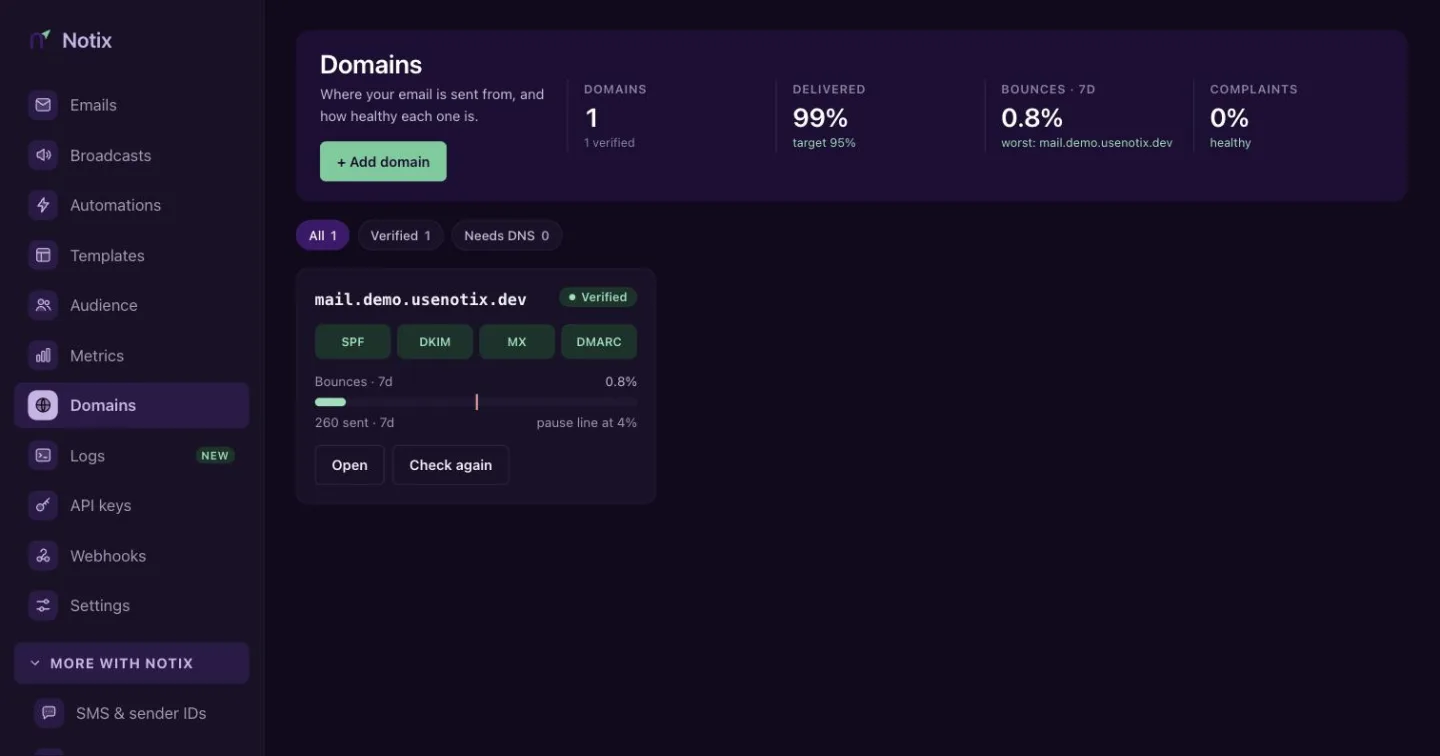
Where your email is sent from, and how healthy each one is. Each card shows its records and the bounce rate for the last 7 days.
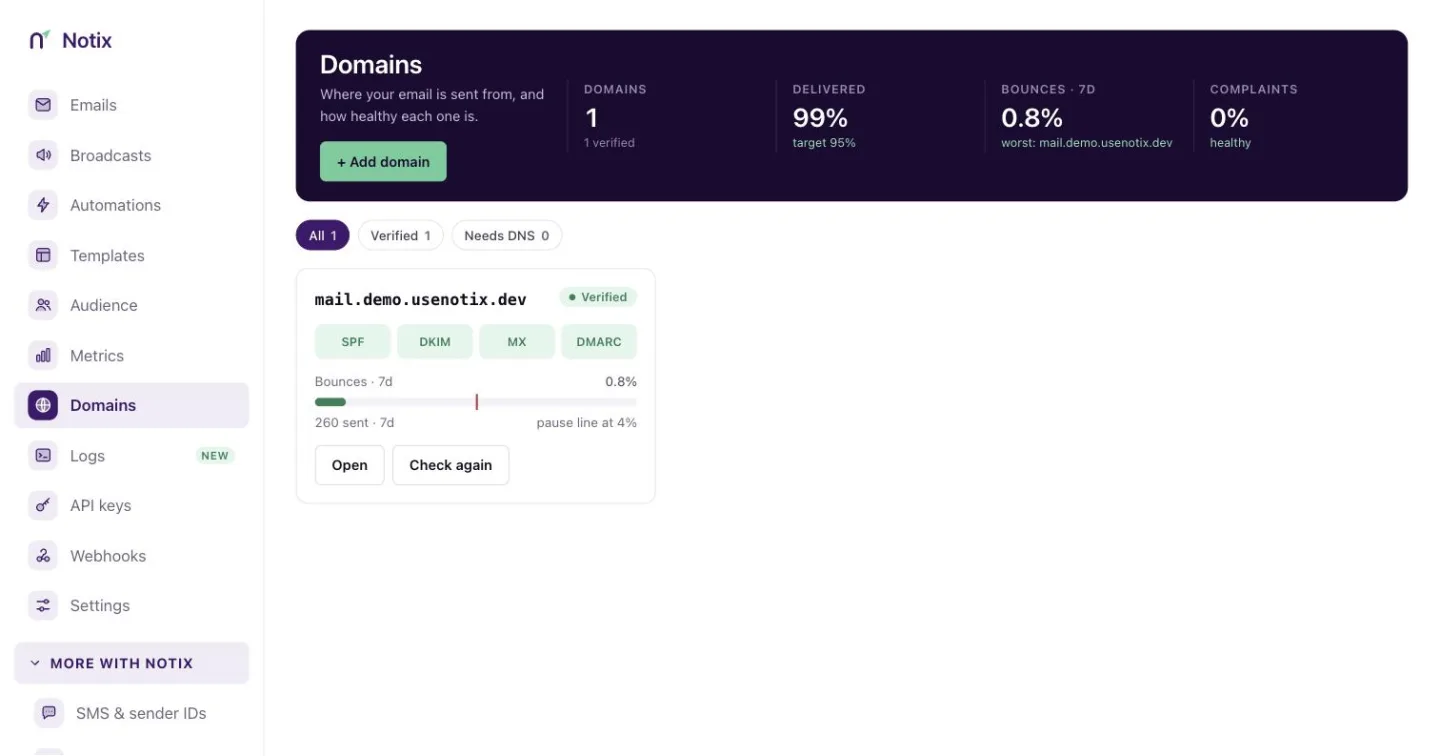
Read Add and verify a domain and Domain health and pauses.
Logs
Coming soon: every API request your keys make, with its answer.
API keys
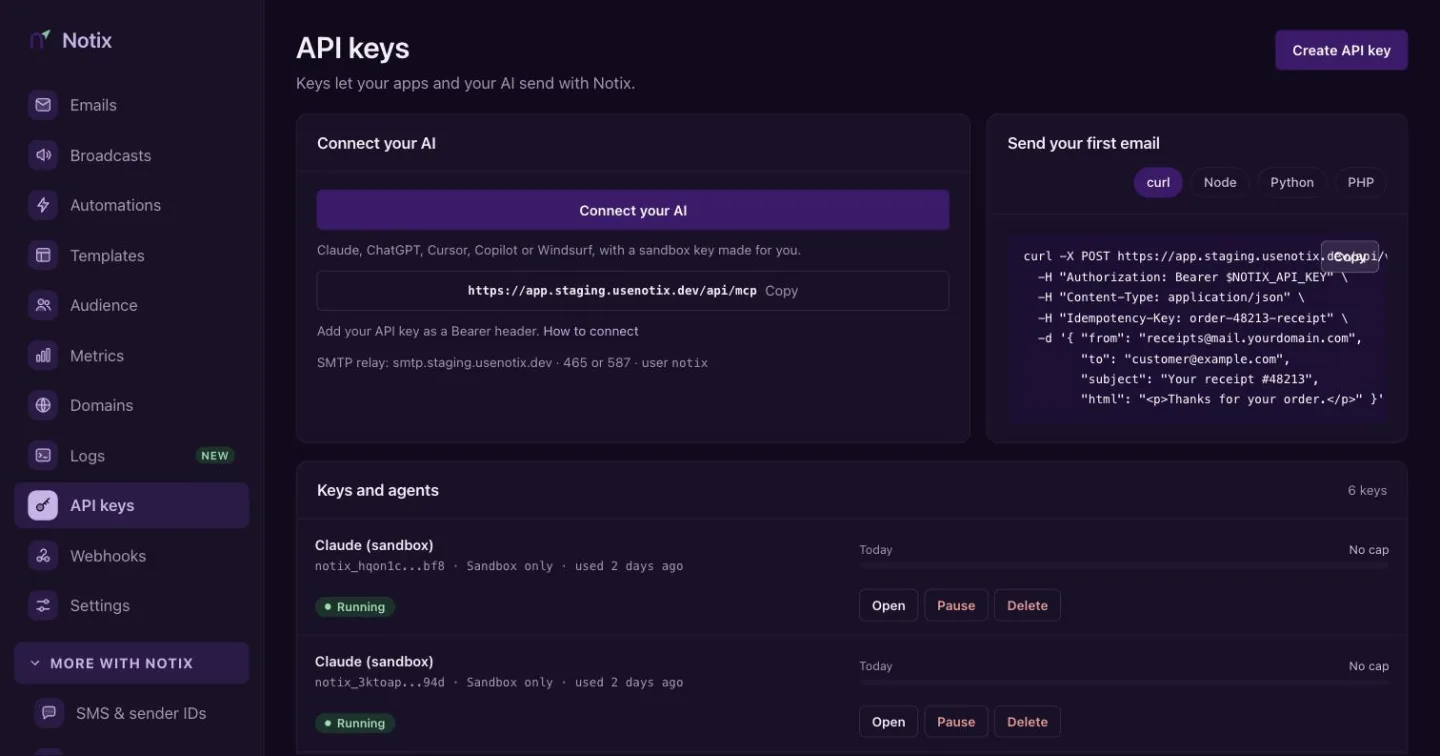
API keys and your AI agents. Create and pause keys, and set their limits. What they did is in the audit log, under Settings.
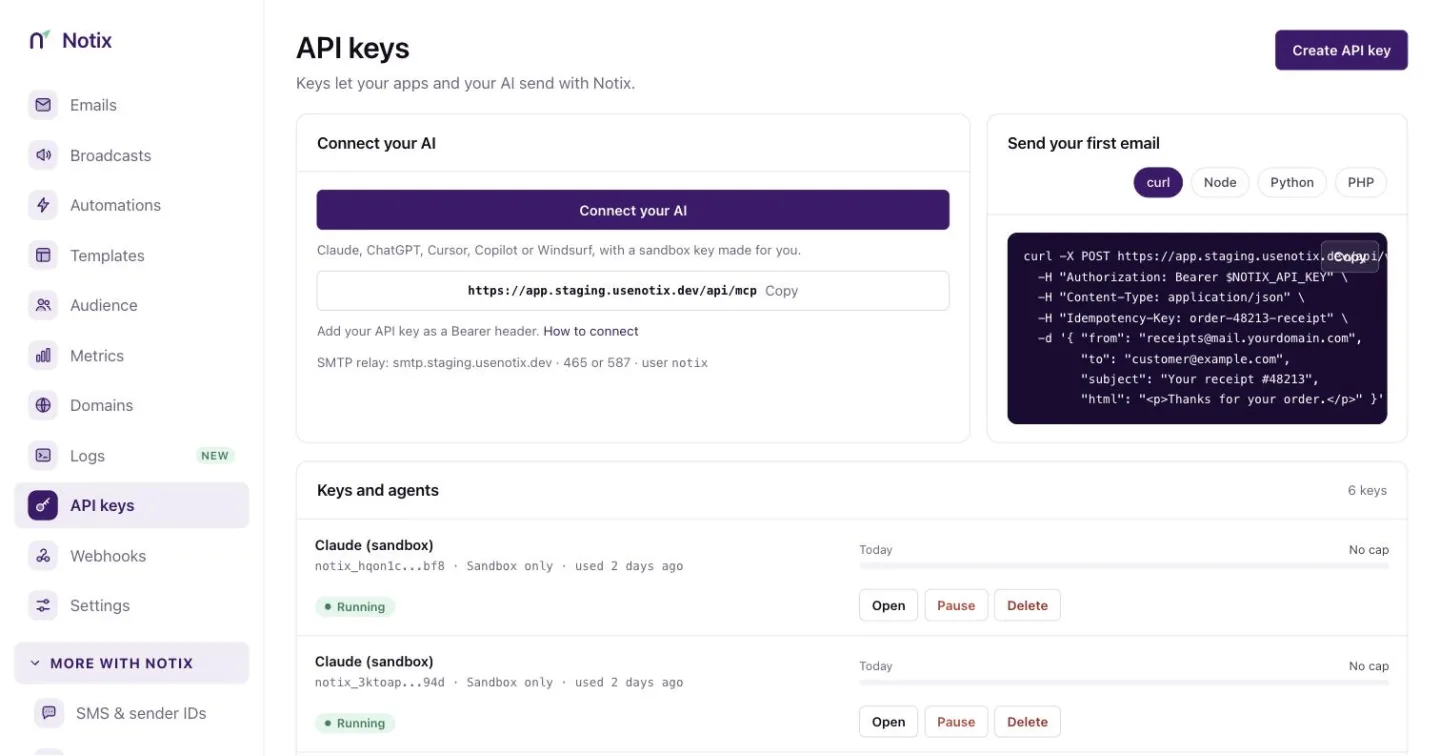
Read Create an API key and API keys and permissions.
Webhooks
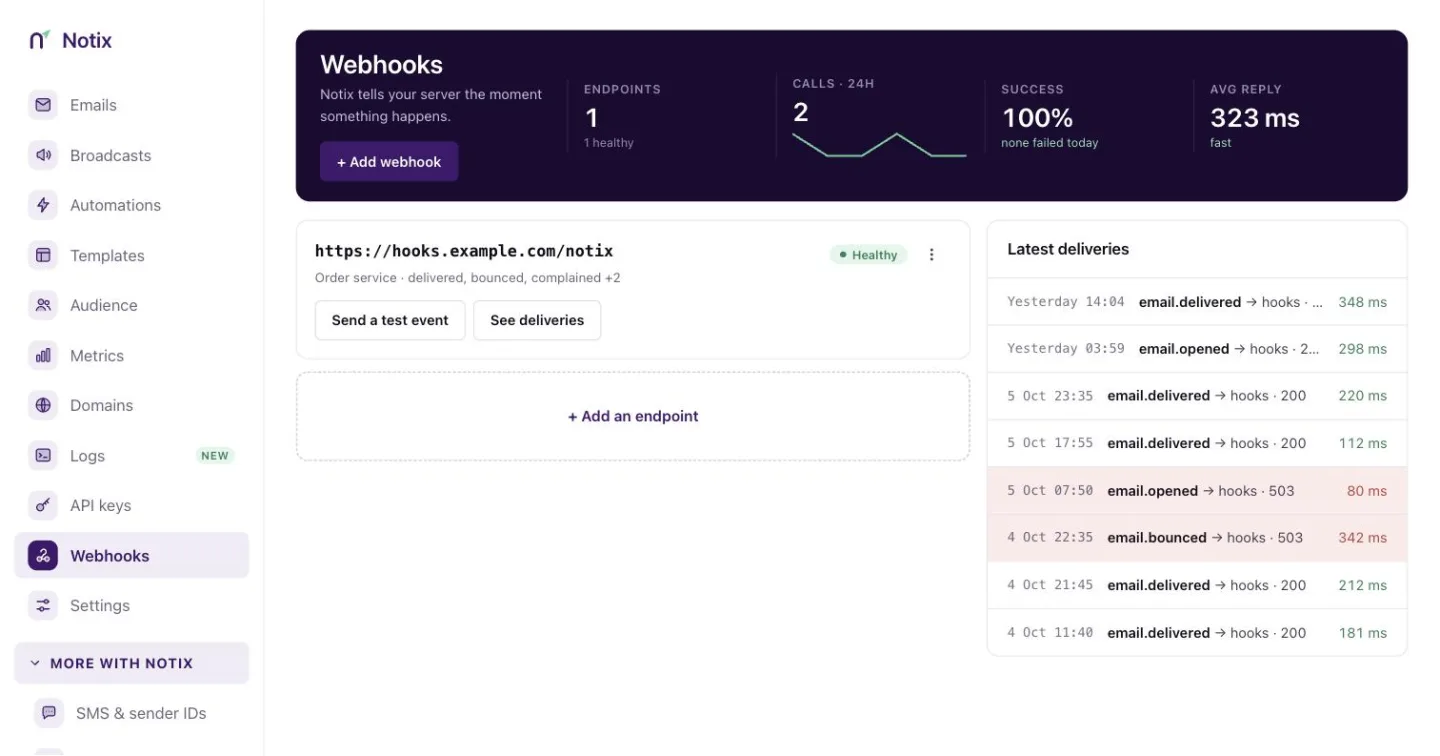
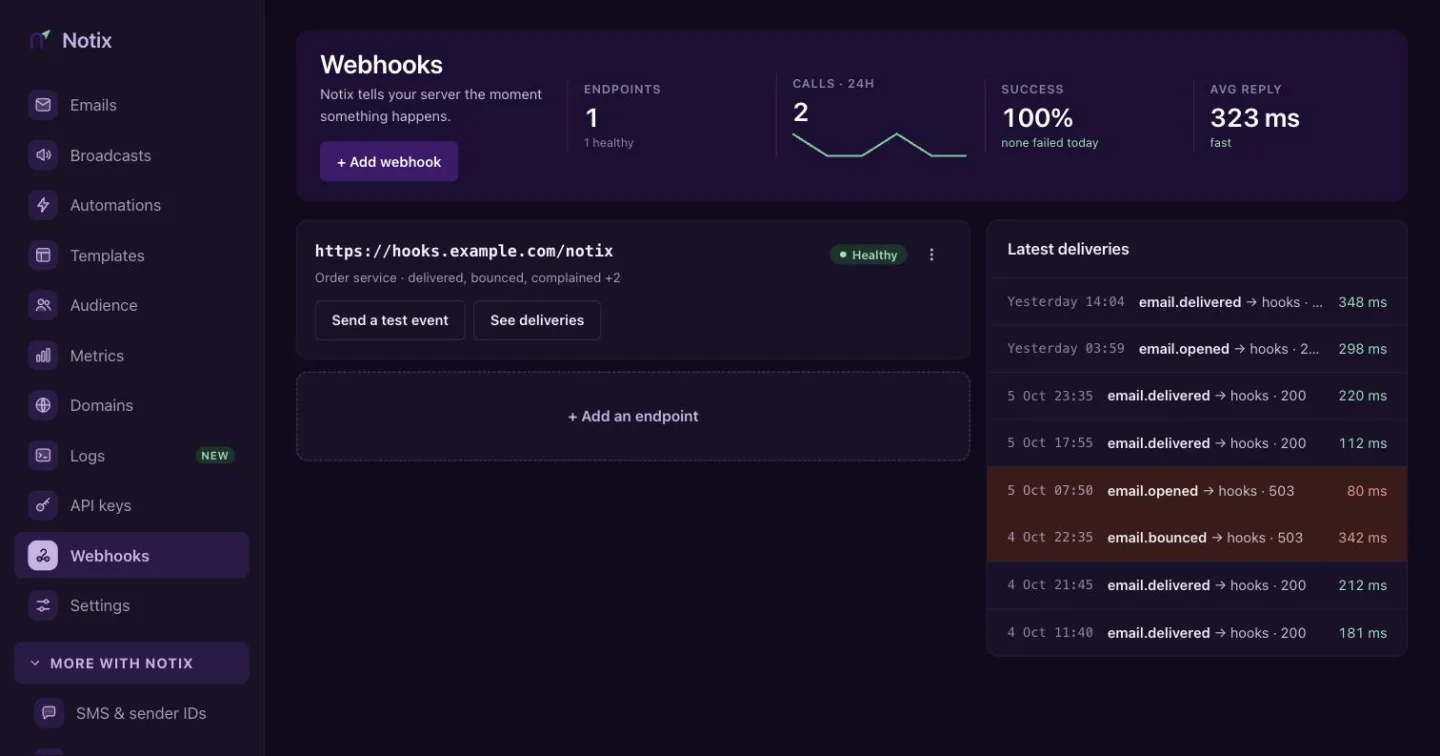
Notix tells your server the moment something happens. Add an endpoint, pick its events, and see the latest deliveries and any failures.
Read Webhooks.
Settings
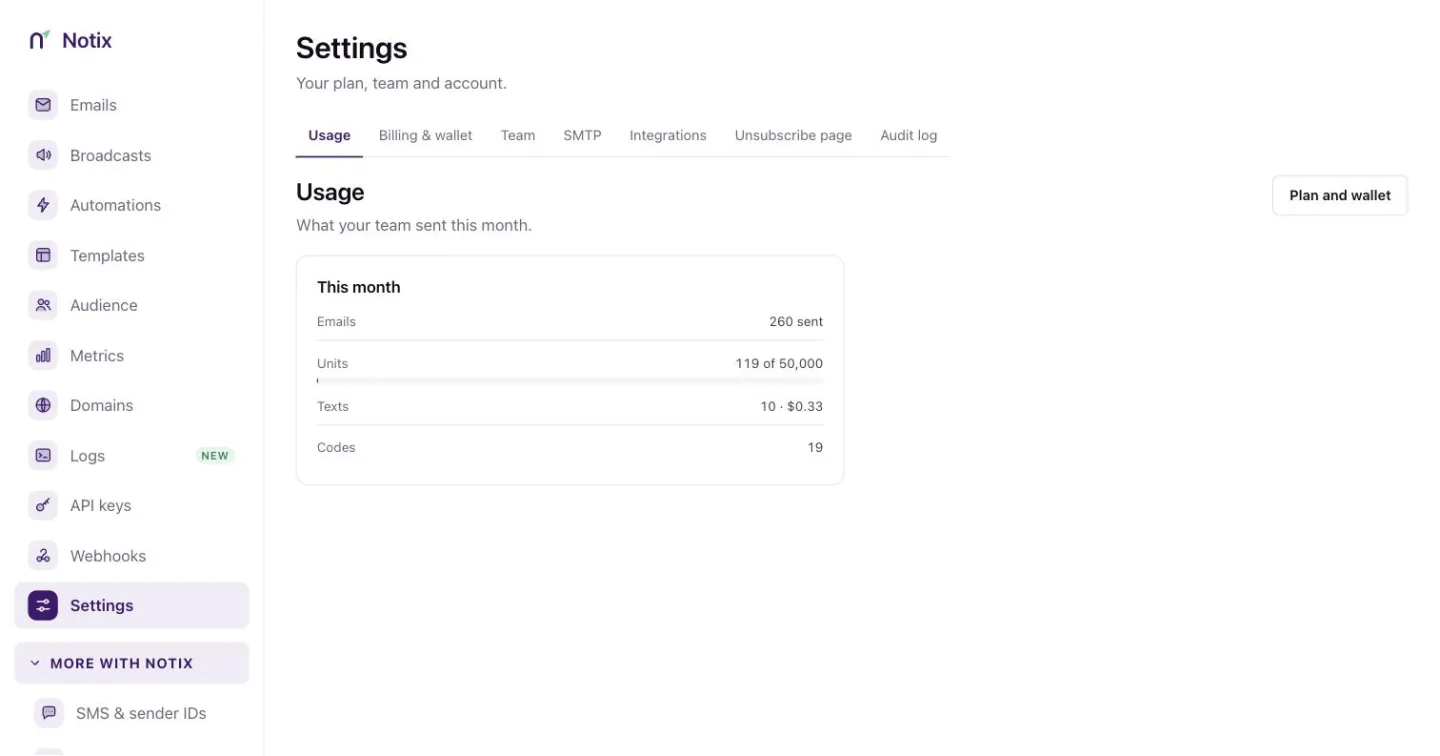
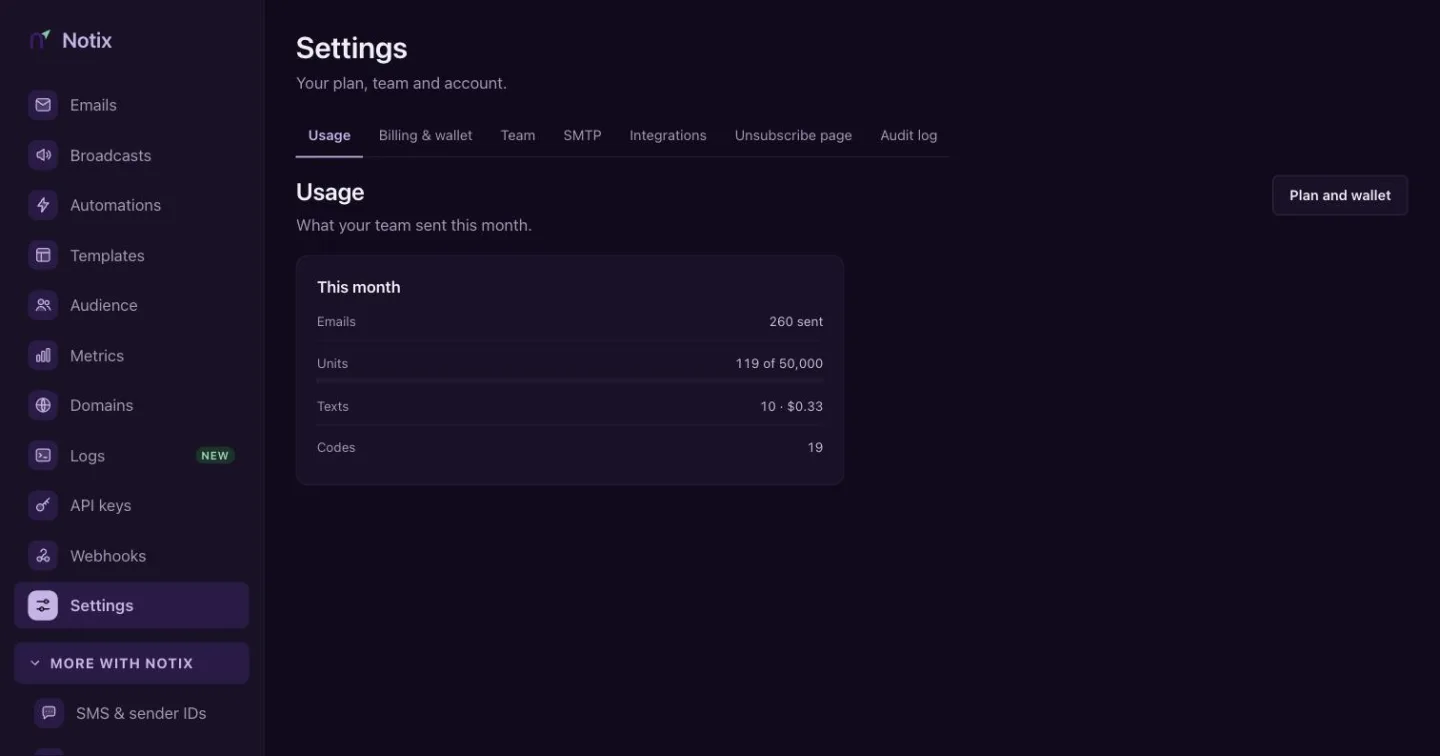
Your plan, team and account, in tabs: Usage, Billing & wallet, Team, SMTP, Integrations, Unsubscribe page and Audit log.
Billing & wallet
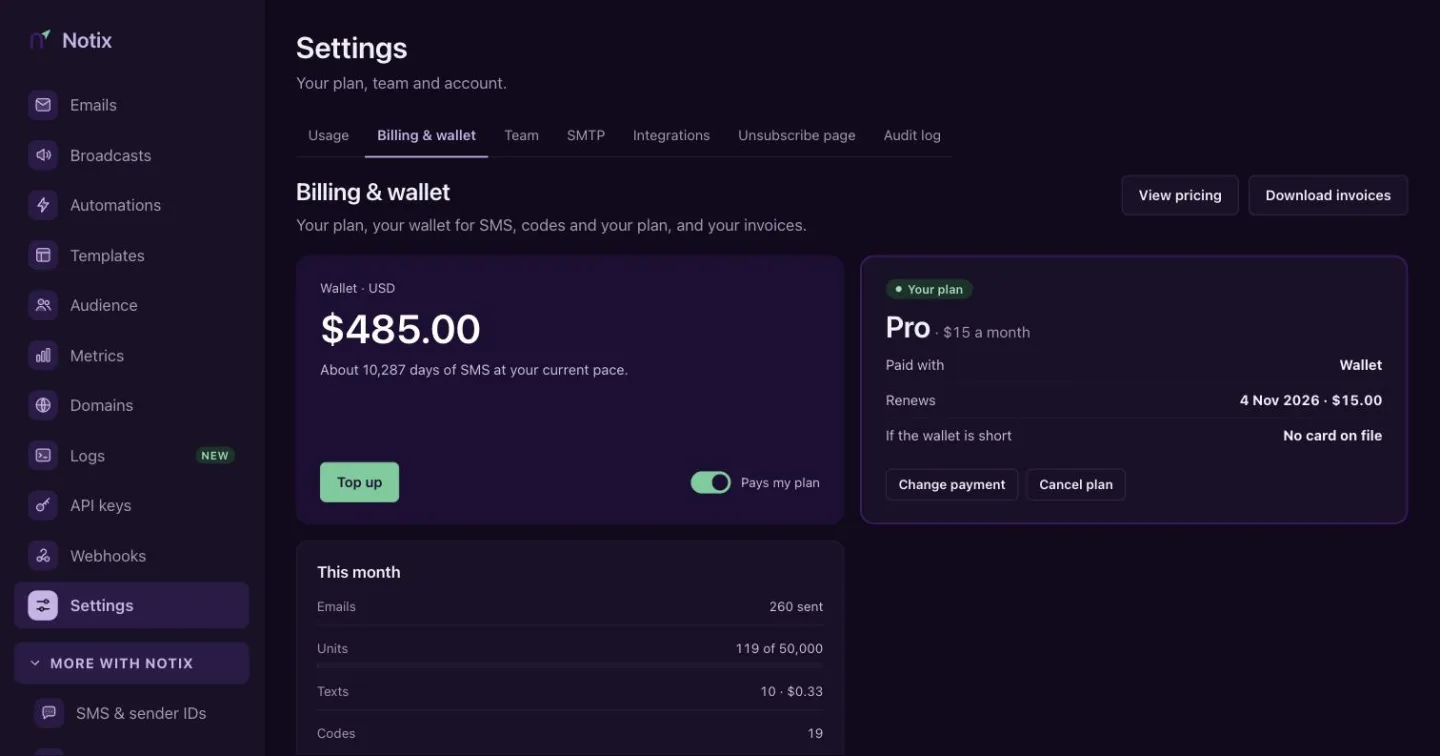
Your plan, your wallet for SMS, codes and your plan, and your invoices. Top up the wallet, pay for Pro from it, and download receipts.
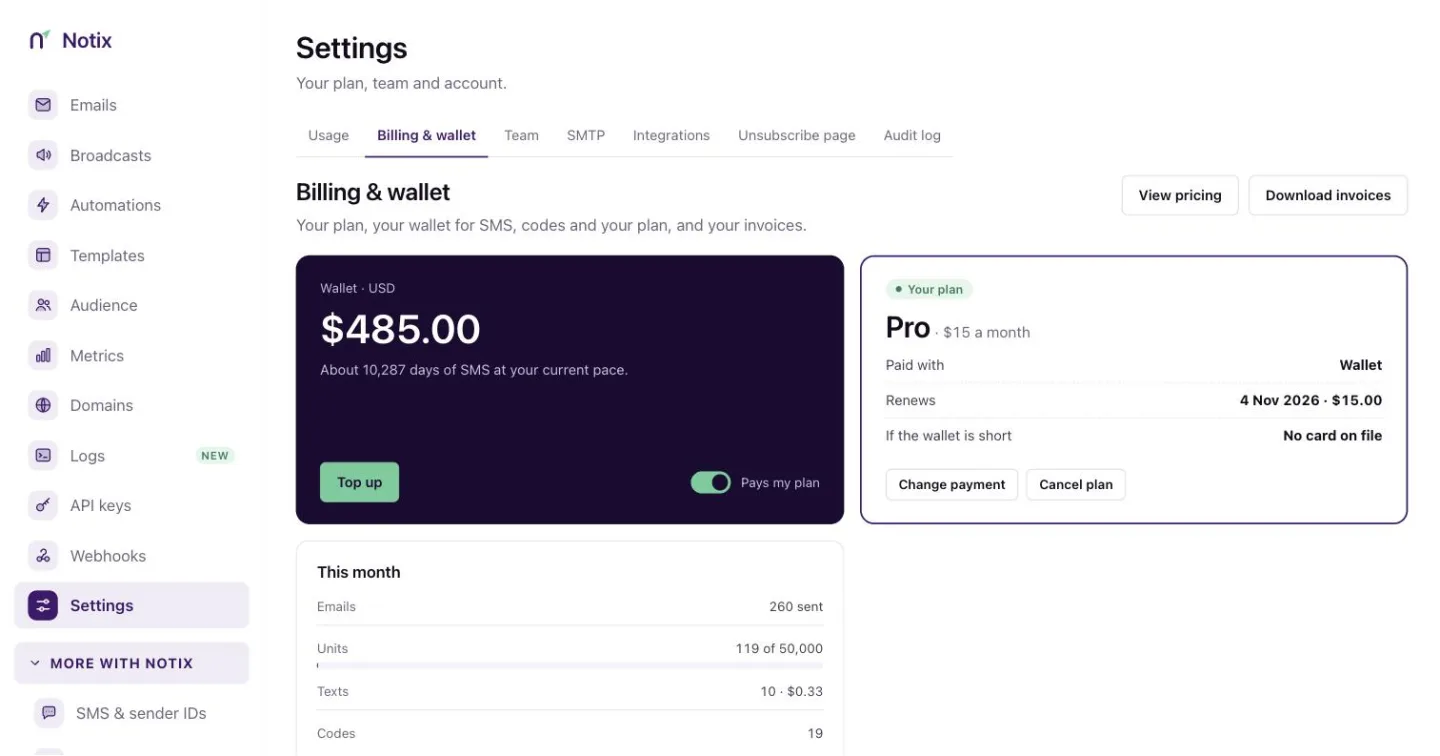
Read Billing and wallet.
Team
Who can use this account and what they can do. Invite teammates and set their role. Referrals and the affiliate programme live here too.
Read Team and roles and Referrals and affiliates.
Integrations
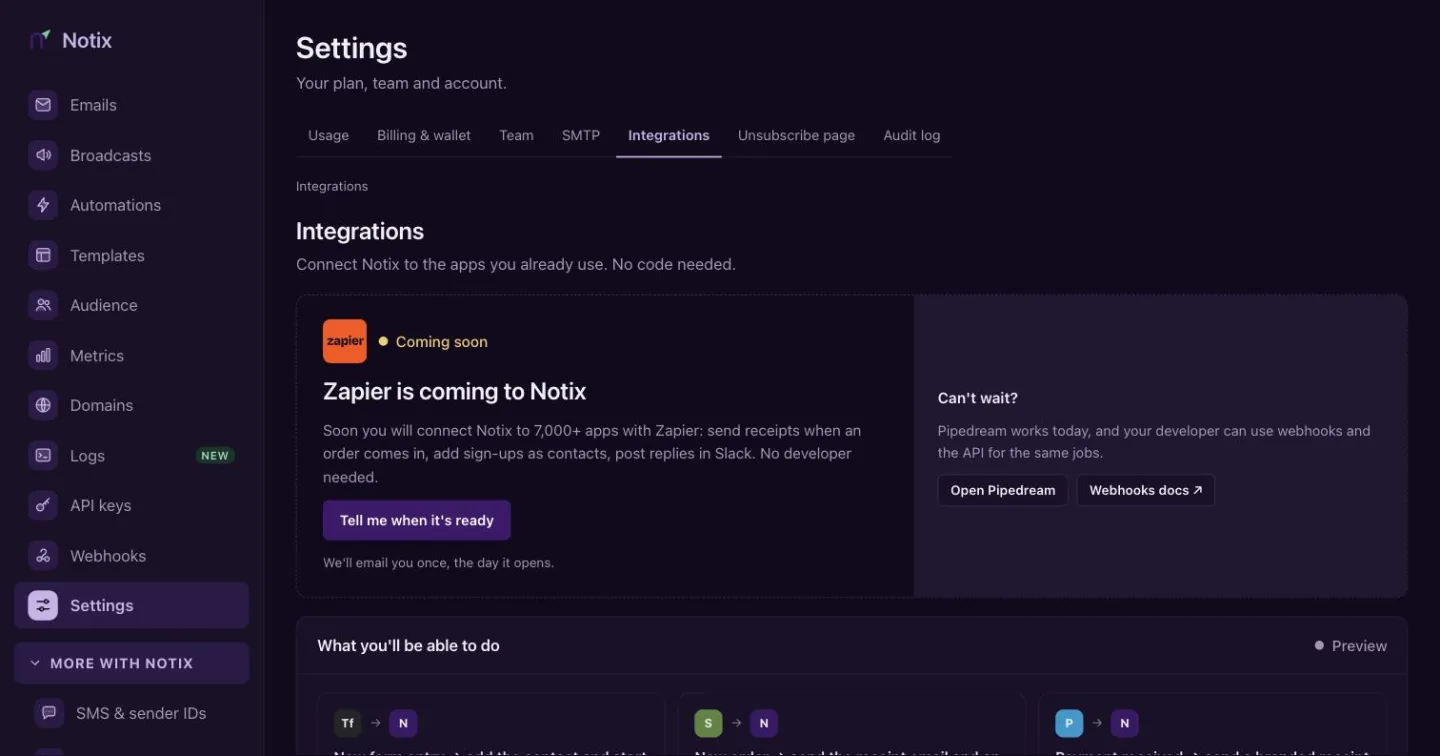
Connect Notix to the apps you already use, with no code. Pipedream is available now. Zapier is coming soon, and you can ask to be told the day it opens.
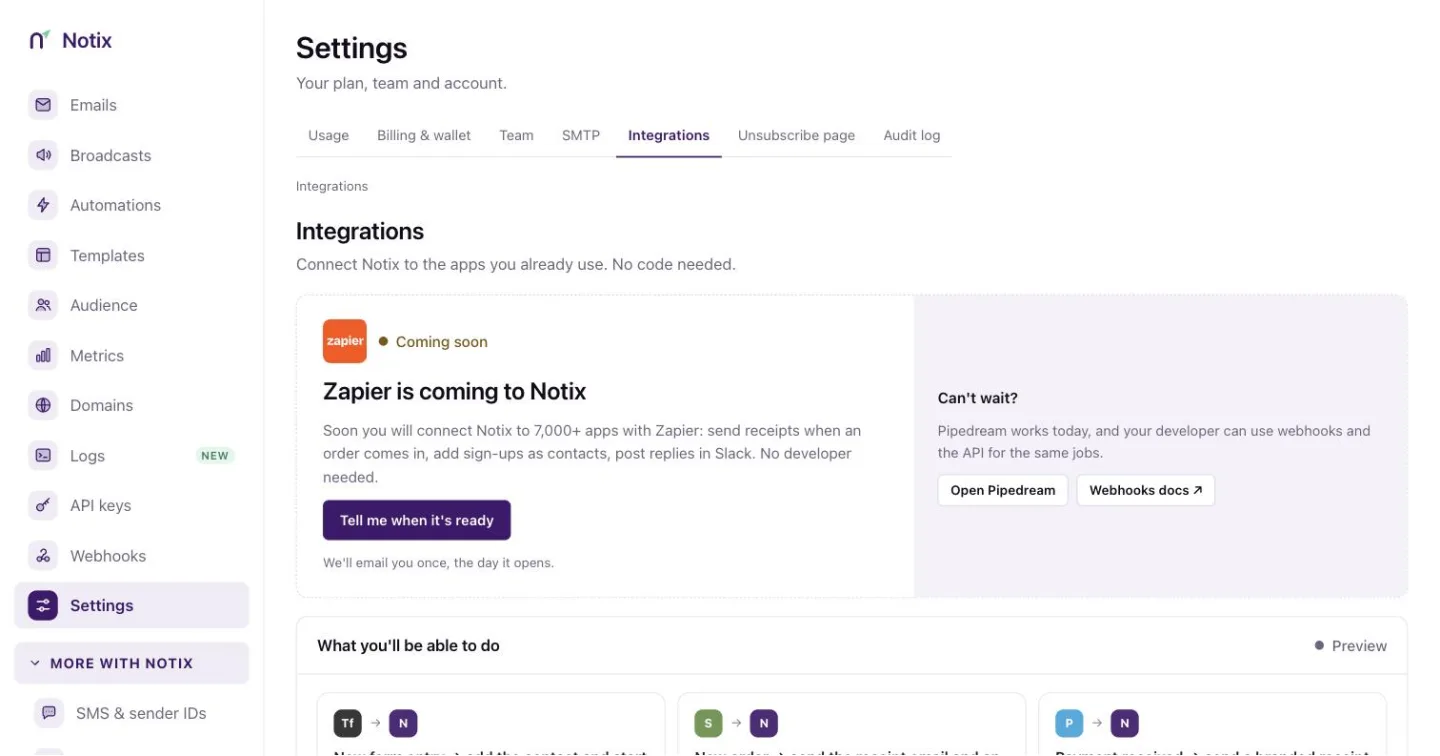
Read Integrations and Settings.
More with Notix
SMS & sender IDs
The name people see when you text them, and what each text costs. Turn SMS on, top up your wallet, and see the message log.
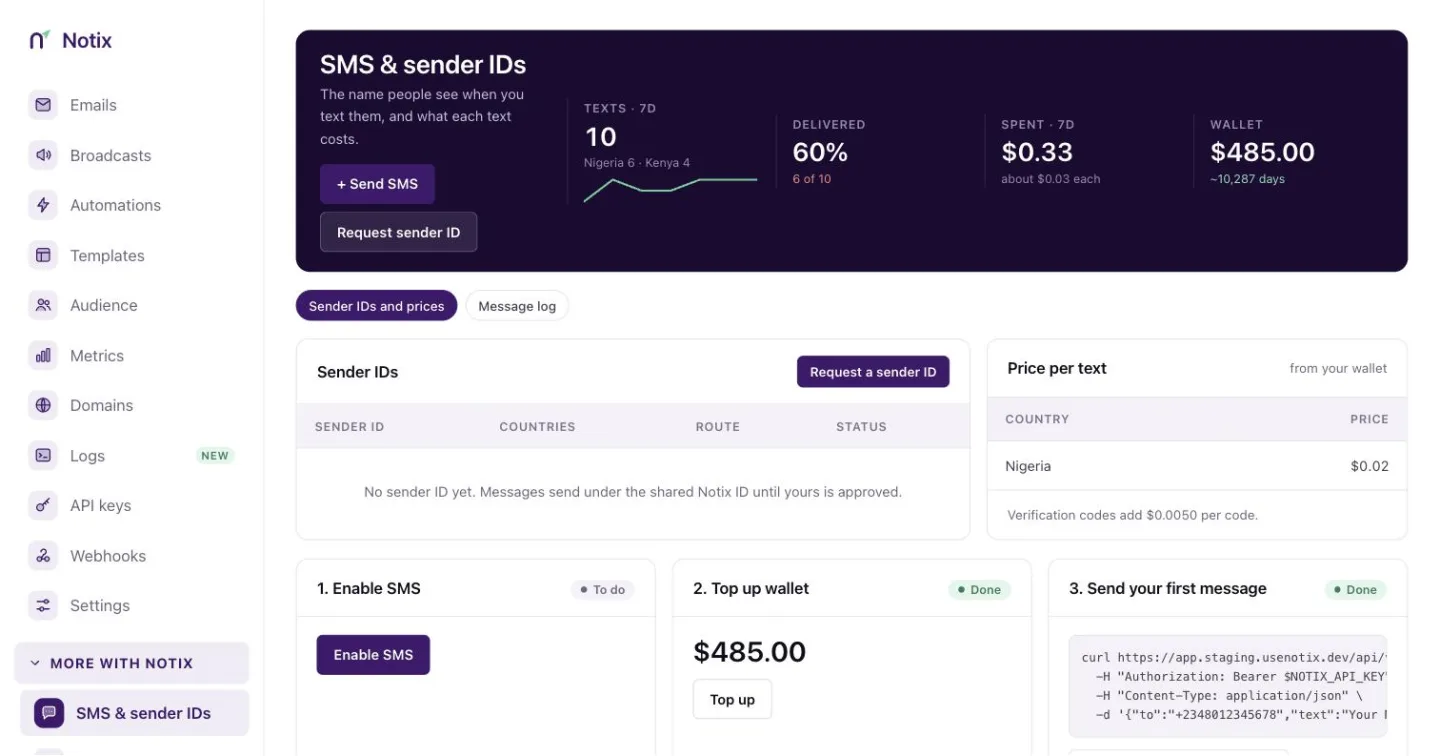
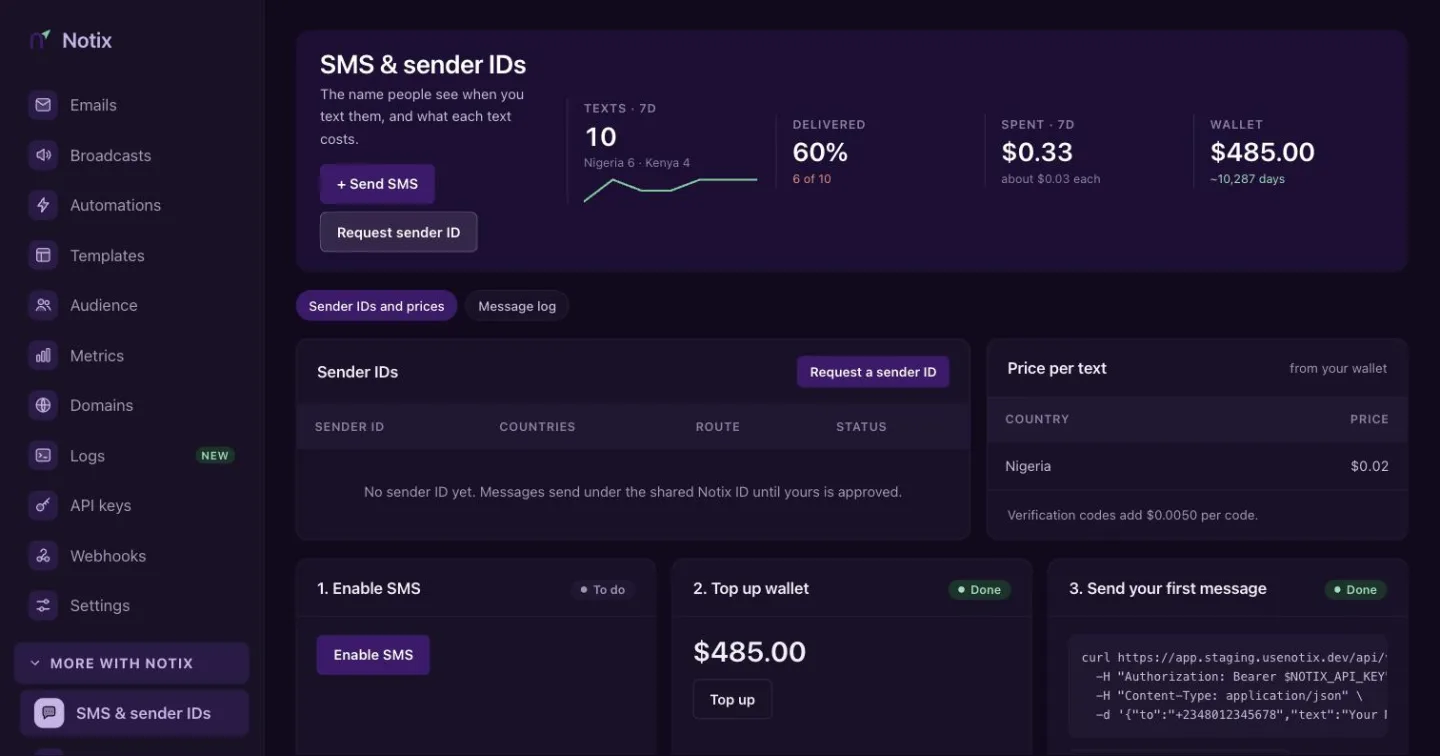
Read Send SMS and Sender IDs.
One-time codes
Login and verification codes by SMS and email: how many were sent, how many were verified, and the recent codes. Codes themselves are never shown.
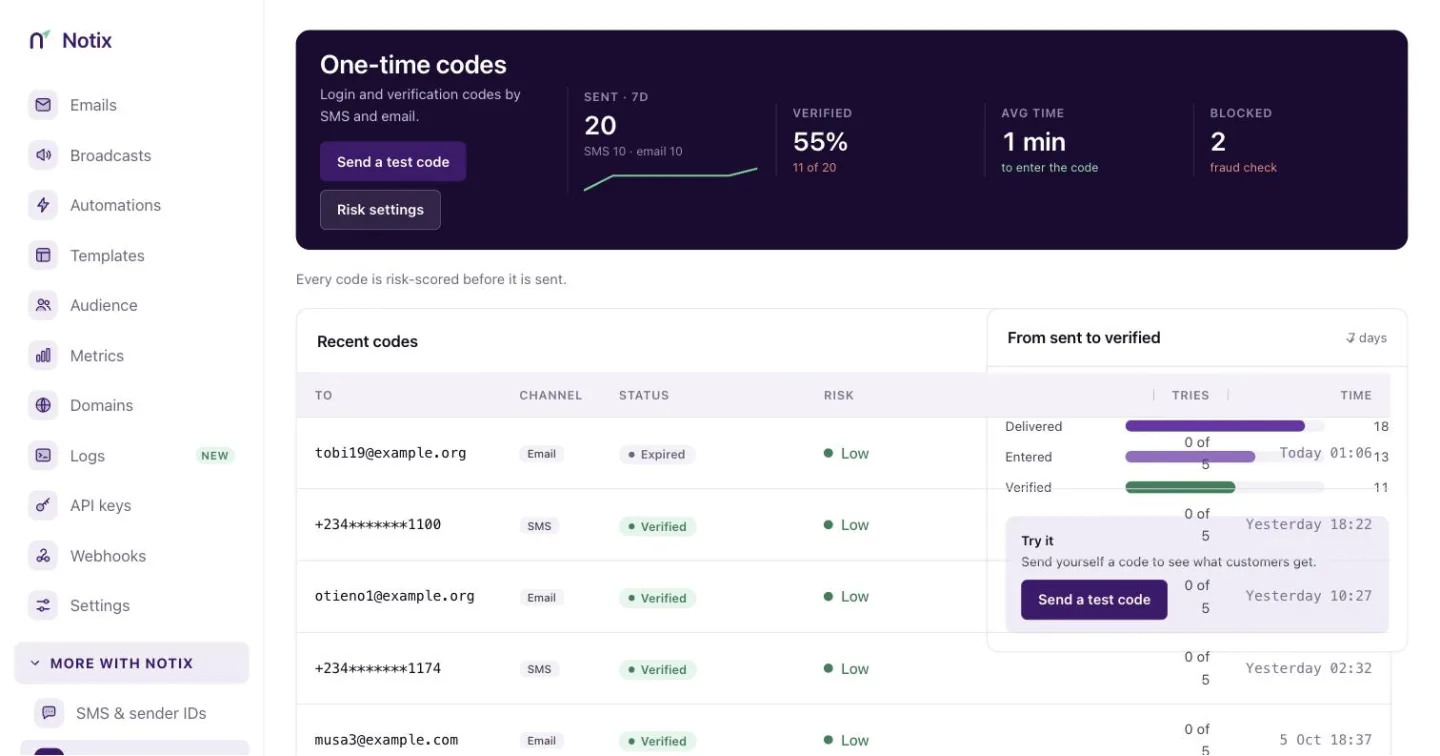
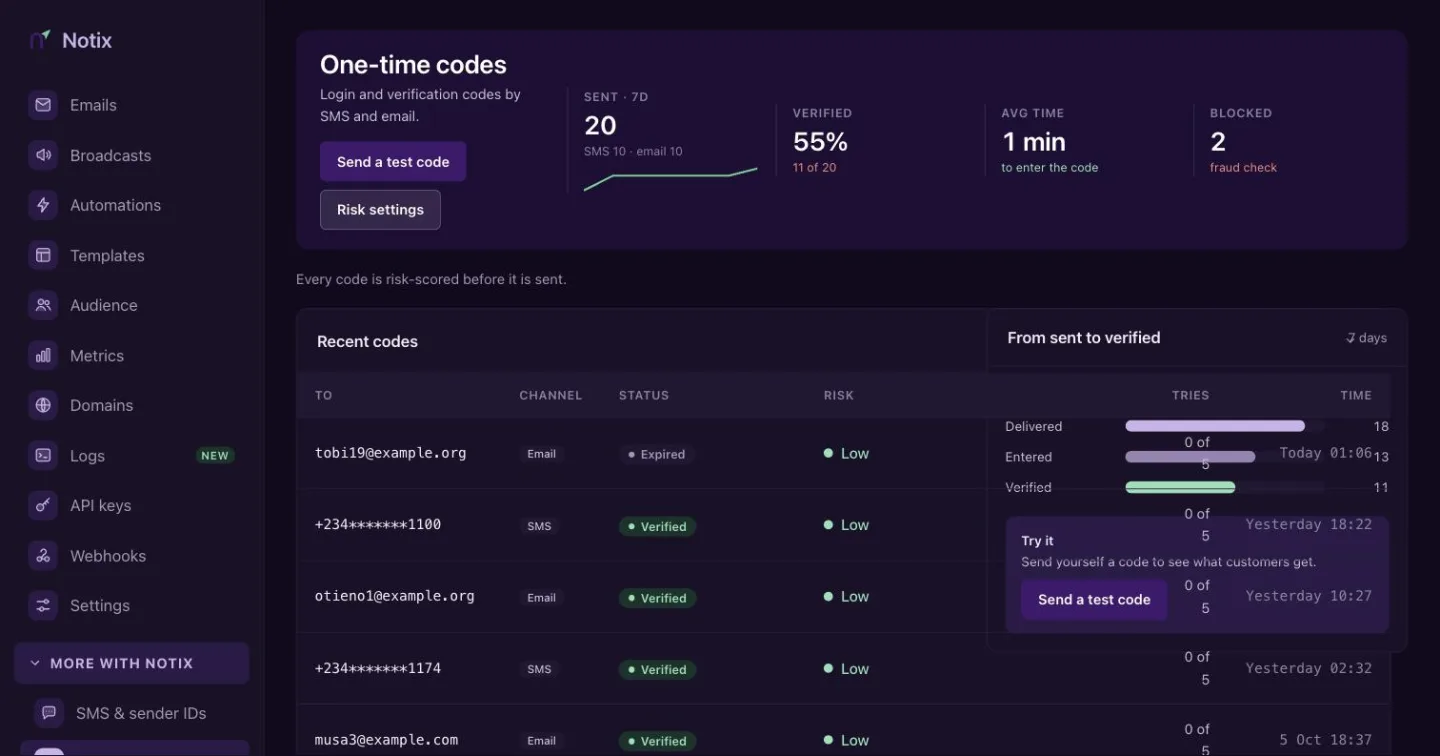
Read One-time codes.
Connect your AI
Give Claude, ChatGPT or your coding tool access to Notix. It sends from your own verified domain, within limits you set.
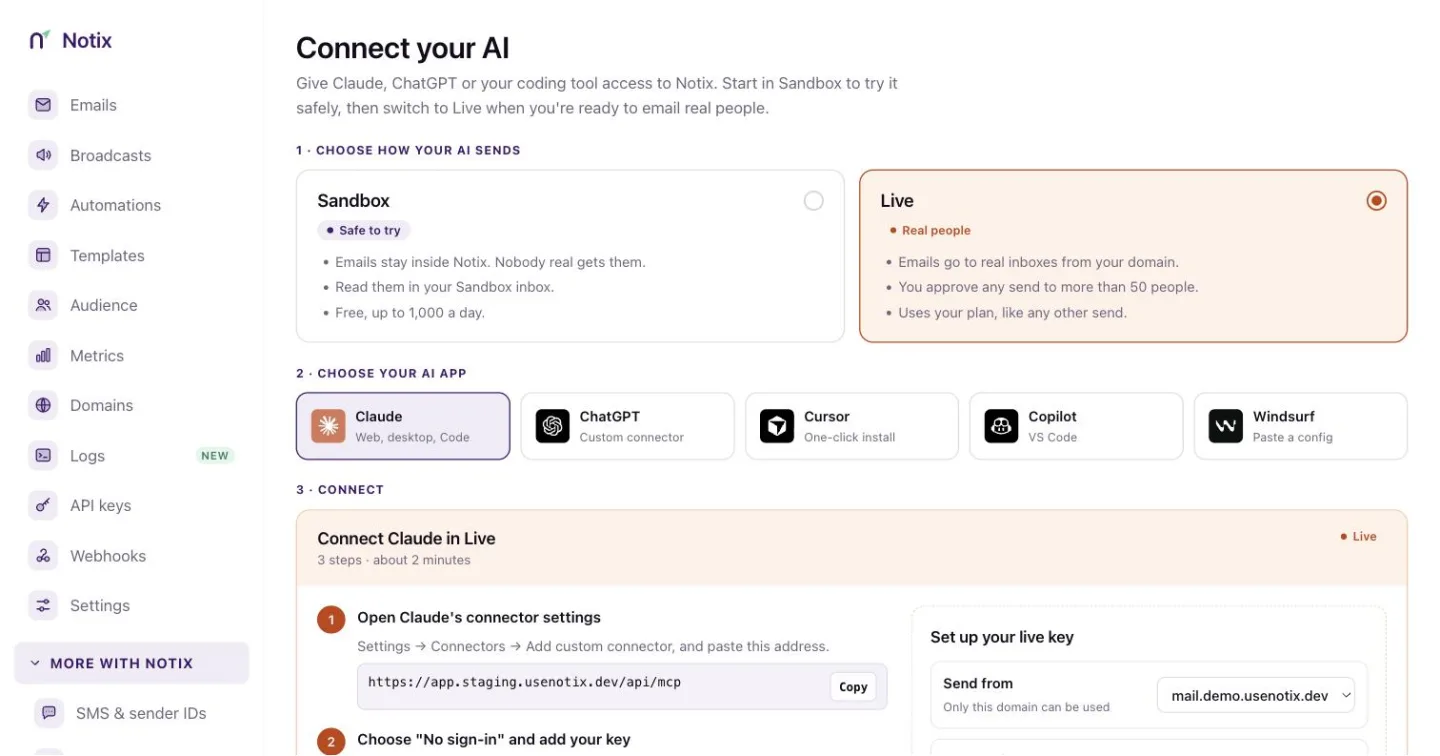
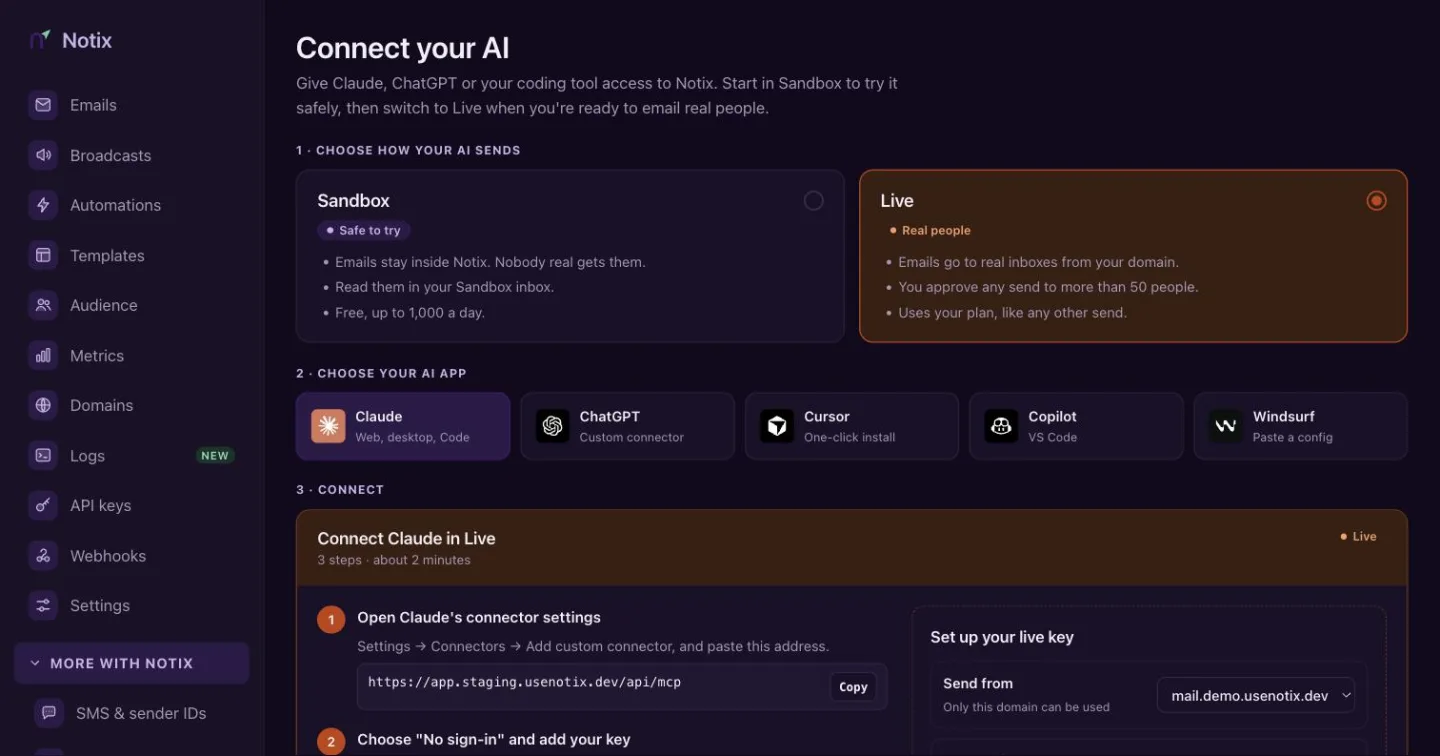
Read Connect your AI.