Introduction
Get an HTTP POST at your server when an email is delivered, bounced, opened or received.
A webhook is an HTTP POST that Notix sends to your server when something happens: an email is delivered or bounces, a contact unsubscribes, a code is checked, or one of your inboxes receives mail. Your system learns what happened without asking Notix again and again.
Set up a webhook
Build an endpoint
Add a route on your server that accepts a POST with a JSON body. It must:
- answer with a 2xx status to say it got the event
- answer within 10 seconds
- be
httpson a public hostname
Notix refuses
localhost, raw IP addresses and private network addresses, and checks the address again before every delivery.Add the webhook in the console
Open Webhooks and press Add endpoint. Enter the endpoint URL and pick the events you want. Leave every event ticked to get them all. You can also limit a webhook to some of your domains.
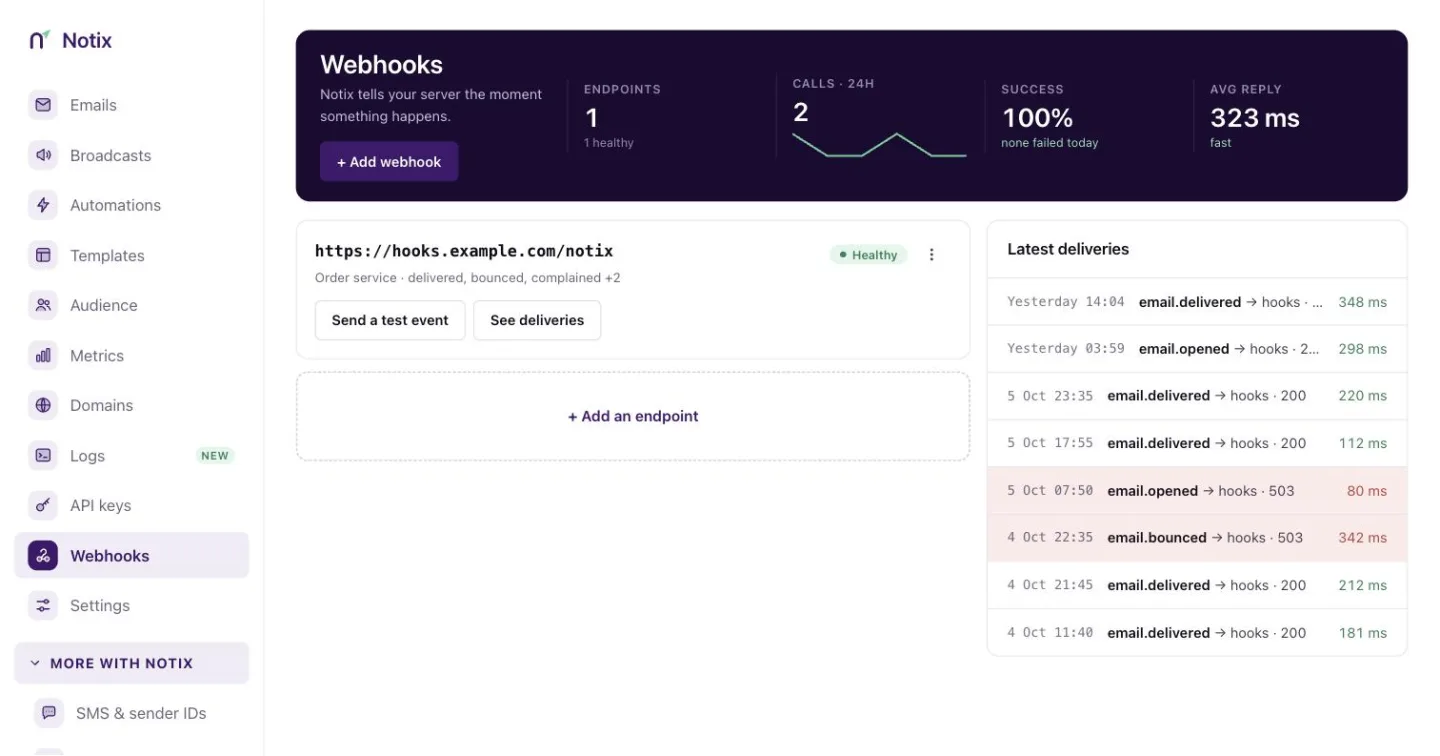
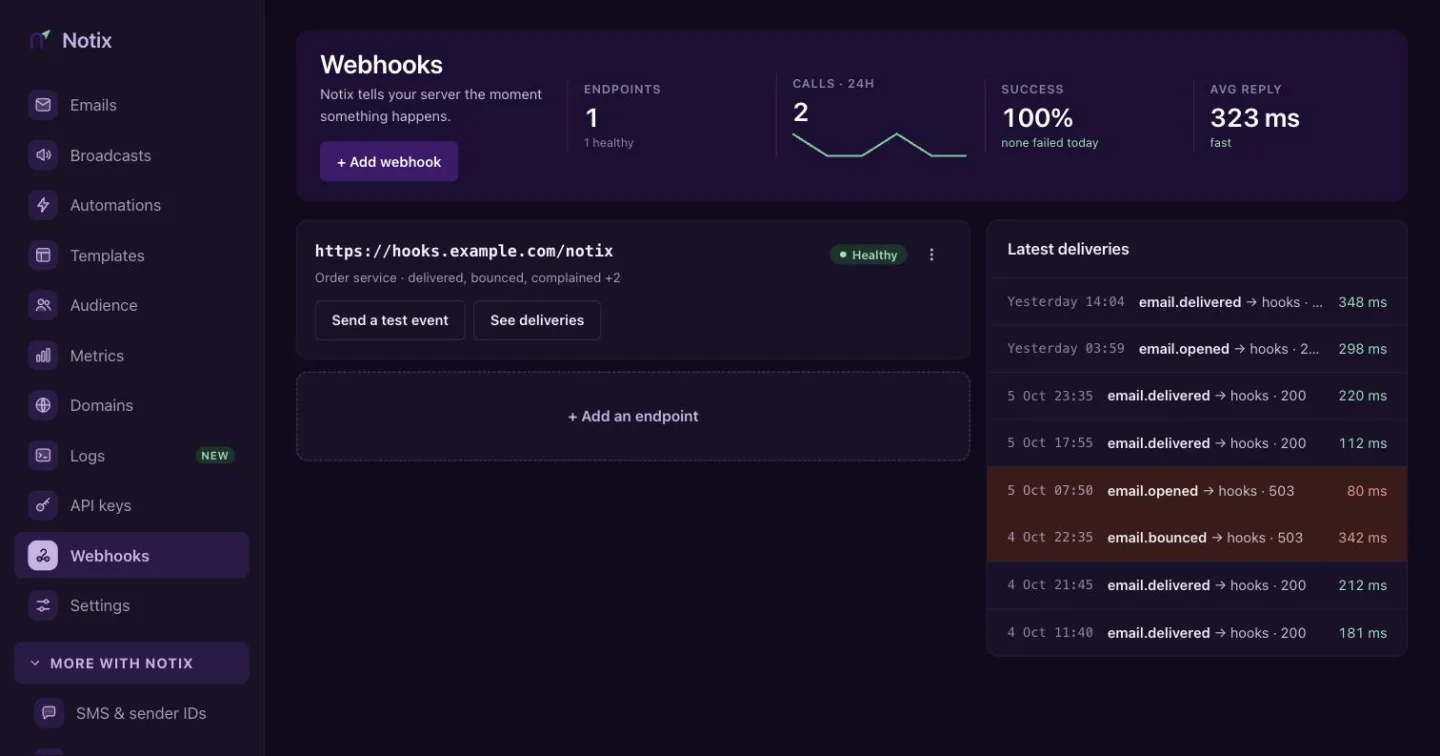
The Webhooks page. Each endpoint shows its calls, retries and failures for the last 24 hours. 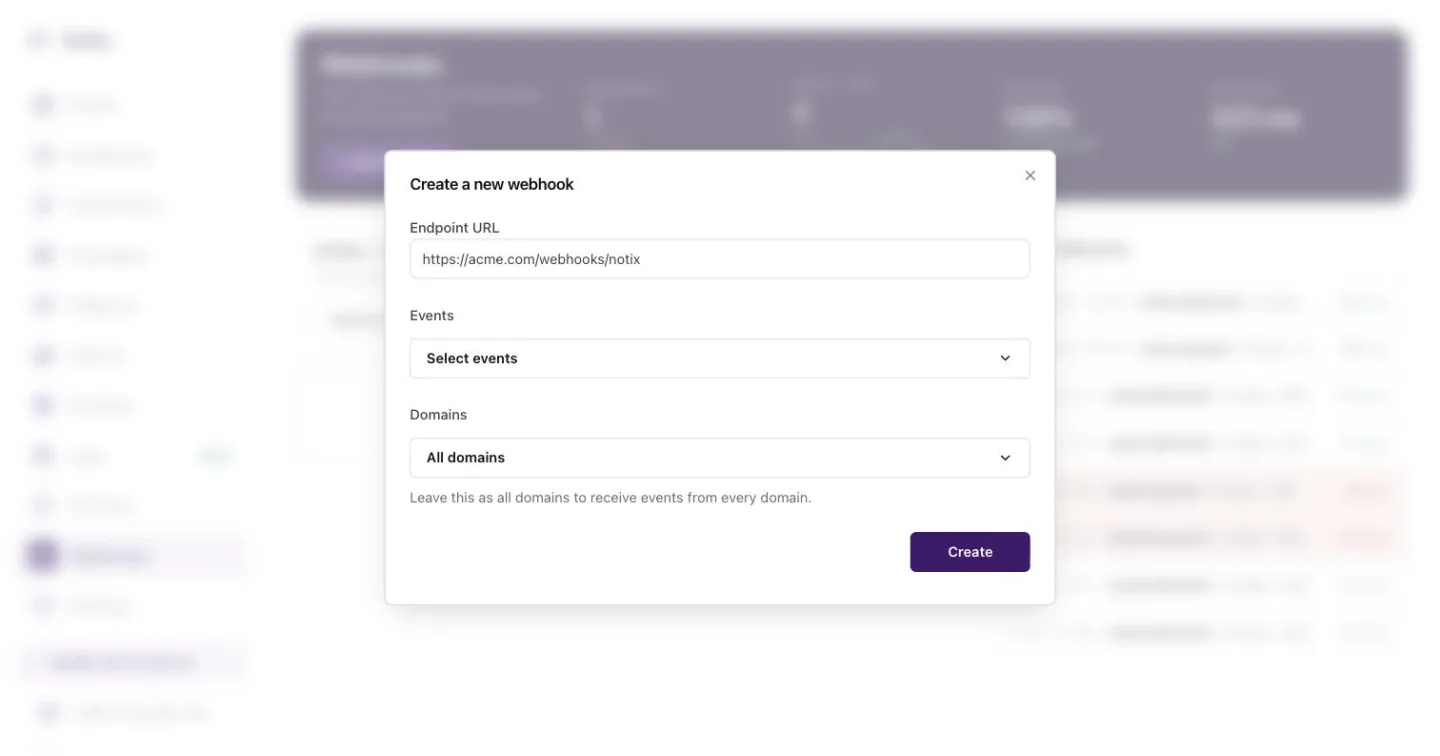
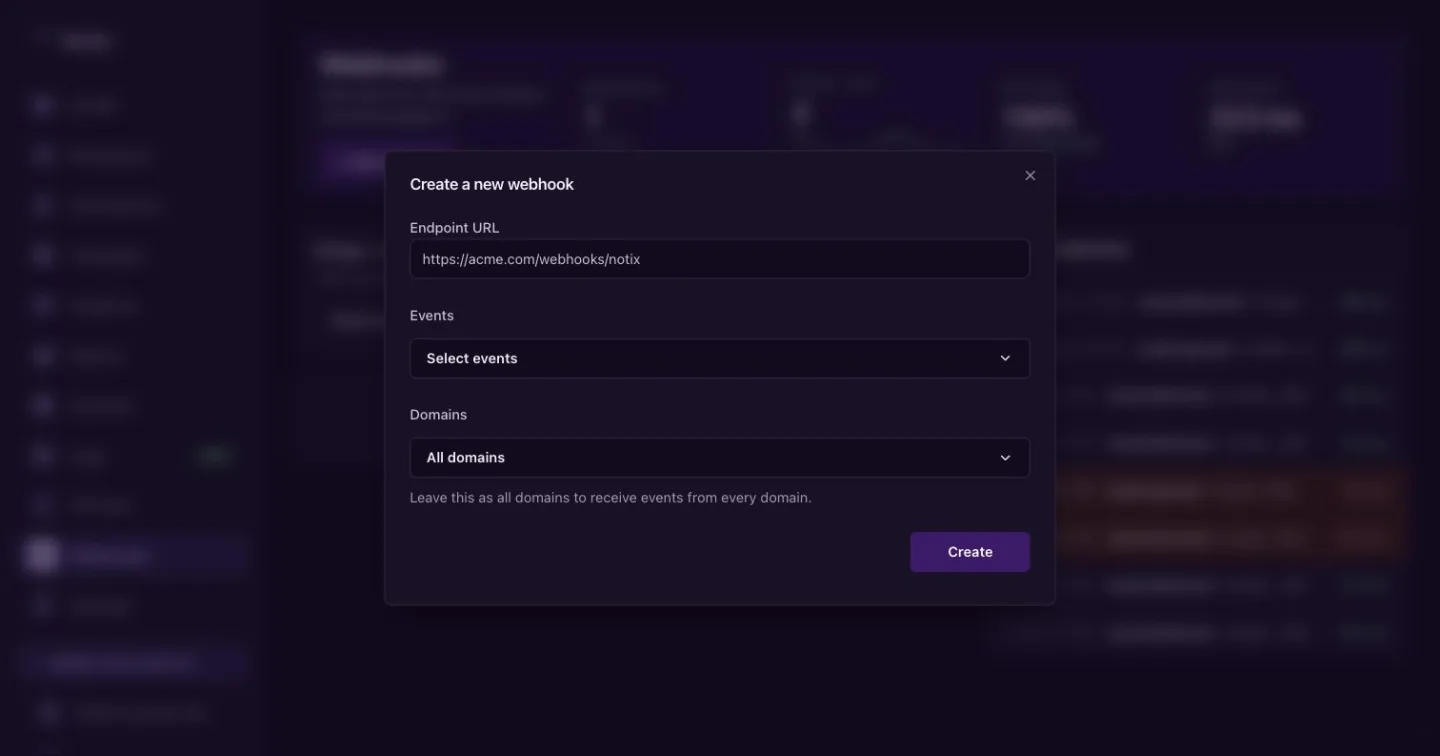
Create a new webhook: the URL, the events and, if you like, the domains. Copy the signing secret
Notix shows the signing secret, which starts with
whsec_, once. Store it in your server's environment, for example asNOTIX_WEBHOOK_SECRET. If you lose it, rotate it from the webhook's Actions menu and update your server.Verify every request
Check the
X-Notix-Signatureheader on every call, so you know it came from Notix and was not changed. Verify requests shows how, with the SDKs or by hand.Send a test event
Press Send a test event on the endpoint card, or Actions then Test webhook on its page. Notix sends a signed
webhook.testevent to the saved URL, and the call shows in the delivery log.
Create a webhook with the API
The Webhooks API creates, changes, pauses, tests and deletes webhooks, and reads and retries the call log. It needs a full access key made by a team admin. An empty eventTypes list sends every event.
curl -X POST https://app.usenotix.dev/api/v1/webhooks \
  -H "Authorization: Bearer $NOTIX_API_KEY" \
  -H "Content-Type: application/json" \
  -d '{
    "url": "https://example.com/webhooks/notix",
    "eventTypes": ["email.delivered", "email.bounced"]
  }'
import { Notix } from "notix-js";

const notix = new Notix(process.env.NOTIX_API_KEY);

const { data, error } = await notix.webhookEndpoints.create({
  url: "https://example.com/webhooks/notix",
  eventTypes: ["email.delivered", "email.bounced"],
});

if (error) throw new Error(error.message);
// data.secret is shown only now. Store it as NOTIX_WEBHOOK_SECRET.
The answer is the only time the API shows the secret. Adding a webhook, changing its URL or deleting it emails the team's owner and admins.
The payload
Every call has the same envelope. data changes with the event type; Event types lists the data of every event.
{
  "id": "call_8k2j4h1p",
  "type": "email.delivered",
  "version": "2026-09-08",
  "createdAt": "2026-10-01T09:30:00.000Z",
  "teamId": 123,
  "data": {
    "id": "em_4471receipt",
    "status": "DELIVERED",
    "from": "Acme <receipts@acme.com>",
    "to": ["chiamaka@example.com"],
    "subject": "Your receipt for order 4471",
    "occurredAt": "2026-10-01T09:29:58.000Z"
  },
  "attempt": 1
}
| Field | What it is |
|---|---|
id | The id of this webhook call. Use it to spot a call you already handled. |
type | The event type, such as email.delivered. |
version | The payload format version. |
createdAt | When the event happened. |
teamId | Your team's id. |
data | The event's own data. It is different for each event type. |
attempt | Which delivery attempt this is, from 1 to 6. |
Request headers
| Header | What it is |
|---|---|
X-Notix-Signature | v1= and an HMAC-SHA256 of the timestamp and the raw body. |
X-Notix-Timestamp | When Notix signed the call, as a Unix time in milliseconds. |
X-Notix-Event | The event type. |
X-Notix-Call | The webhook call id, the same as id in the body. |
X-Notix-Retry | true when this is not the first attempt. |
User-Agent | Notix-Webhook/1.0 |
Watch your deliveries
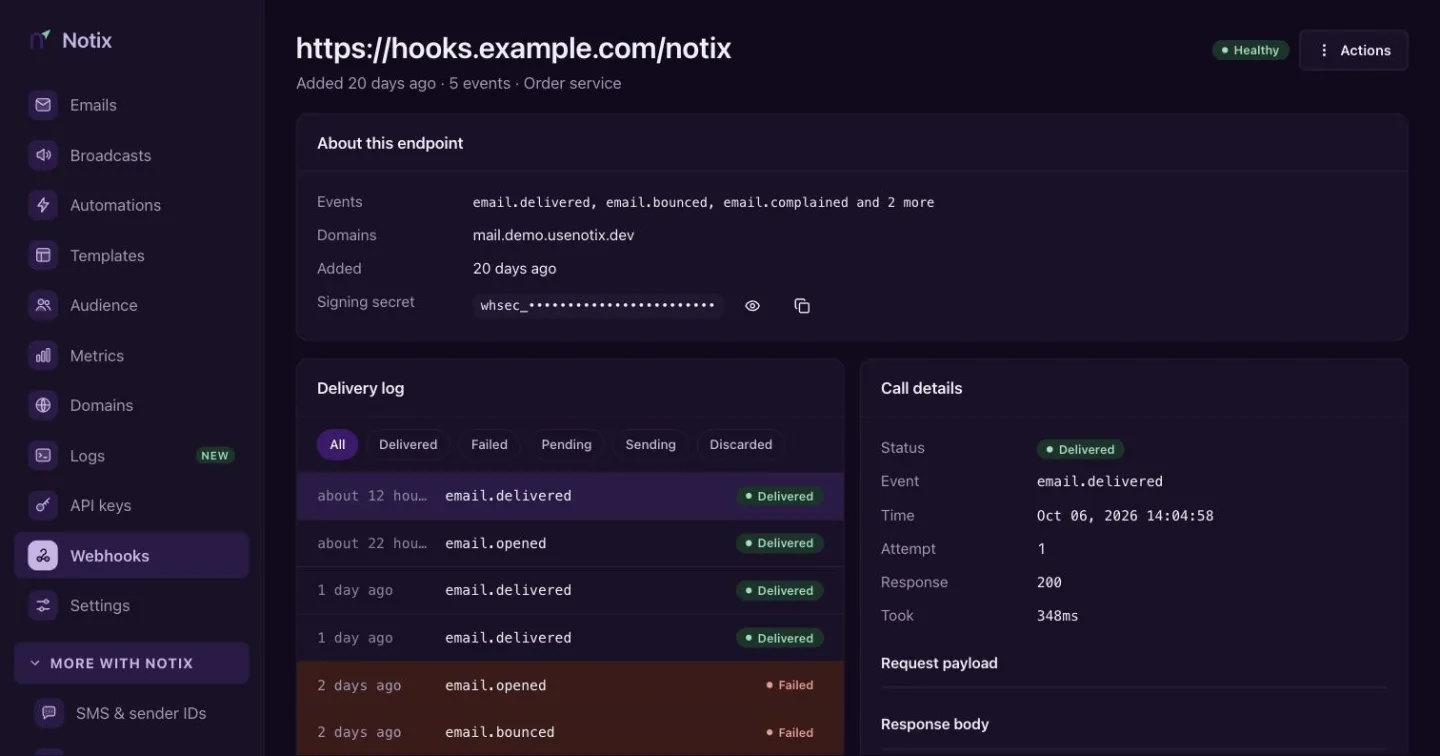
Press See deliveries on an endpoint card to open its page. The delivery log lists every call, newest first, and you can filter it by status. Select a call to see the event data Notix sent, how your endpoint answered, how long it took and the first part of its response. A failed call has a Retry button.
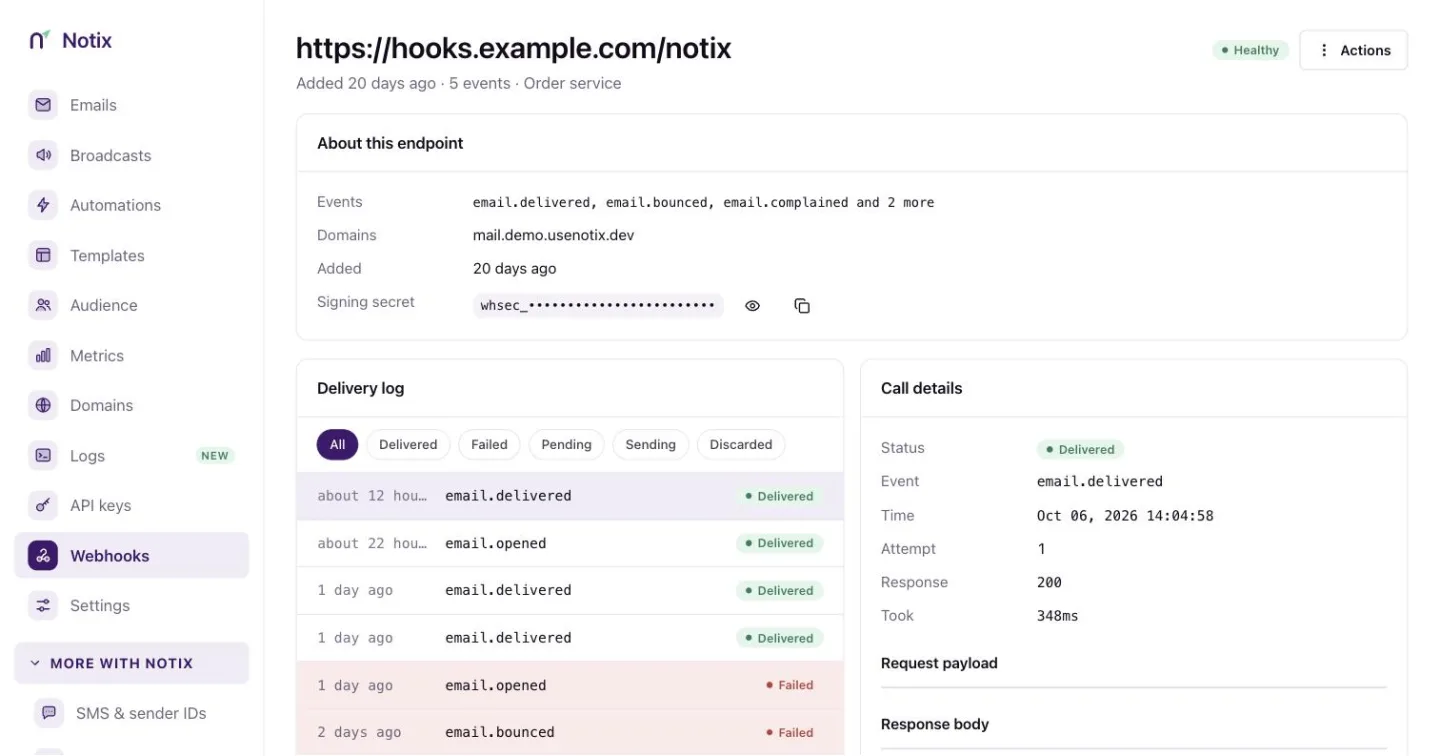
Notix keeps calls for 30 days. The same log is in the API: List webhook calls and Get a webhook call.
Good habits
- Answer fast. Return a 2xx at once and do slow work afterwards. A call times out after 10 seconds.
- Expect the same event twice. Use the
idfield to skip a call you already handled. - Do not count on order. Events can arrive out of order. Sort by the event's own time, such as
occurredAt, when it matters. - Verify every signature. See Verify requests.
Troubleshooting
Events are not arriving
- Check that the URL is right and reachable from the internet.
- Check that your endpoint answers with a 2xx status.
- Check the webhook's status on its page. It may be paused, or turned off after repeated failures. See Retries.
- Notix does not follow redirects. A 3xx answer counts as a failure, so use the final URL.
Signature checks fail
- Verify the raw request body, not JSON you parsed and turned back into text.
- Use the secret of this webhook. Each webhook has its own.
- If you rotated the secret, the old one stopped working at once.