Contacts and segments
Keep contacts in contact books, import a CSV, and build segments to send to part of a list.
Contacts live in contact books. A contact book is one list, such as "Newsletter" or "Customers in Lagos". Broadcasts and automations send to a contact book, or to a segment of one.
The Audience page
Open Contacts. The strip at the top counts your contacts. On the left is every contact book, with its number of contacts and the share still subscribed. The open book is on the right.
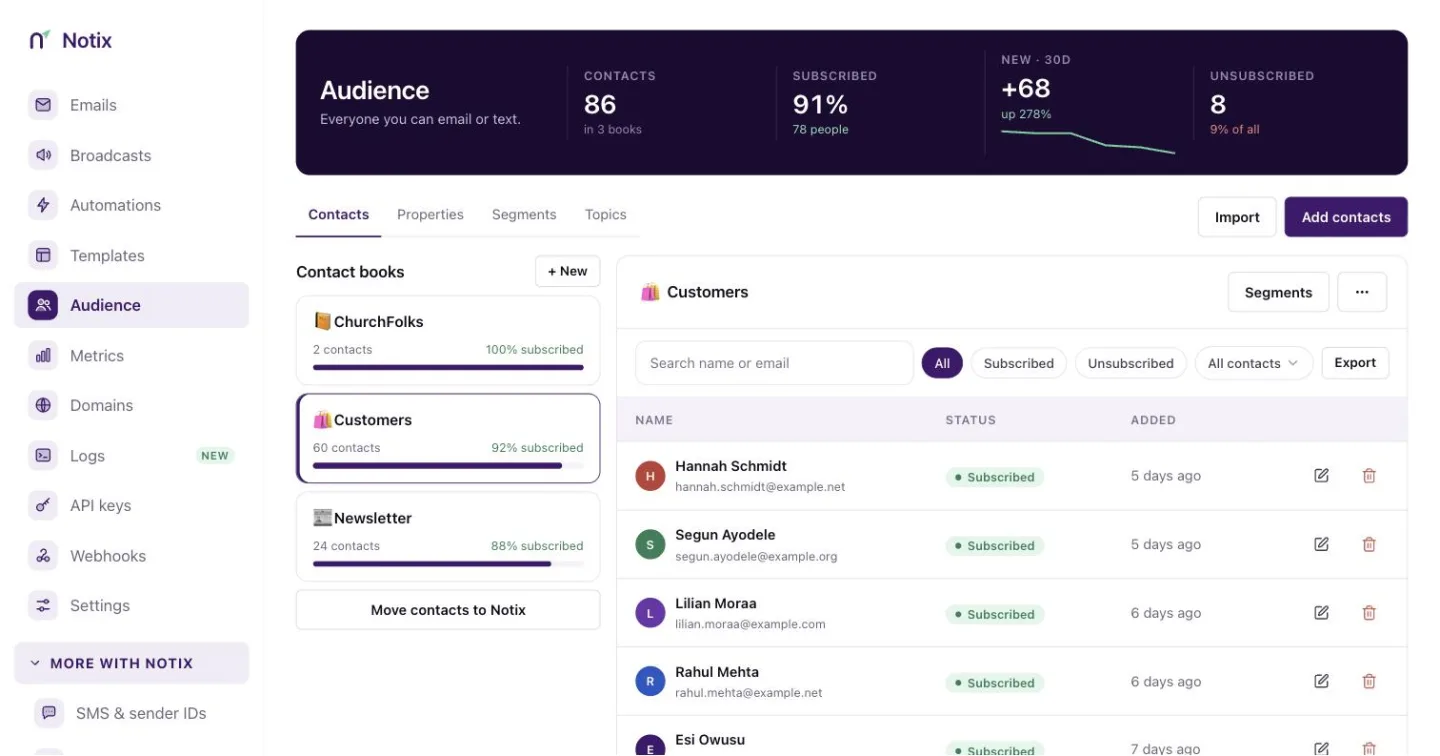
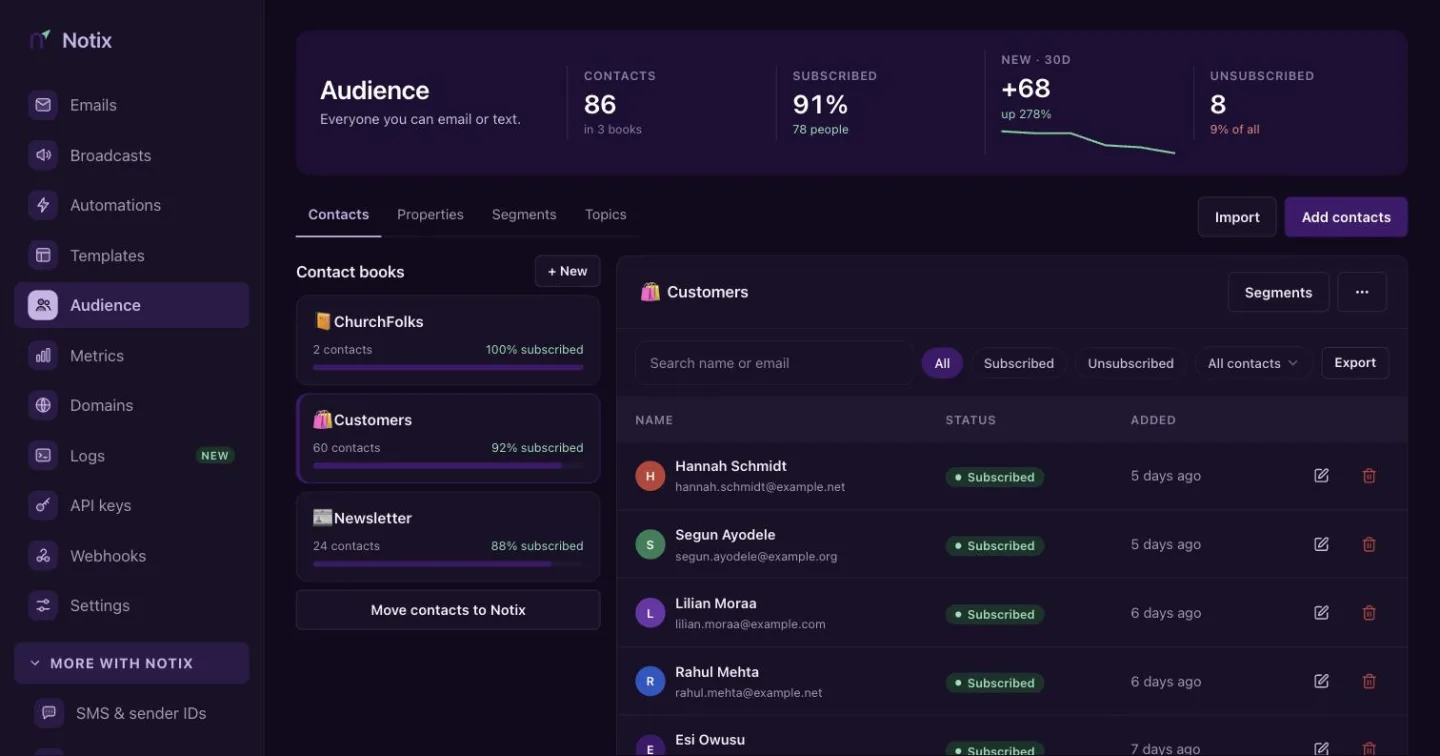
Migrating from another provider? Open Migrate to Notix in the side menu. See Migrate to Notix.
Create a contact book
Press New
At the top of the contact book list, press + New.
Name it and add variables
Give the book a name, such as
Newsletter. Under Variables, list the custom fields you want to store on each contact, separated by commas, such ascompany, plan, registrationCode. You can use these in broadcasts later. See Personalisation.Create it
Press Create. The new book opens on the right.
Work in a contact book
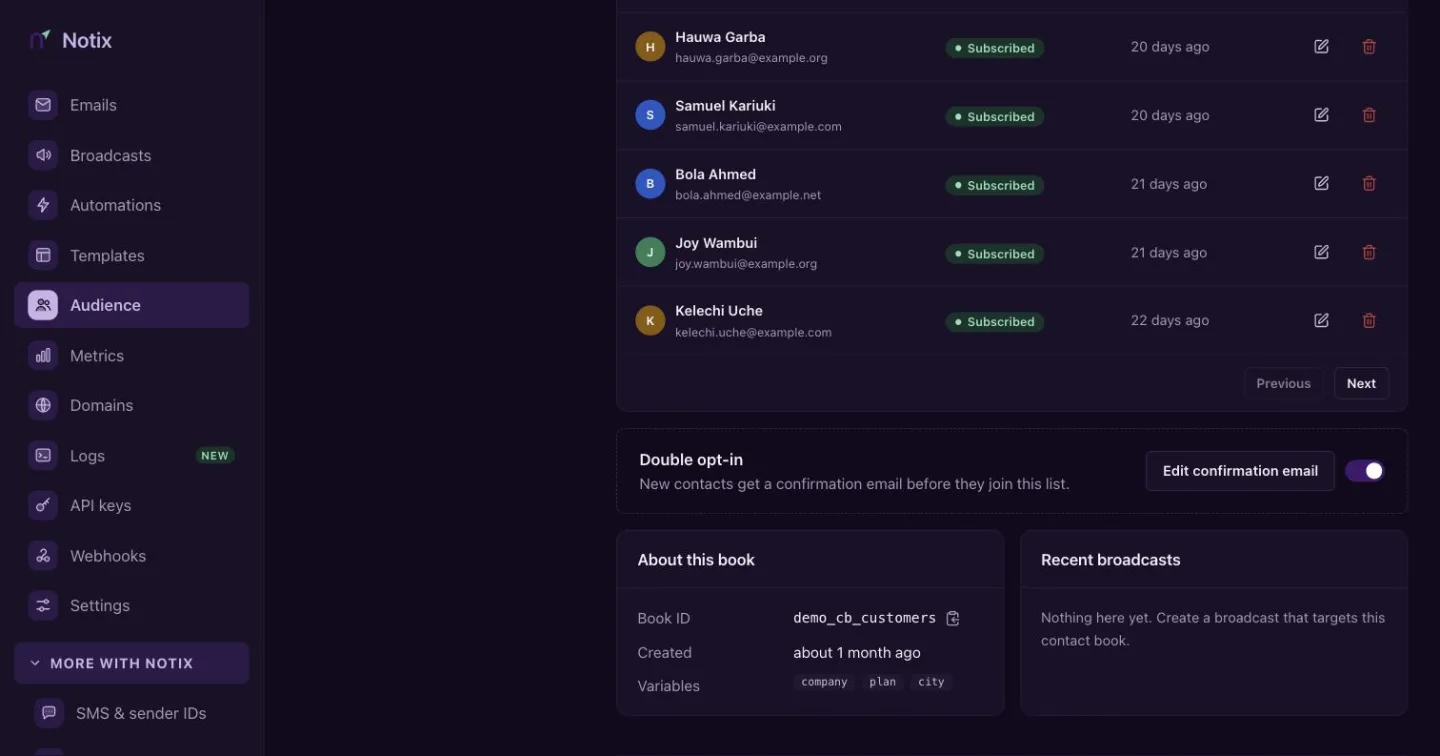
A contact book shows its contacts in a table, with search, a filter by status and Export to download them as CSV.
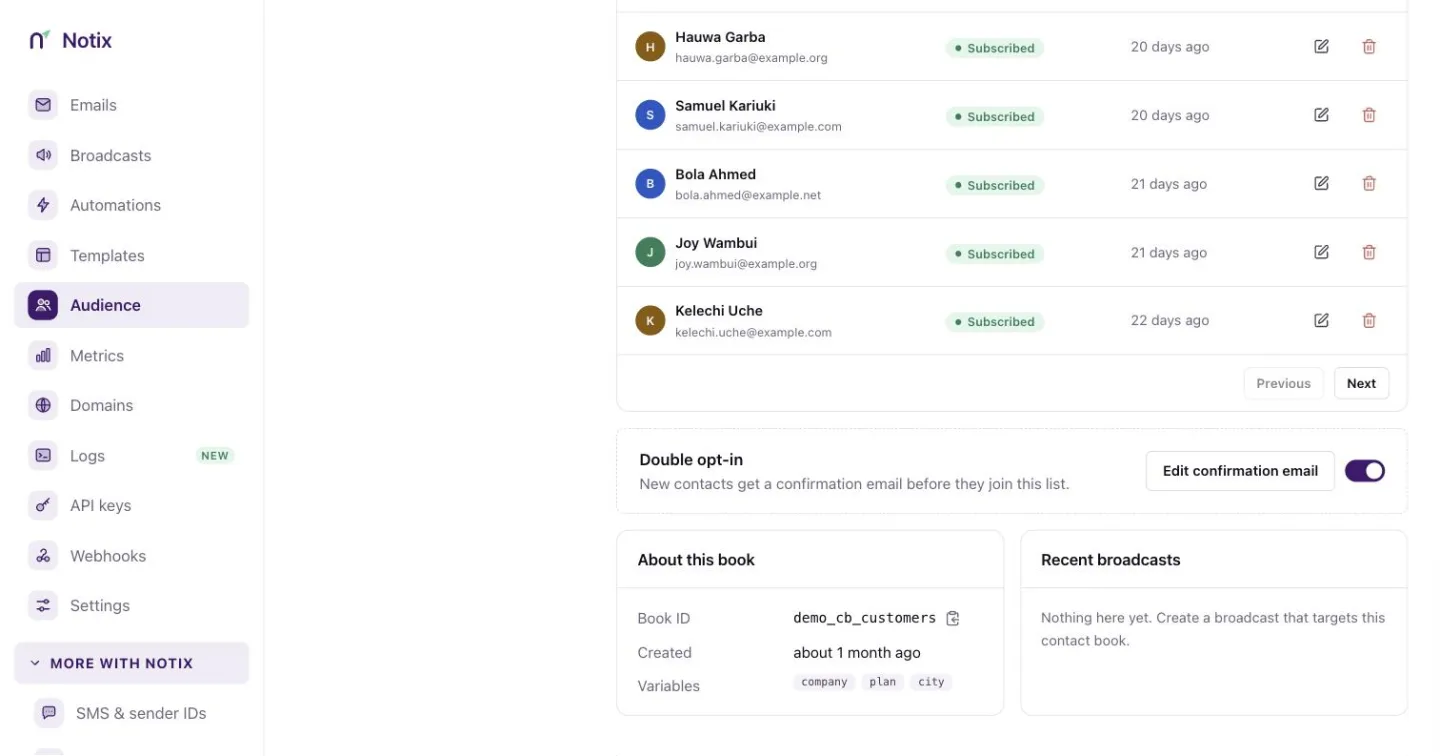
- Add contact adds one or more addresses. Separate them with commas.
- Import CSV adds many contacts from a file or pasted text.
- Segments switches to the book's segments.
- The Double opt-in switch below the table turns confirmation emails on for new contacts. See Double opt-in.
- The More actions menu lets you edit or delete the book. The emoji beside the name changes its icon.
Import contacts from a CSV
Press Import CSV
Open the contact book and press Import CSV.
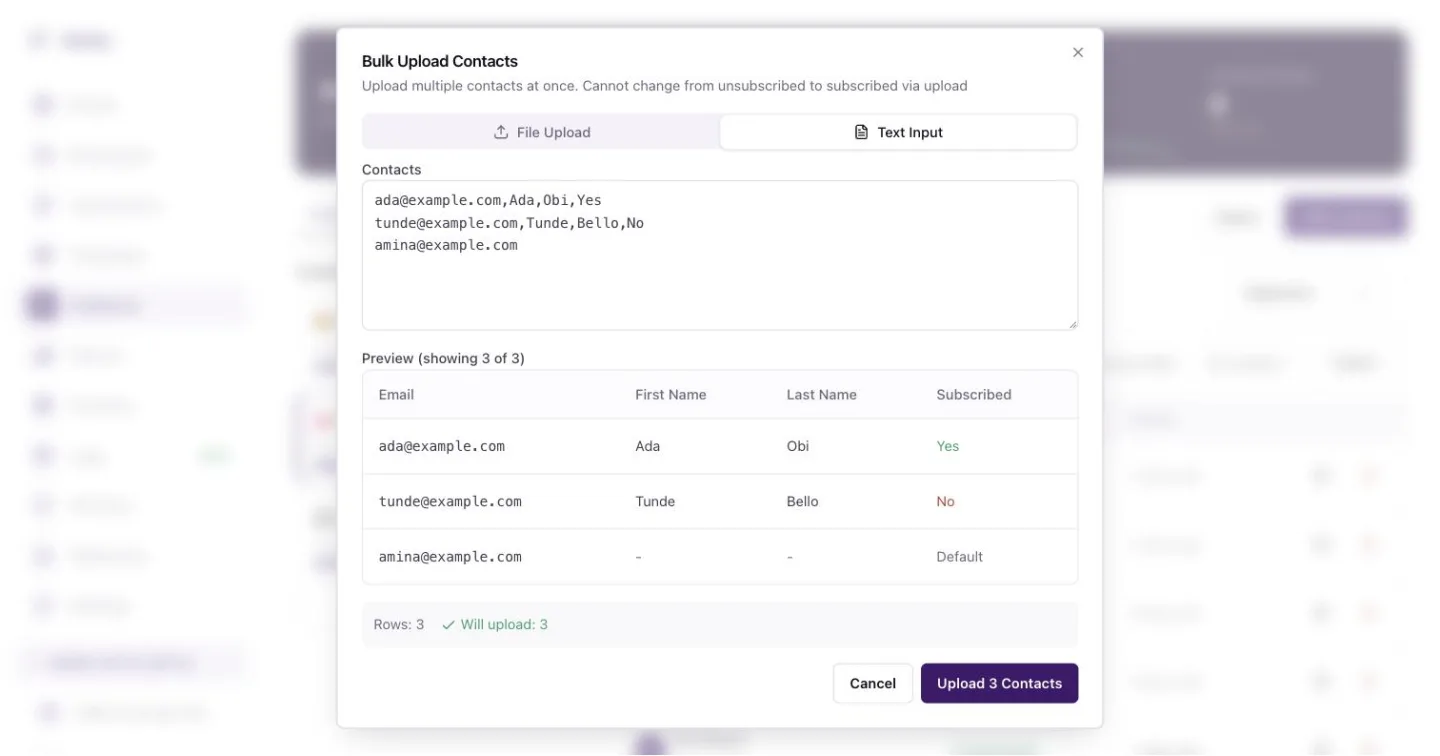
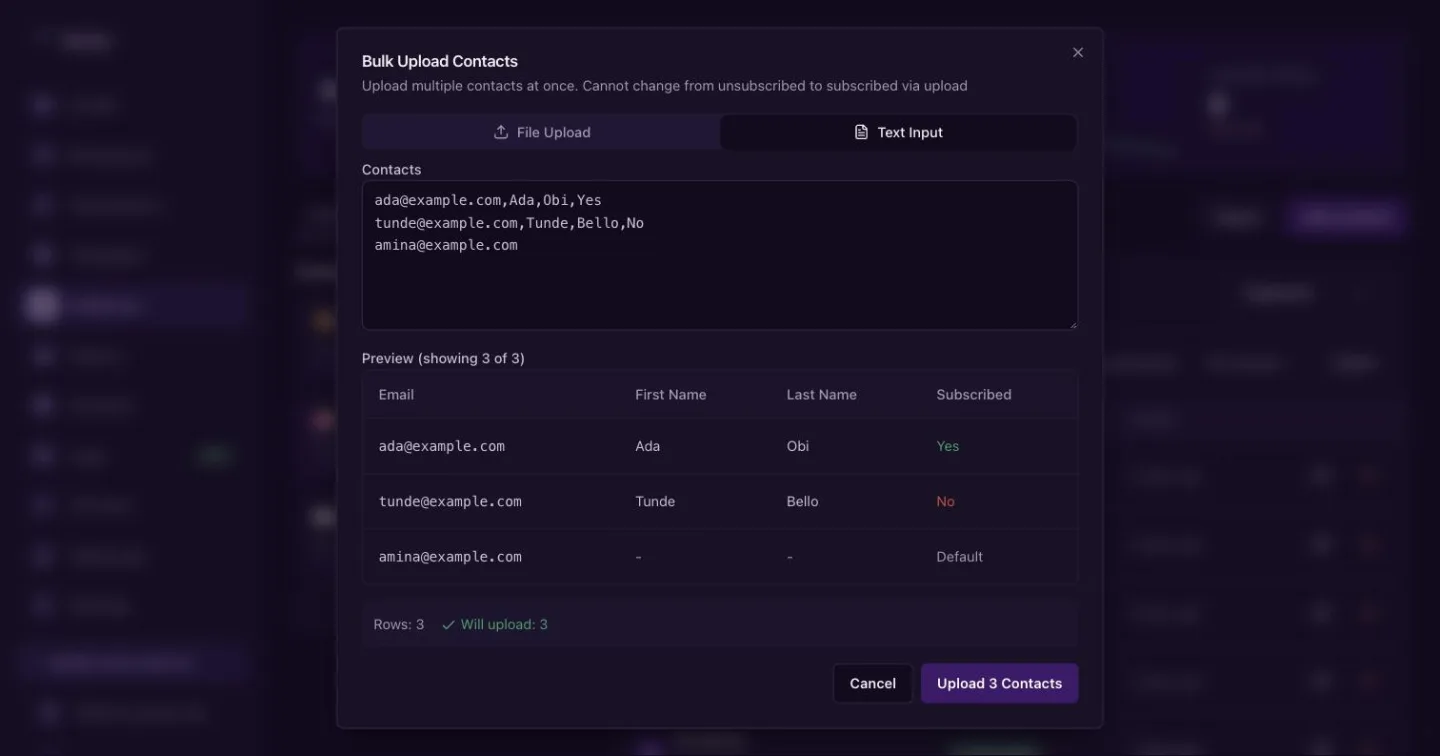
Import: upload a .csv or .txt file, or paste the rows. Add your file or paste rows
On File Upload, choose a
.csvor.txtfile or drag it in. On Text Input, paste one contact per line. The format isemail,firstName,lastName,subscribed. Every field but the email is optional. Extra columns become properties, matched to the book's variables.ada@example.com,Ada,Obi,Yes tunde@example.com,Tunde,Bello,No amina@example.comCheck and upload
Notix shows a preview of what it read. Press Upload to add them.
An import cannot change a contact from unsubscribed to subscribed. Someone who opted out stays opted out.
From code, import contacts from CSV takes up to 1,000 contacts in one call. Every row is checked before anything is written, and a refused row comes back with its reason.
Contacts from the API
curl -X POST https://app.usenotix.dev/api/v1/contactBooks/cb_123/contacts \
  -H "Authorization: Bearer $NOTIX_API_KEY" \
  -H "Content-Type: application/json" \
  -d '{
    "email": "ada@example.com",
    "firstName": "Ada",
    "properties": { "plan": "Pro" }
  }'
import { Notix } from "notix-js";

const notix = new Notix(process.env.NOTIX_API_KEY);

await notix.contacts.create("cb_123", {
  email: "ada@example.com",
  firstName: "Ada",
  properties: { plan: "Pro" },
});
from notix import Notix

client = Notix()  # reads NOTIX_API_KEY

client.contacts.create("cb_123", {
    "email": "ada@example.com",
    "firstName": "Ada",
    "properties": {"plan": "Pro"},
})
use Notix\Notix;

$notix = new Notix(getenv('NOTIX_API_KEY'));

$notix->contacts->create('cb_123', [
    'email' => 'ada@example.com',
    'firstName' => 'Ada',
    'properties' => ['plan' => 'Pro'],
]);
The Contacts reference also covers getting, updating, upserting and deleting contacts, and adding or deleting them in bulk. Contact books have their own reference.
Segments
A segment is a saved filter on one contact book, such as "subscribers on the Pro plan who opened an email in the last 30 days". Segments are live: Notix works out who matches each time you use one.
Open Segments
In a contact book, press Segments, then New segment.
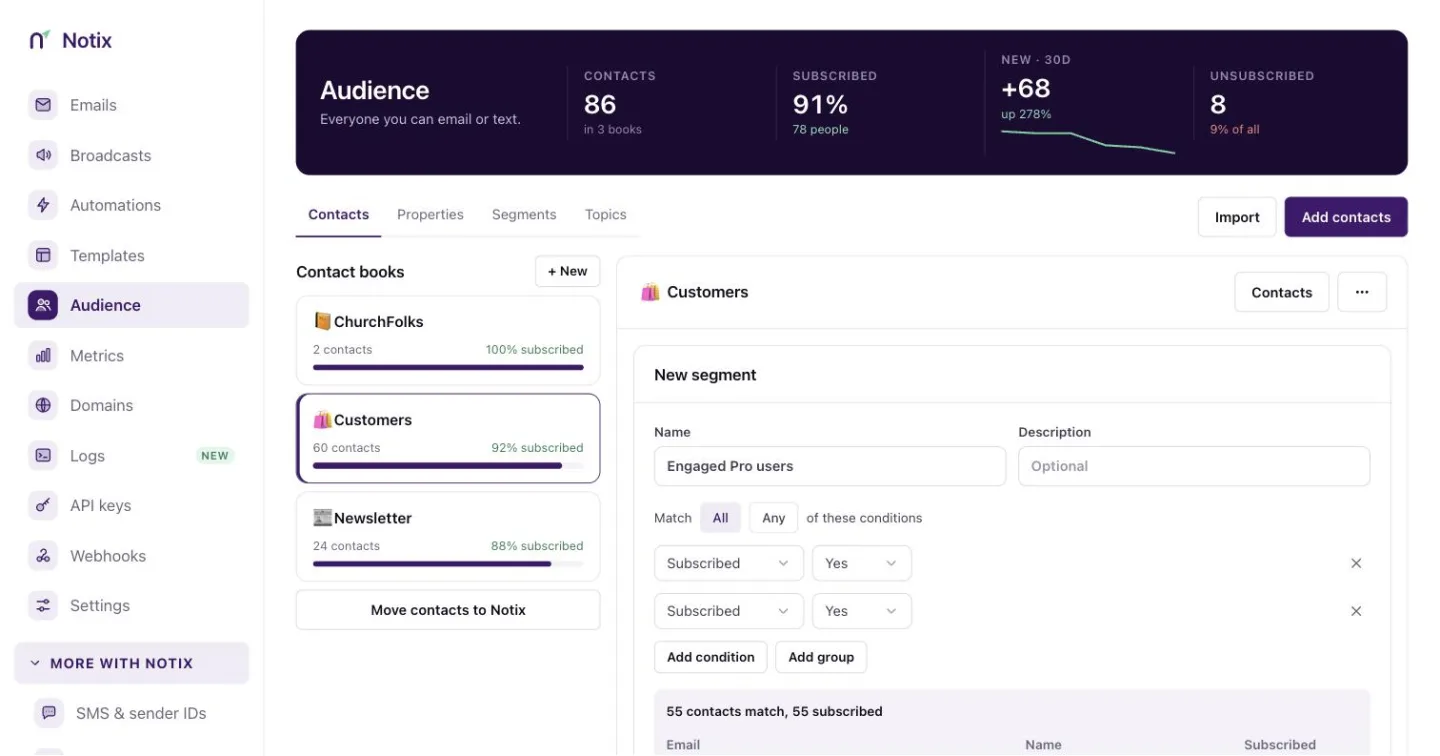
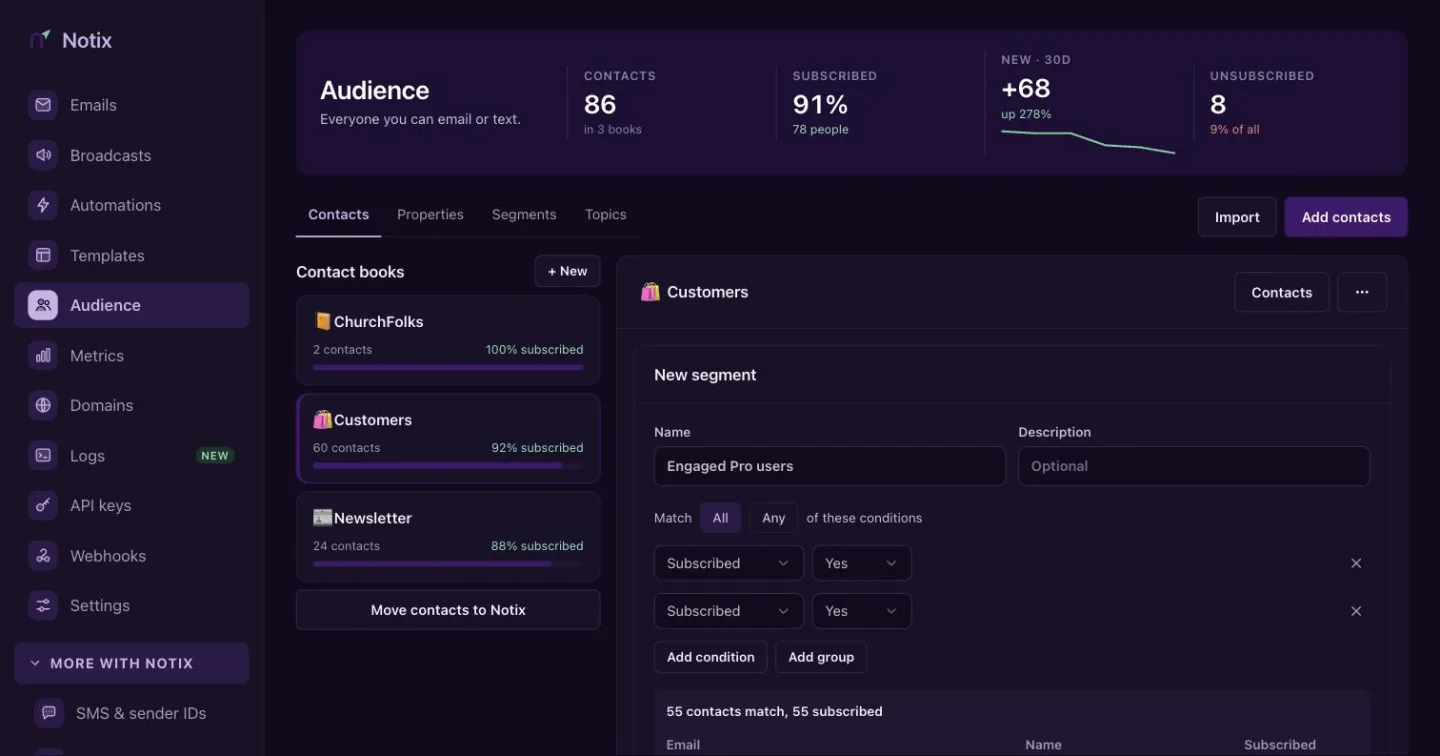
The segment builder. The count and the preview update as you add conditions. Add conditions
Give the segment a name. Choose All or Any, then press Add condition. Add group nests a set of conditions with its own All or Any.
Check the preview and save
Watch the live count and the preview of the first 25 matching contacts. Press Save segment.
On a saved segment, View contacts opens the contact list filtered to it. Export then downloads that list as CSV. A segment marked Needs fixing uses a property the book no longer has.
The Segment rules guide lists every condition, the JSON the API takes, and how broadcasts and automations use segments.