Integrations
Connect Notix to other apps, and what is coming next.
Notix connects to the apps you already use in a few ways today, with Zapier on the way. This page covers the Integrations tab and the connection guides on the SMTP tab, both in Settings.
The Integrations tab
Open Integrations
In the console, go to Settings, Integrations.
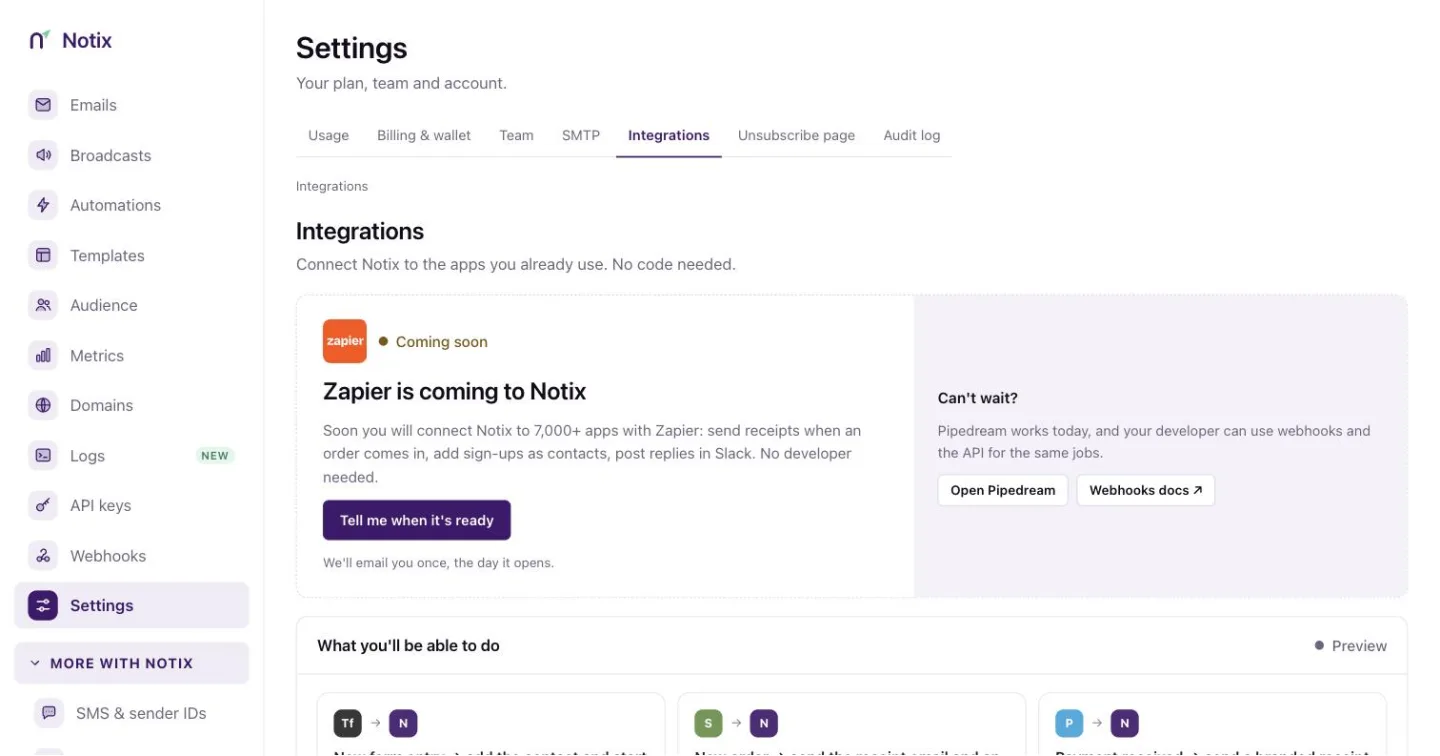
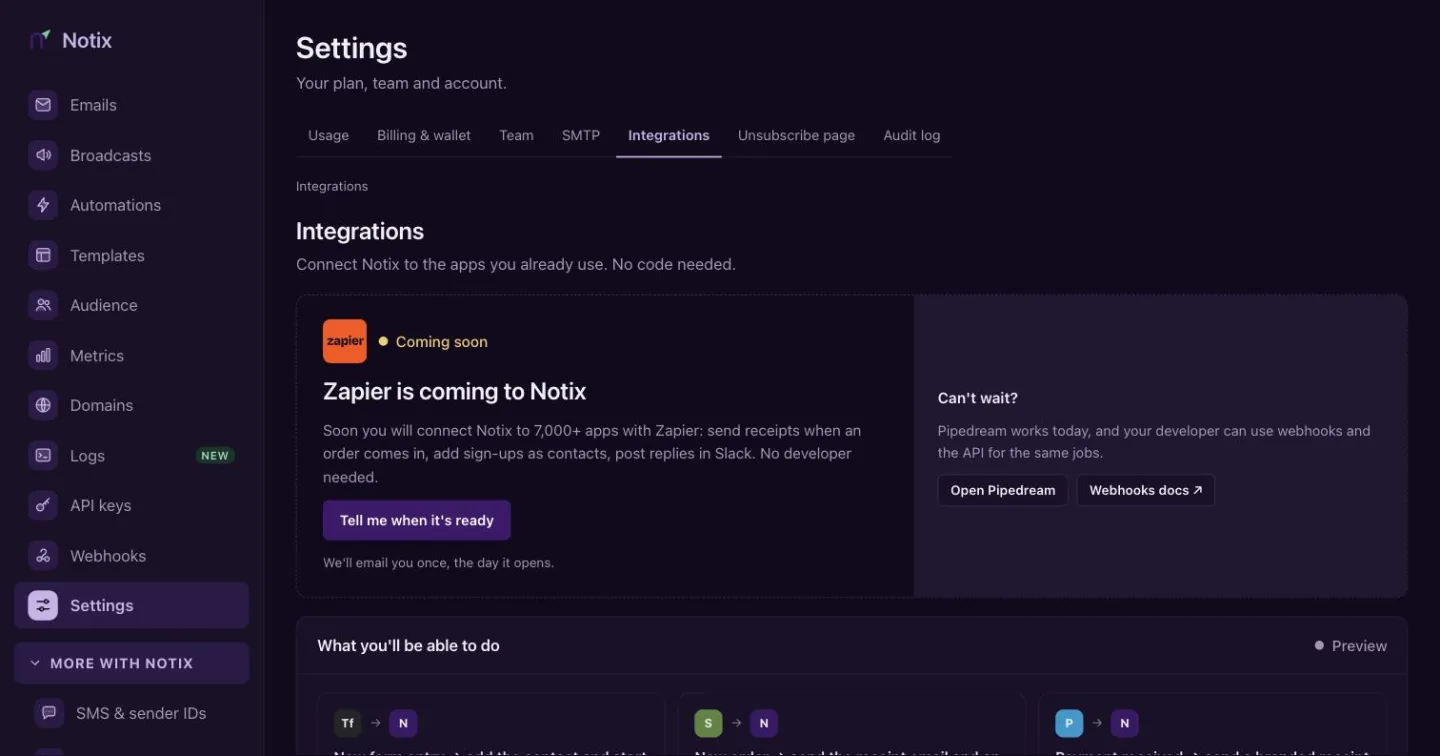
Integrations: Zapier is coming soon, and five ways in work today. Ask to hear about Zapier
Zapier is coming to Notix. Press Tell me when it's ready and Notix emails you once, the day it opens. The preview below it shows the kind of automation you will be able to set up, such as "New order → send the receipt email and an SMS confirmation".
Use what works today
Available now lists the ways in that work today:
Way in What it is for Pipedream Workflows with code that call the Notix API. Webhooks Events sent to your own server. See Webhooks. AI apps Claude, ChatGPT and Cursor. See Connect your AI. Make and n8n Coming soon. WhatsApp Business Coming soon.
Zapier, Make, n8n and WhatsApp Business are not live yet. Until they are, the API and webhooks reach everything the console does.
Connection guides in Settings
Settings → Integrations has short guides with the values to paste for common tools:
- Supabase Auth. Send Supabase's confirmation, magic link and password reset emails through Notix by SMTP. Turn on custom SMTP in Supabase and paste the host, port, username and password.
- Node.js. Install
notix-jsand send from your server code. See the Node.js quickstart. - Vercel. Add
NOTIX_API_KEYto your project's environment variables and redeploy. - Any SMTP client. Postfix, Django, Rails Action Mailer, WordPress plugins and desktop mail apps take the same host, port, username and password. See SMTP.
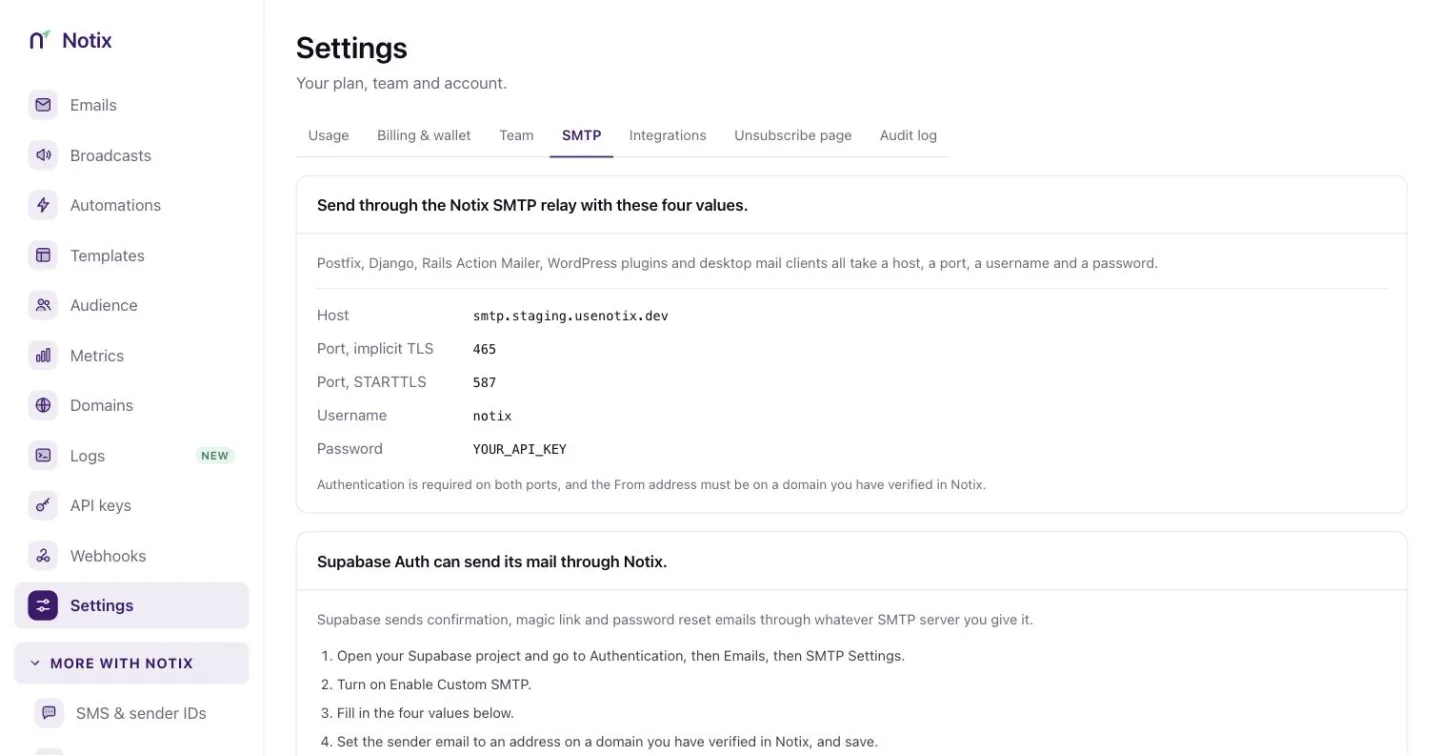
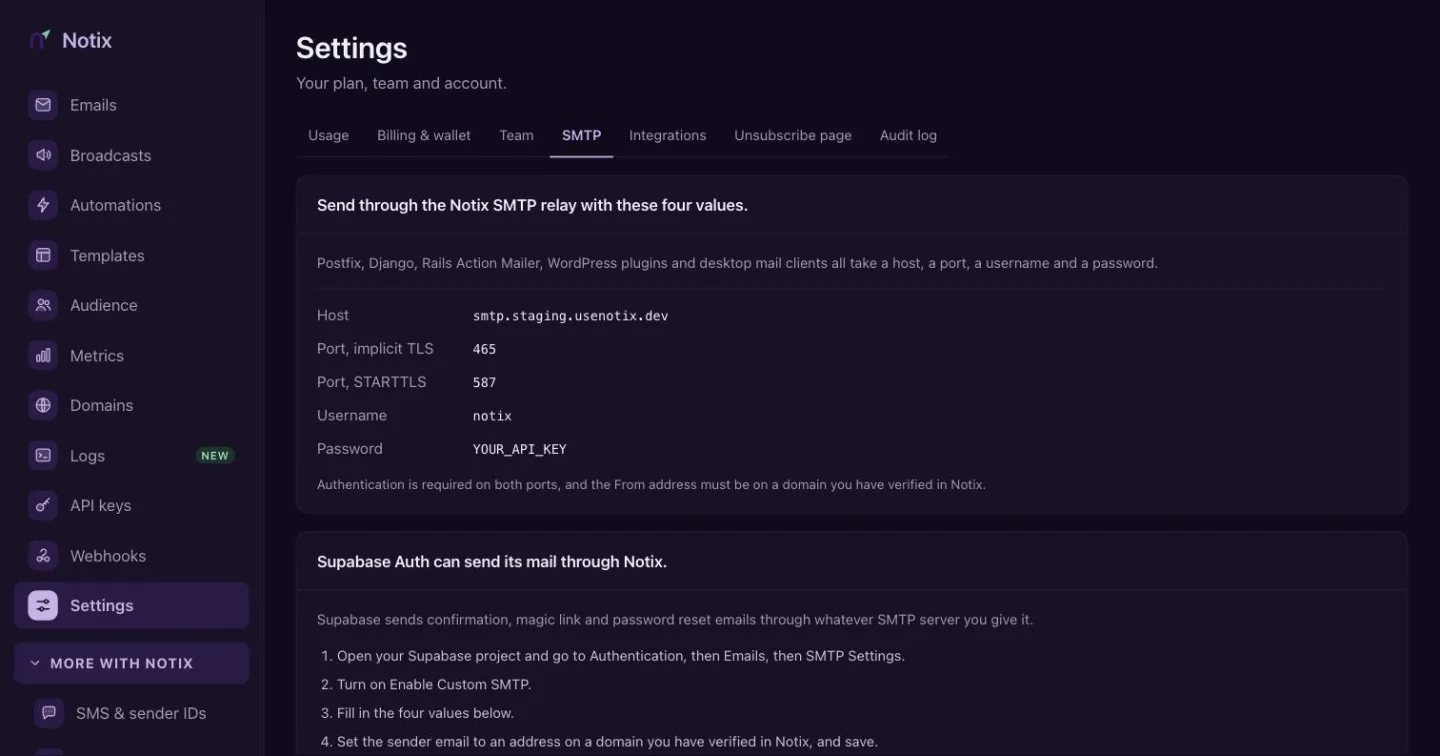
The SMTP password is an API key. The From address must be on a domain you have verified in Notix.