Team and roles
Invite teammates, choose their role, and see what each role can do.
A Notix team is one account that several people can use. Each person signs in with their own Google account and has a role that decides what they can do. Notix keeps no shared passwords.
The roles
| Role | What they can do |
|---|---|
| Admin | Everything: billing and the wallet, domains, webhooks, full access API keys, settings and who is on the team. |
| Member | Sends email and codes, works on templates, contacts, broadcasts and automations, and makes send only or read only API keys. Can turn a domain's open and click tracking on or off, and retry webhook deliveries. Cannot add or remove domains or webhooks, or change billing or the team. |
The person who created the team is its owner. The owner is an admin who can also close the team. See Settings.
Invite a teammate
Open Team in Settings
Go to Team in Settings. The People card lists everyone on the team with their role, when they were last active, and any invite that is still waiting. What each role can do sits beside it.
Screenshot comingThe Team tab with the People list and the roles cardTeam: everyone on the team, their role, and what each role can do. Press Invite someone
Press Invite someone. Type your colleague's email, like
ada@acme.com, and pick Admin or Member. Press the button to send.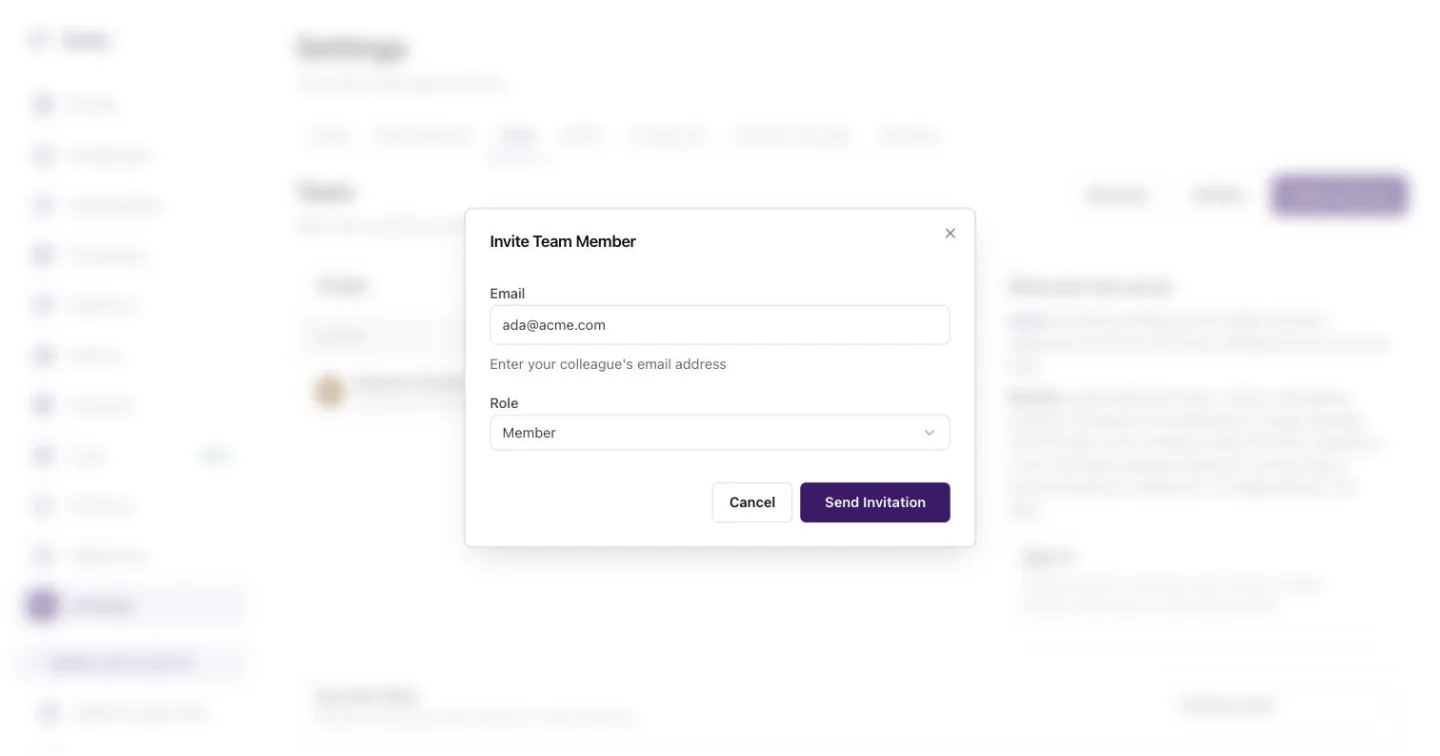
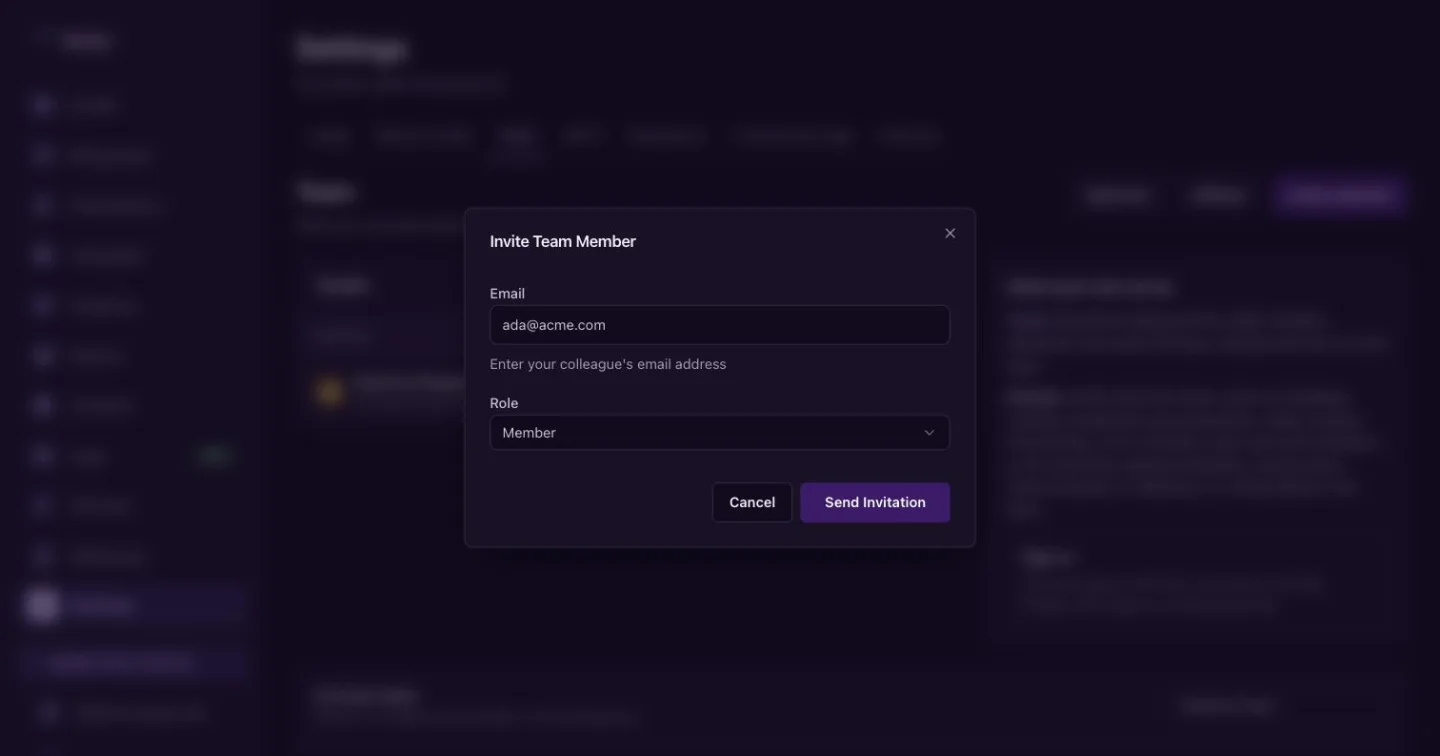
Invite a teammate by email and pick their role. They accept
Your colleague gets an email with a link. Until they sign in, the People list shows them as Not joined with how long the invite has waited. On the row, press Resend to send it again, Copy link to share the link yourself, or delete the invite.
The Free plan has one seat. To invite more people, move to Pro, which has no seat limit. See Billing and wallet.
Only admins see Invite someone.
Change a role or remove someone
On the person's row, press Change to switch them between Admin and Member, or Remove to take them off the team. You can leave a team yourself with Leave. When someone leaves, check API keys for keys they made and delete the ones you no longer need. A key whose maker left the team can no longer use the shared inbox.
Roles and API keys
A key can never do more than the person who made it. A member's keys can send email or read, but not reach the endpoints only admins may use. See API keys and permissions.
Refer a team and earn
Referrals and Affiliate at the top of the page lead to the referral link and the affiliate programme. See Referrals and affiliates.