Add and verify a domain
Send from your own address, like receipts@acme.com. About 5 minutes, most of it waiting for DNS.
You can look around Notix without a domain, and test emails to your team come from Notix. To send to anyone else, verify a domain.
Open Domains and add yours
Go to Deliver → Domains and press Add domain. Use a subdomain like
mail.acme.comso your company mail is never touched. Then press Add. New domains go to the current default sending region.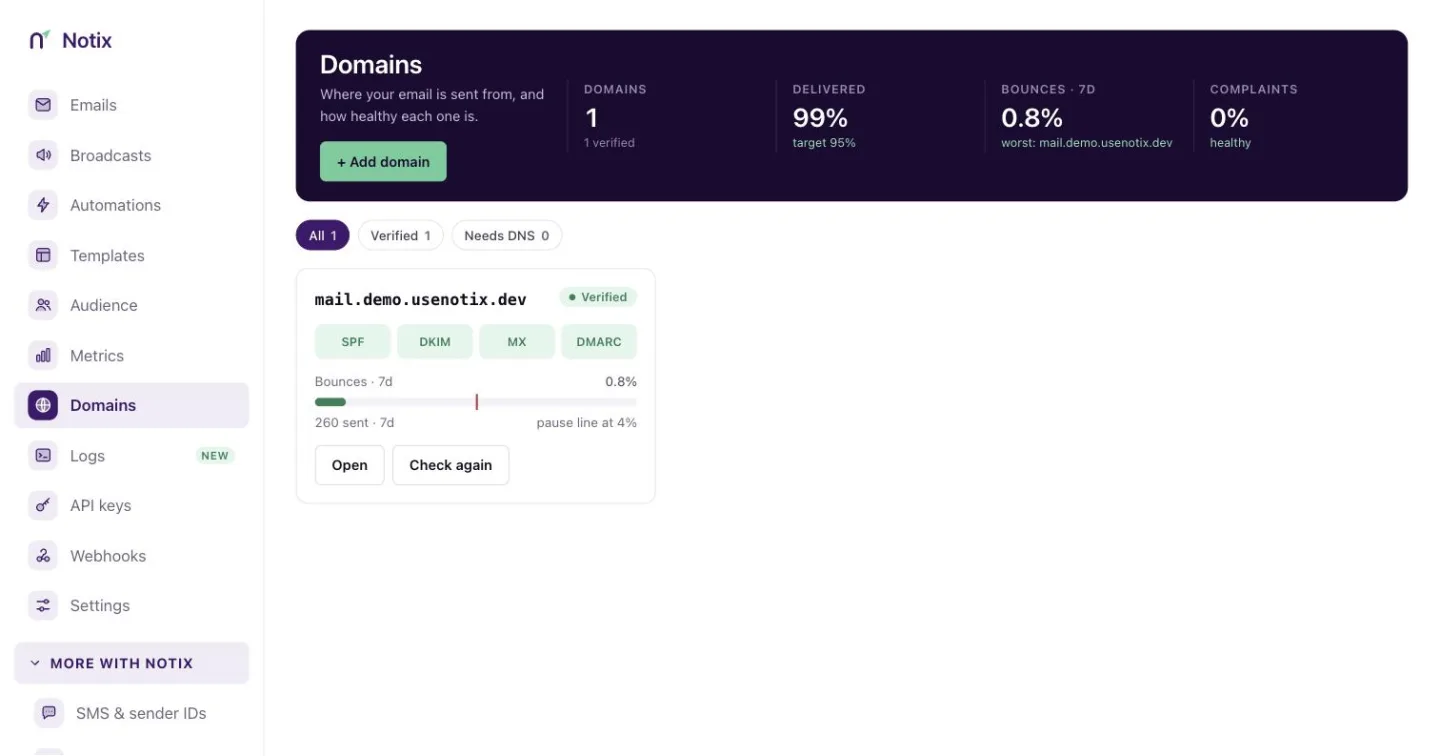
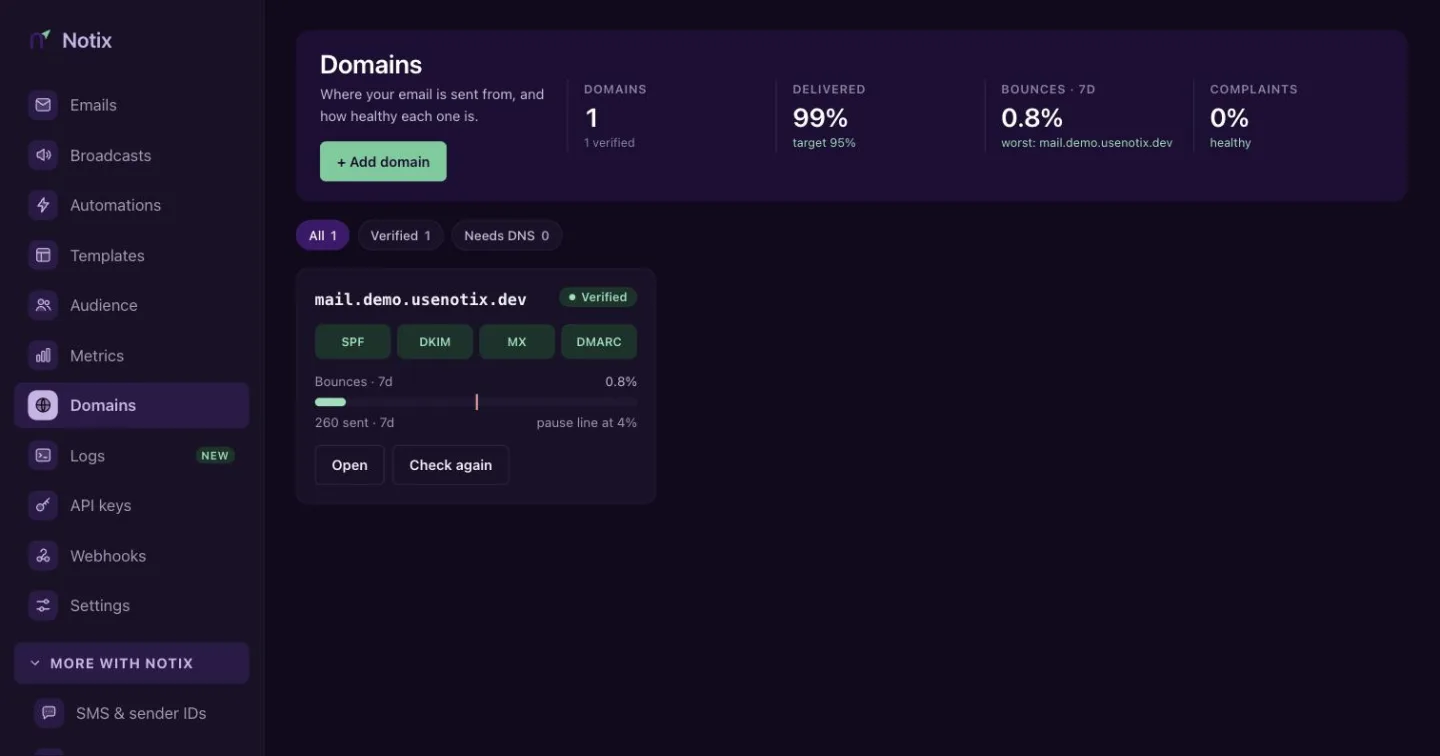
The Domains page. Each card shows its records and bounce rate for the last 7 days. Add the DNS records
Open the domain and copy the four records into your DNS provider. If you use Cloudflare, press Set up automatically and Notix adds them for you.
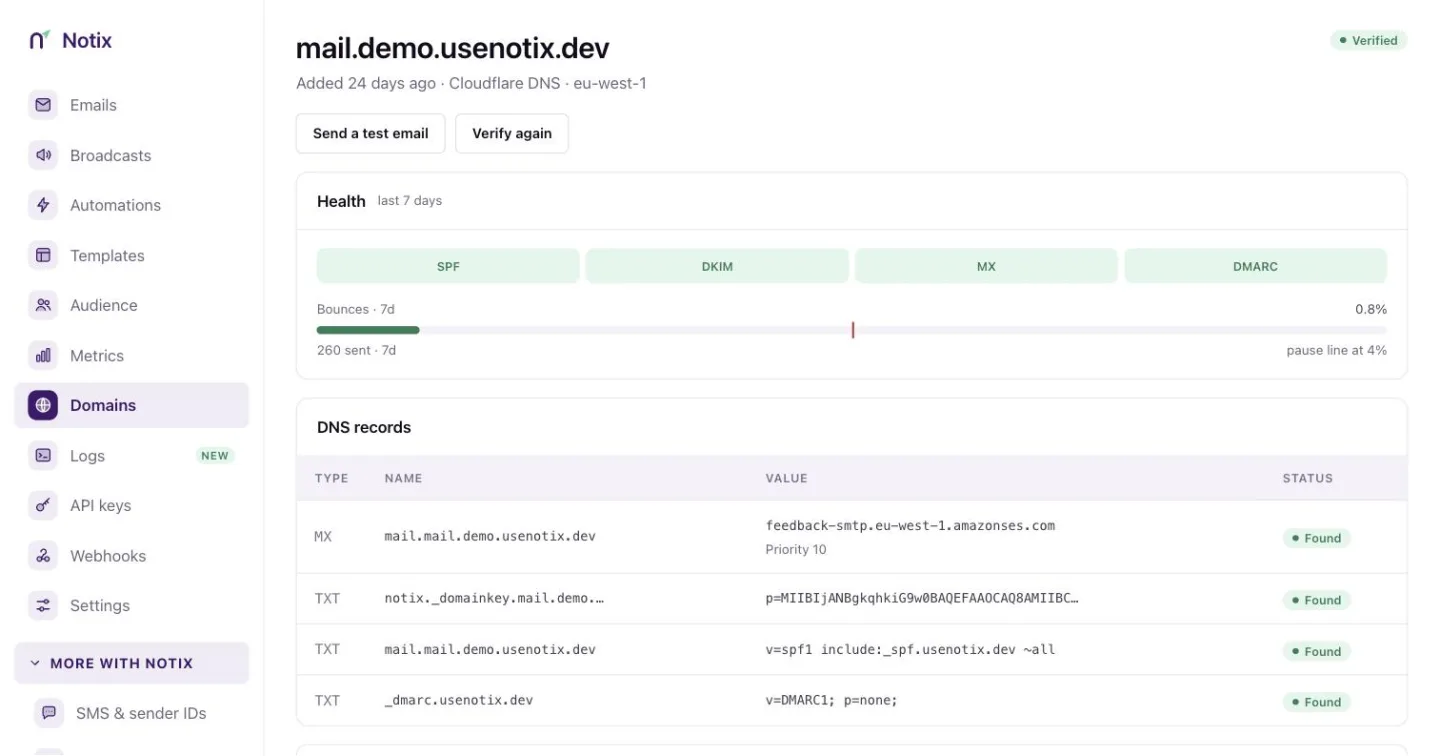
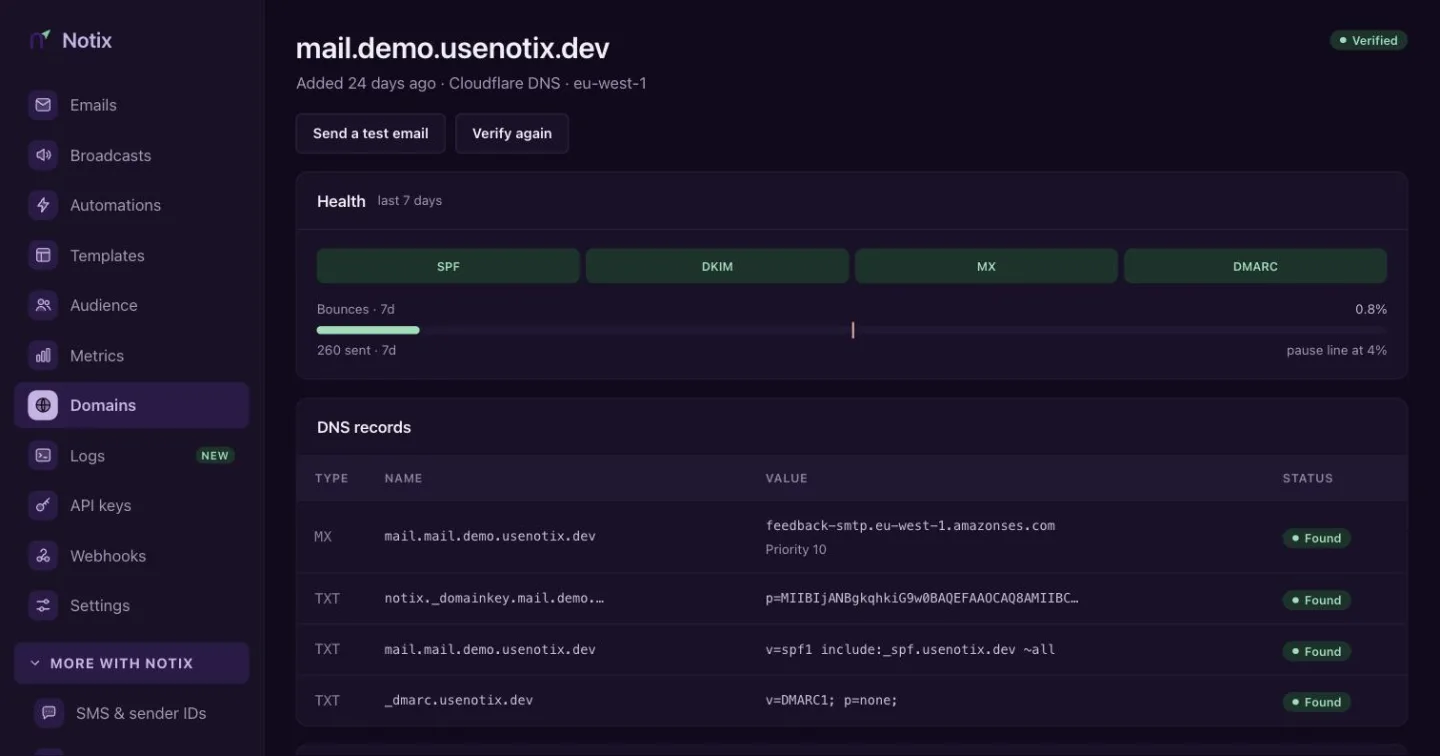
A verified domain: health, the MX, DKIM, SPF and DMARC records, and tracking switches. Today Domain Connect works with Cloudflare and NameSilo; more DNS hosts are switching it on for Notix. Every other provider gets records to copy and paste, with a step-by-step guide for each DNS host in Add your DNS records.
Verify
Press Verify again. Most records show Found within 10 minutes. The domain turns Verified when all of them are found.
Seeing "Bounces are 8.7%. Sending pauses at 4%"? That domain is close to being paused to protect your reputation. Clean your list before your next send.
Broadcasts and automations from a new domain need all three checks to pass: the domain, DKIM, and MAIL FROM (the MX and SPF records on
mail.). Until they do, the domain page shows Campaigns and journeys on hold with the record to fix, the value we found and the value to set. Transactional email still sends.Or do it with the API
Add the domain, publish the records it returns, then ask Notix to check them. Leave
regionout: new domains go to the current default region, and the response'sregionsays which one was used. Choosing another region is not open to every account yet; asking for one that is not open answers 400 with the region that is.curl https://app.usenotix.dev/api/v1/domains \ -H "Authorization: Bearer $NOTIX_API_KEY" \ -H "Content-Type: application/json" \ -d '{ "name": "mail.acme.com" }'import { Notix } from "notix-js"; const notix = new Notix(process.env.NOTIX_API_KEY); const { data, error } = await notix.domains.create({ name: "mail.acme.com", });import os from notix import Notix notix = Notix(os.environ["NOTIX_API_KEY"]) data, error = notix.domains.create({"name": "mail.acme.com"})<?php use Notix\Notix; $notix = new Notix(getenv('NOTIX_API_KEY')); $domain = $notix->domains->create([ 'name' => 'mail.acme.com', ]);Then call Verify a domain with the domain id. Adding a domain needs a full access key.
How pauses work
Notix counts hard bounces and complaints over the last 7 days, once a domain has sent at least 200 emails in that time. At 2% bounces or 0.05% complaints you get a warning. At 4% bounces, or 0.08% complaints from at least 5 people, sending from that domain pauses. A paused domain shows Request review. Read more in Domain health and pauses.
A new domain warms up
A new domain can send 200 emails a day for its first 14 days. Every send counts, from the API, SMTP, batches, broadcasts and automations. Broadcasts and automations can use 80% of it, so the last 20% is kept for single emails like password resets. Read more in Warm-up.
Next: give your AI access
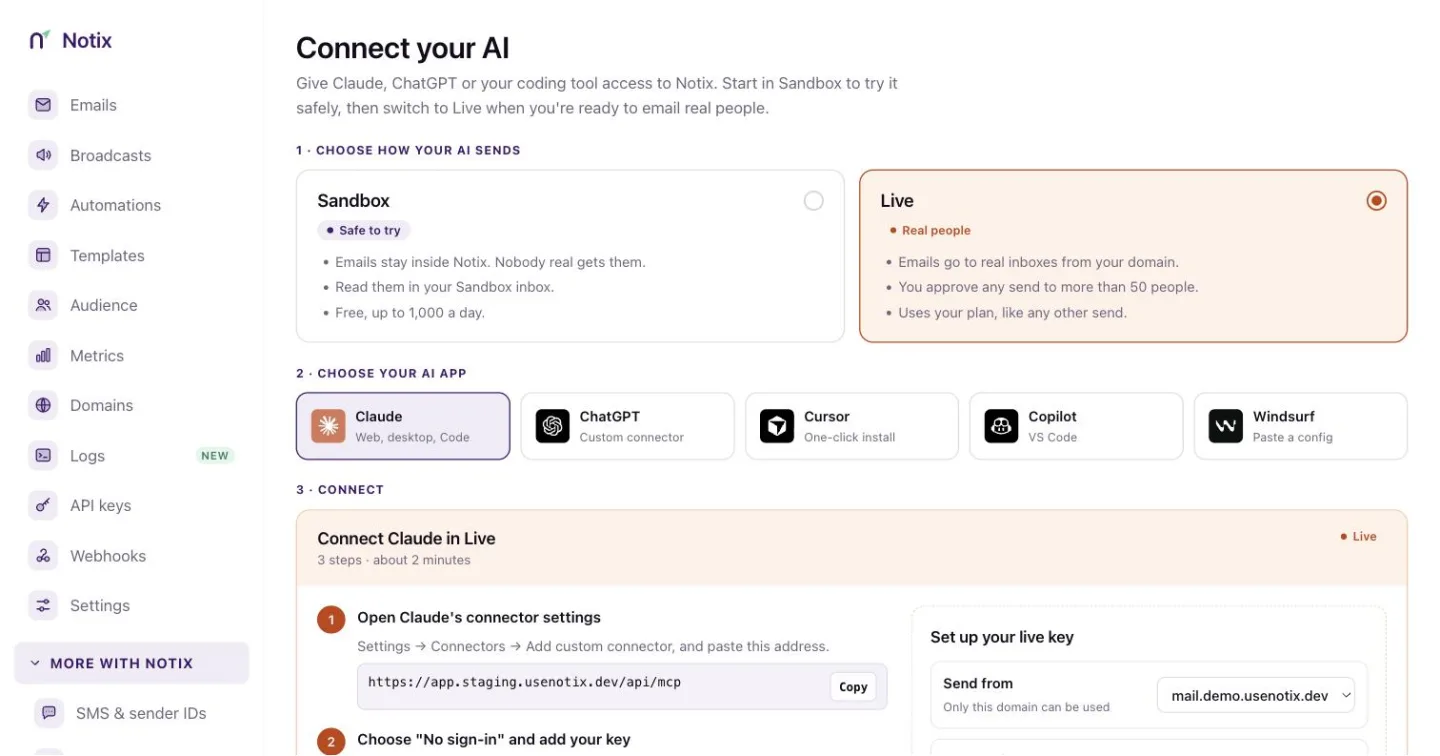
With a verified domain you can make a key for Claude, ChatGPT, Cursor, Copilot or Windsurf. Start with Connect your AI.