Settings
Team settings, connected apps and the one-time code risk rules.
Settings holds your usage, billing and wallet, your team, the SMTP values, integrations, your unsubscribe page and the audit log, in tabs across the top. It also holds your team's name, country and theme, the emails Notix sends you, and the button that closes the team.
General
Open Settings
In the console, go to Settings, the last item in the main menu. The tabs are Usage, Billing & wallet, Team, SMTP, Integrations, Unsubscribe page and Audit log.
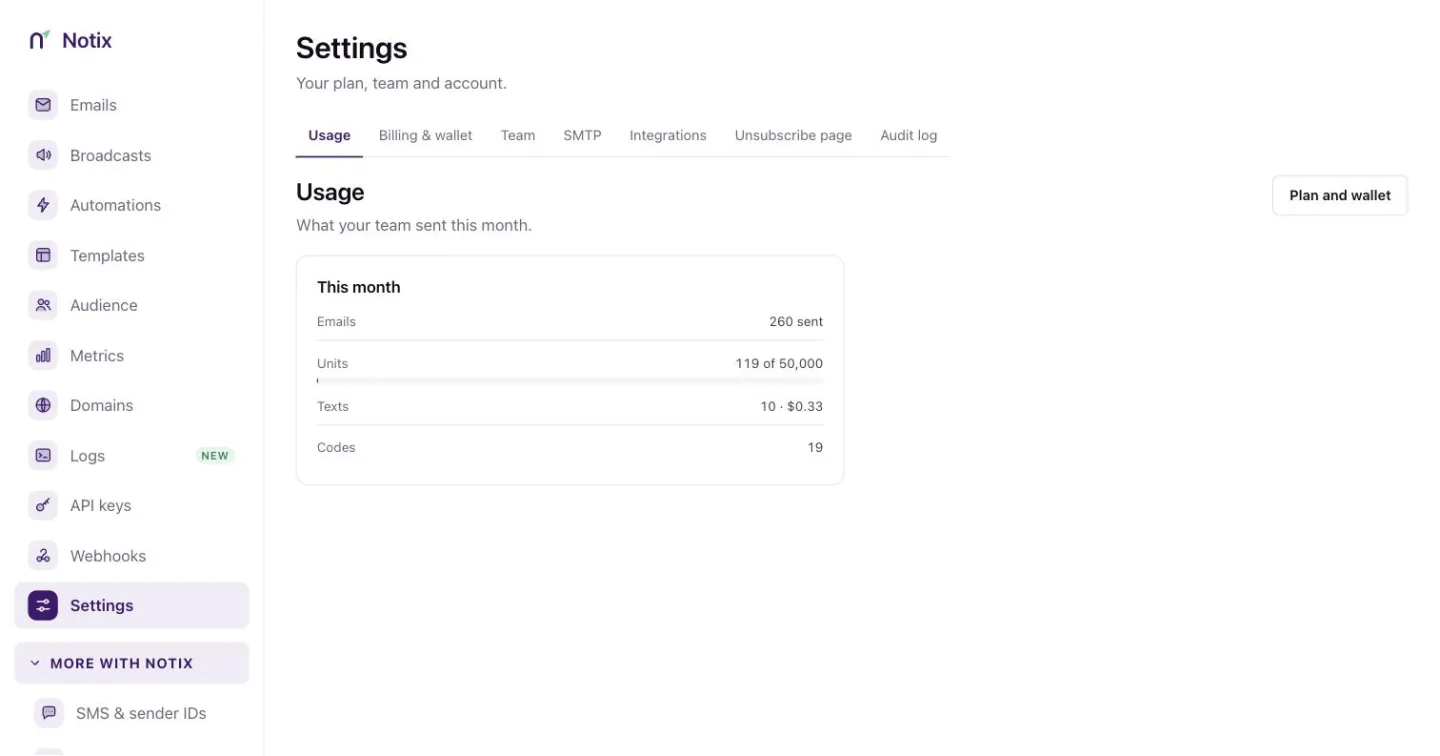
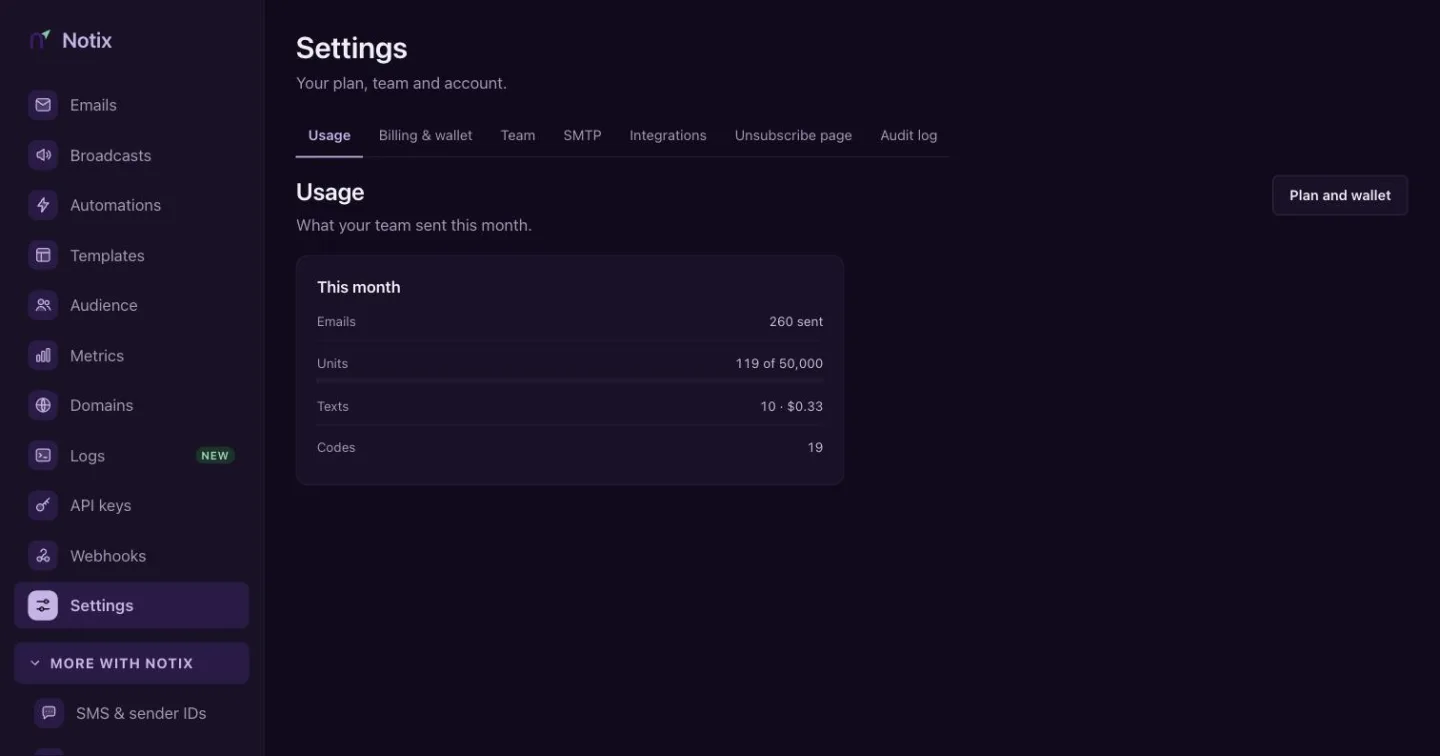
Settings: your team's name, country, theme and notifications. Change the account name
Account name is shown on invitations and receipts. Type the new name and press Save. Only a team admin can change it.
Check the country
Country shows where the account signed up and the wallet currency for SMS and codes, for example "Nigeria · NGN". It decides the currency of your wallet and your local prices.
Pick a theme
Theme switches the console between Light and Dark for this browser.
Notifications
Notix emails you about three things. They are always on.
| When | Who gets the email |
|---|---|
| A domain's bounce or complaint rate gets close to the pause limit | Admins, at most once a week for each domain. See Domain health and pauses. |
| The wallet balance is running low | Admins on Pro, when the balance drops below a share of the monthly price. |
| A domain's verification status changes | Everyone on the team, when a check finds the change. |
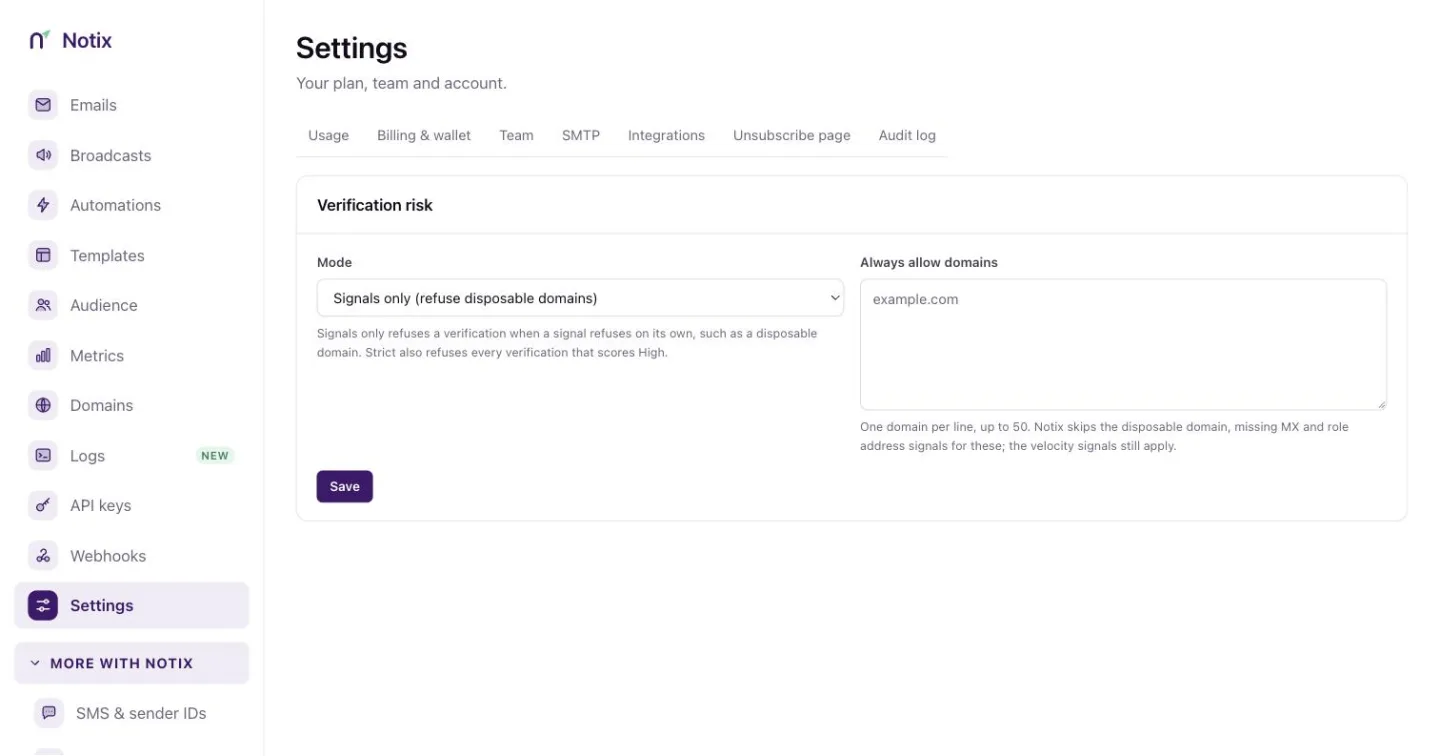
Verification risk
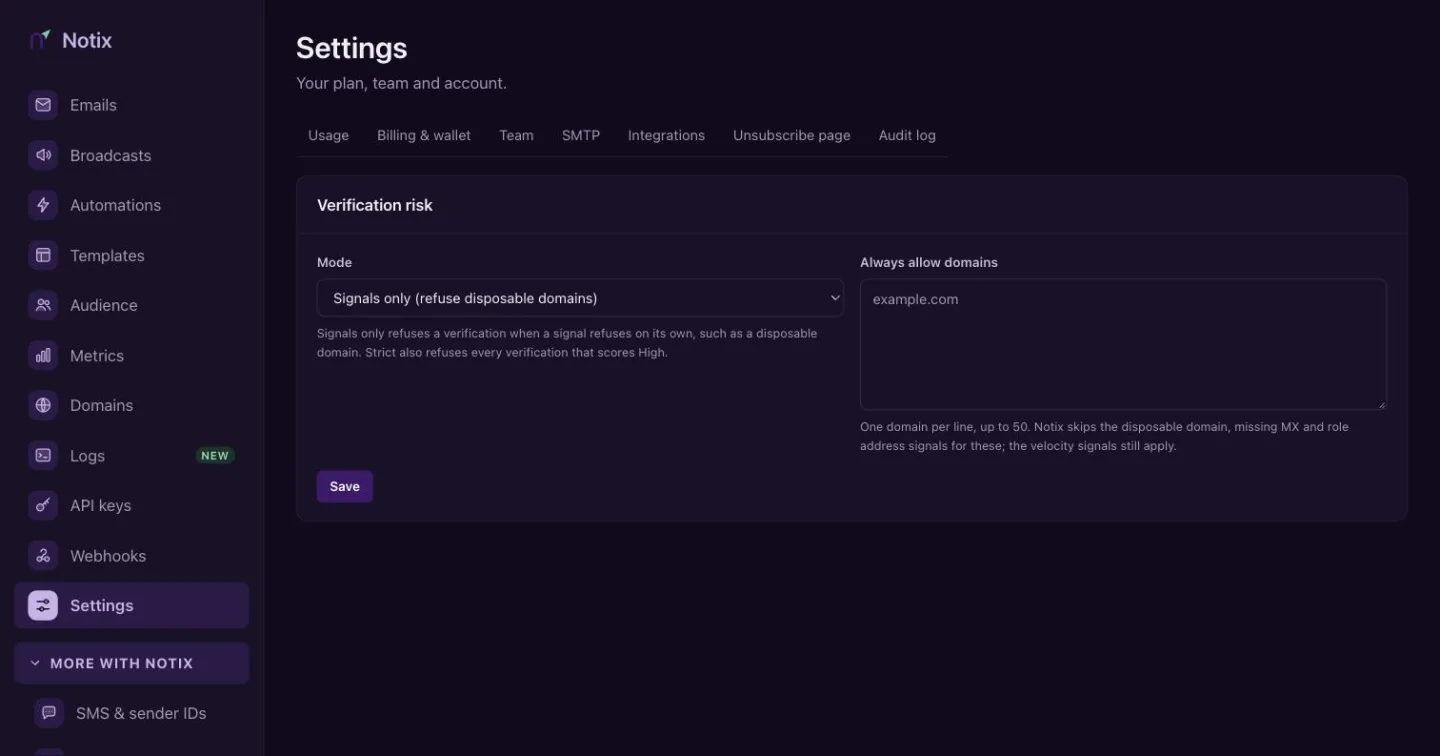
Verification risk (press Risk settings on the One-time codes page) sets how strict Notix is before it sends a one-time code: Signals only or Strict, and a list of domains it always allows. See One-time codes.
SMTP and integrations
The SMTP tab has the values to paste for Supabase Auth, Node.js, Vercel and any SMTP client. The Integrations tab connects the apps you already use. See Integrations.
Close the team
Only the team's owner sees Delete account in Settings.
Closing the team stops all sending and API access the moment you confirm. The subscription is cancelled now, not at the end of the month. Any money left in your wallet is forfeited and is not refunded, even if you restore the team.
Press Close team
Under Close this team, press Close team.
Confirm
Type the team name to confirm and press Close the team.
Change your mind within 30 days
For 30 days, you as the owner can restore everything from the banner at the top of the console. After that, contacts, broadcasts, domains and sending history are erased for good.
Your integrations hear about it at once through the team.closed webhook event, and team.restored if you bring the team back.