Referrals and affiliates
Refer a team to Notix, or join the affiliate programme and earn a share of what they pay.
There are two ways to earn from bringing other teams to Notix. Referrals are for any team: invite a team you work with and earn wallet credit. The affiliate programme is for people who promote Notix to an audience and want a share of what those teams pay.
The reward figures on both pages come from Notix's current terms, so the console always shows the live numbers.
Referrals
Open Referrals
Go to Team in Settings and press Referrals. The line under the title says what you earn, for example "You get 1 month of Pro as wallet credit for every team that signs up with your link and makes its first payment."
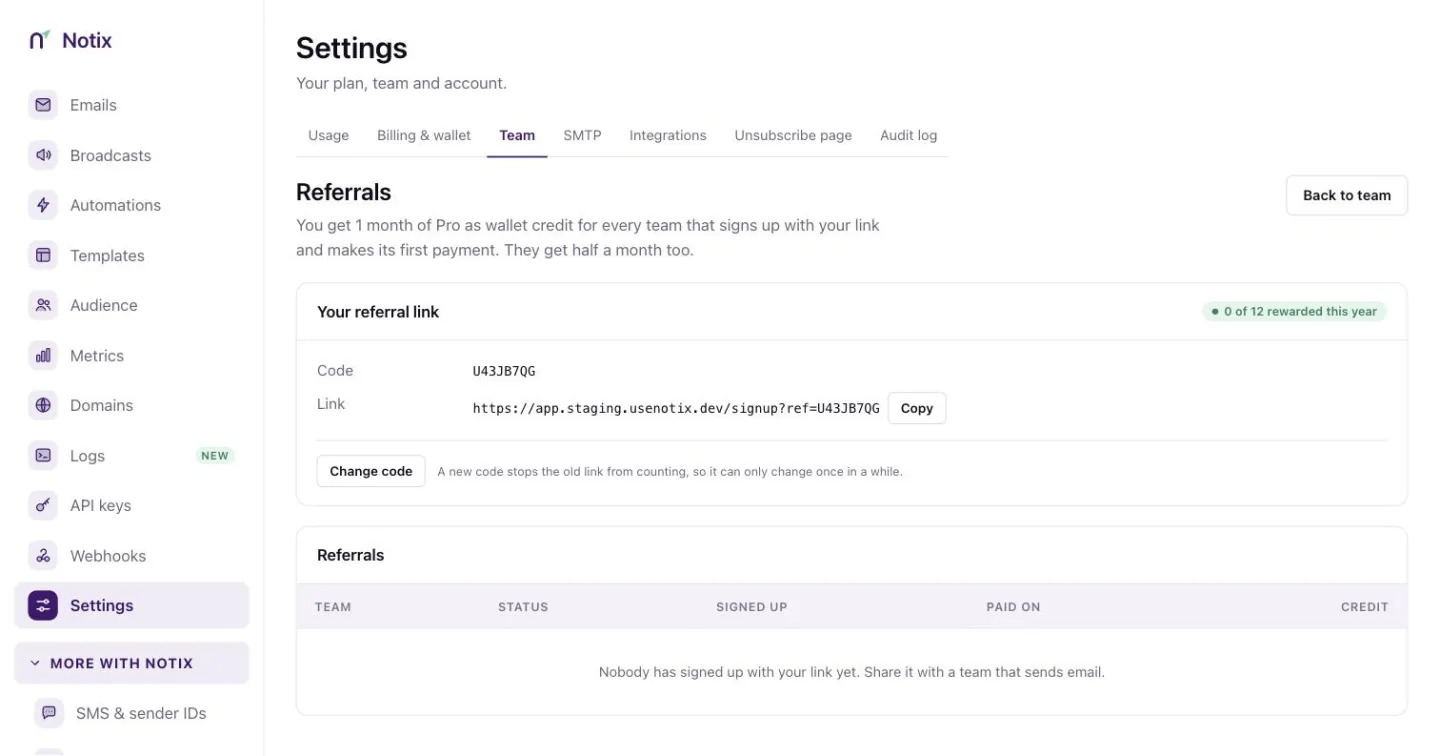
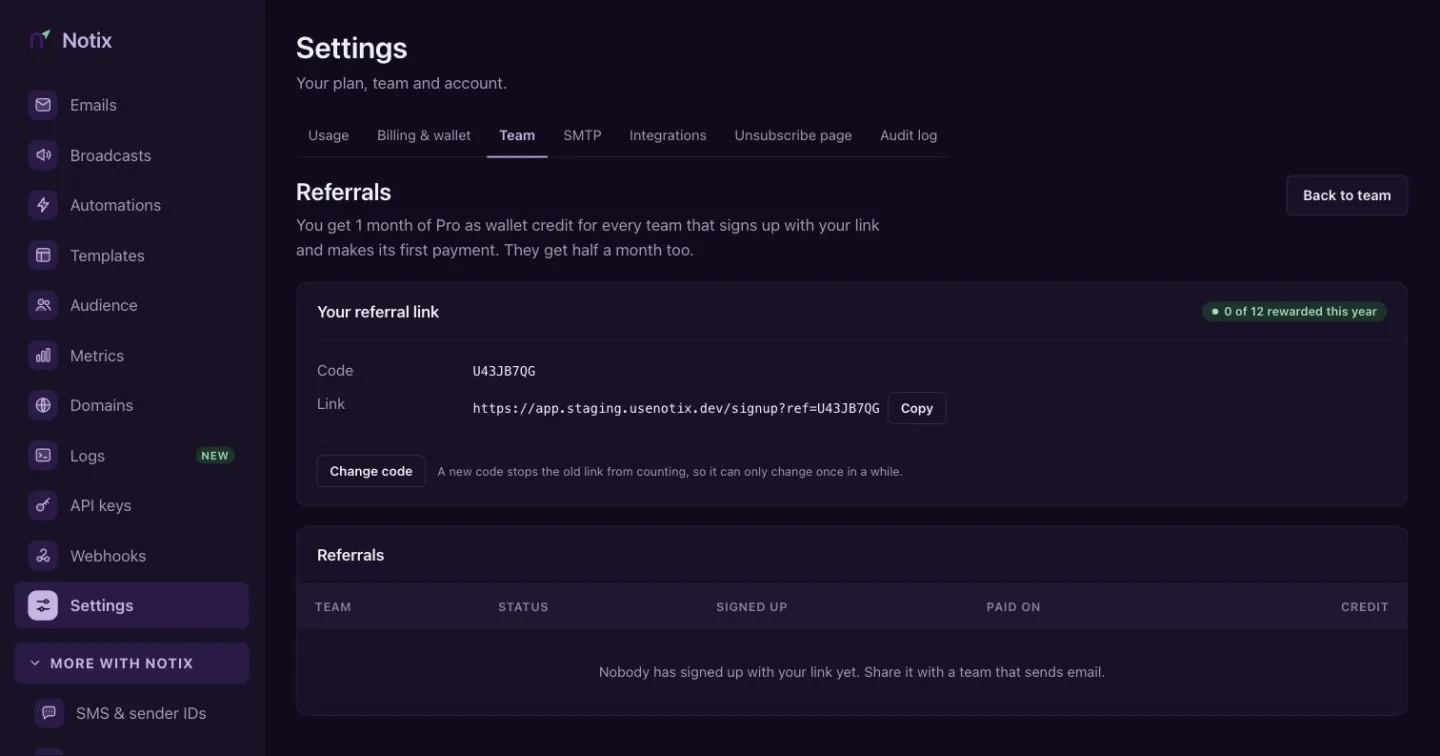
Referrals: your link, and every team that used it. Share your link
Press the copy button on Your referral link and send it to a team that sends email. A team admin can press Change code to pick a new code. A new code stops the old link from counting, so it can only change once in a while.
Watch the rewards
The table lists every team that signed up with your link, when it signed up, when it first paid and the status of the reward. The credit goes to your wallet once the reward is given.
A referral only counts once your own team sends from a verified domain. If yours does not yet, the page tells you.
The affiliate programme
The affiliate programme pays you a share of what the teams you bring pay Notix, for a set number of months per customer. The current rate and term are on the affiliate programme page and in the console.
Open Affiliate
Go to Team in Settings and press Affiliate.
Apply
A team admin fills in Apply to the affiliate programme: your website, the payout country, who you would tell about Notix, how you would promote it, and how you want to be paid. Payout details are stored encrypted. Press Apply. You hear back by email once the application has been reviewed.
Share your affiliate link
Once you are approved, the page becomes your dashboard for team admins (the owner always is one). Earnings are money, so a member sees "Affiliate earnings are visible to team admins." instead. Copy Your affiliate link. A click counts for a set number of days, and anyone who signs up in that time is yours.
Screenshot comingThe affiliate dashboard with the affiliate link, customers, commission and payoutsThe affiliate dashboard: your link, customers, commission and payouts. Get paid
Customers lists the teams you brought and until when each one earns. Commission lists each payment and your share, net of processing fees. Under Payouts, a team admin presses Request payout once the balance reaches the minimum. Download statement gives you a statement for any of the last twelve months.
Your payout currency follows your payout country, so the money reaches an account that can receive it.