Send SMS
Send a text message from the API or the console, paid from your wallet.
SMS needs no paid plan. You turn it on once, add money to your wallet, and each text is charged to the wallet when it is queued. This page covers the SMS & sender IDs screen in the console and the Send an SMS API call.
Set up SMS
Open SMS & sender IDs
In the console, go to SMS & sender IDs. The top strip shows what you sent this week and what it cost. Below it are your sender IDs, the price per text for each country, and three set-up cards.
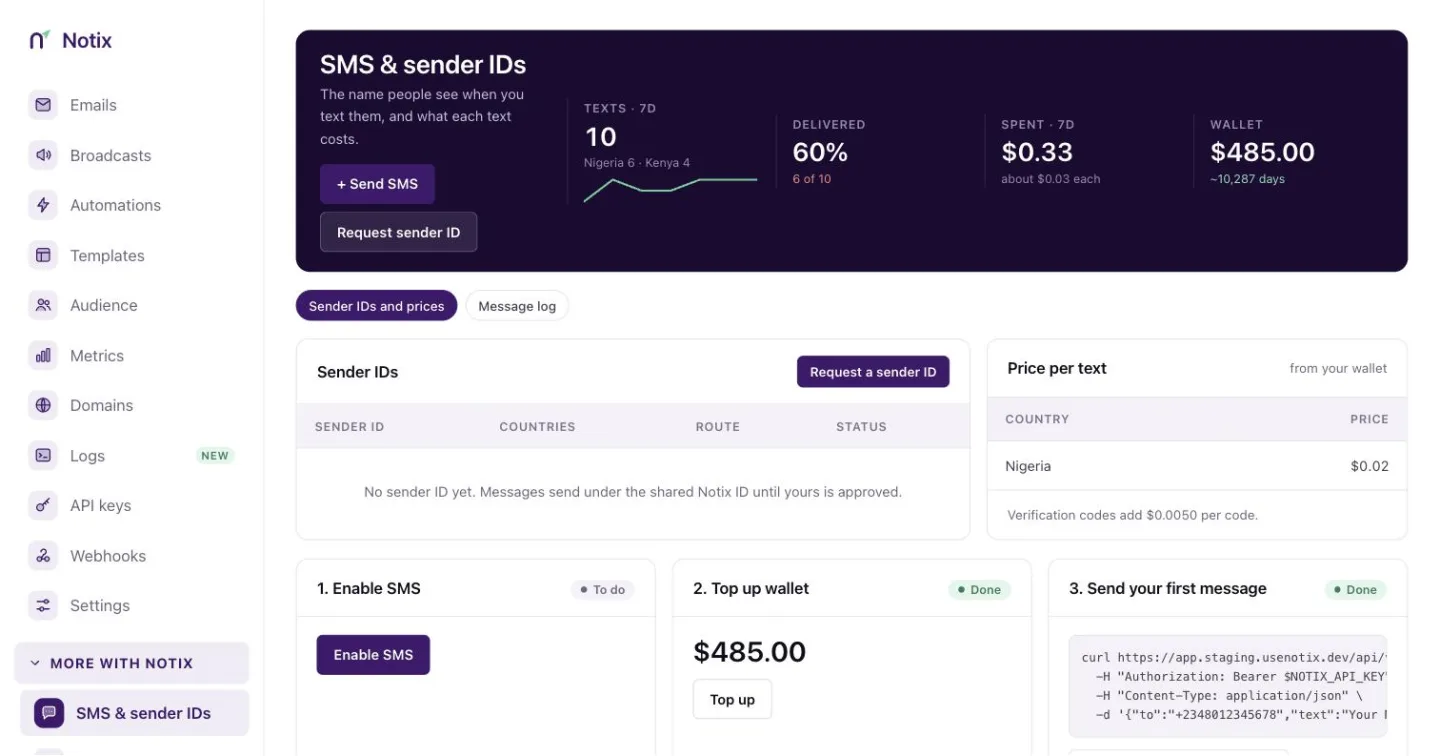
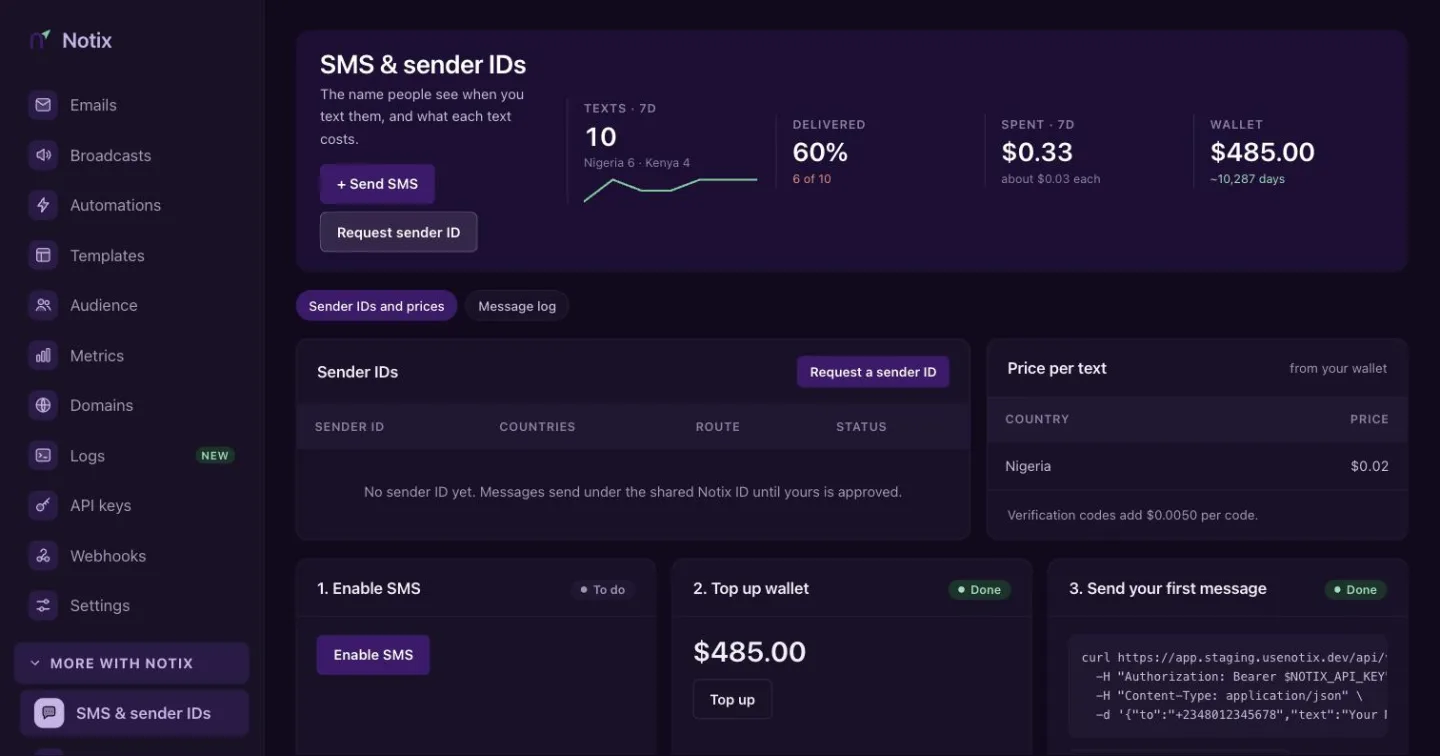
SMS & sender IDs: your sender IDs, the price per text, and the set-up steps. Enable SMS
On the card 1. Enable SMS, press Enable SMS. This also creates your wallet. The card then reads "SMS is enabled for your team."
Top up your wallet
On 2. Top up wallet, press Top up. It opens the top-up dialog on Billing & wallet. Texts are paid from this balance, so it must cover a message before it is sent.
Send your first message
On 3. Send your first message, type your own number with its country code, like
+2348012345678, and press Send a test. The card shows how many free test messages you have left today.
Send with the API
Send a POST to /v1/sms with the number in E.164 form (a plus sign and the country code) and the text.
curl -X POST https://app.usenotix.dev/api/v1/sms \
  -H "Authorization: Bearer $NOTIX_API_KEY" \
  -H "Content-Type: application/json" \
  -H "Idempotency-Key: order-4471-shipped" \
  -d '{
    "to": "+2348012345678",
    "text": "Your Acme order 4471 has shipped."
  }'
import { Notix } from "notix-js";

const notix = new Notix(process.env.NOTIX_API_KEY);

const { data, error } = await notix.sms.send(
  { to: "+2348012345678", text: "Your Acme order 4471 has shipped." },
  { idempotencyKey: "order-4471-shipped" },
);
import os
from notix import Notix

client = Notix(os.environ["NOTIX_API_KEY"])

data, err = client.sms.send(
    {"to": "+2348012345678", "text": "Your Acme order 4471 has shipped."},
    idempotency_key="order-4471-shipped",
)
use Notix\Notix;

$notix = new Notix(getenv('NOTIX_API_KEY'));

$sms = $notix->sms->send(
    ['to' => '+2348012345678', 'text' => 'Your Acme order 4471 has shipped.'],
    'order-4471-shipped',
);
senderId is optional. When you leave it out, Notix uses your own approved sender ID for that country, or the shared Notix sender ID when you have none. See Sender IDs.
Pass an Idempotency-Key header so a retry never sends the text twice. The same key and body answer the first result for 24 hours.
What a text costs
One text of plain letters and digits (GSM-7) is up to 160 characters. Longer text is billed in parts of 153 characters. Text with other characters, like emoji or some accented letters, is billed per 70 characters (67 when it is split). A message can be up to 1,600 characters.
The Price per text card lists the price for each country, charged from your wallet. You can also read the prices with Get the SMS overview.
When a send is refused
| Status | Code | What it means |
|---|---|---|
| 400 | BAD_REQUEST | The number is not valid E.164, the text is empty or too long, or you may not use that sender ID. |
| 402 | INSUFFICIENT_BALANCE | Your wallet cannot cover the message. Nothing was sent. |
| 403 | FORBIDDEN | SMS is not enabled for your team. |
| 422 | RISK_REFUSED | Risk scoring refused the request. |
Follow each message
Press Message log at the top of the page to see every text, newest first. Filter by Queued, Sent, Delivered, Not delivered or Not sent. Press a row to open the message detail with the number, status, reason, cost, segments and sender ID. The Cost column and the cost in the detail are shown to team admins only (the owner always is one).
On the API, Send an SMS, Get an SMS message and List SMS messages return each text's charge only to a key made by a team admin or the owner, checked on every call. A key a member made, a key with no recorded maker, a key limited to one domain and a live AI key get charge: null. A dry run (Notix-Dry-Run: true) shows the wallet balance on the same rule, and a refusal for a short wallet, a budget or a spend limit names its amount on the same rule too.
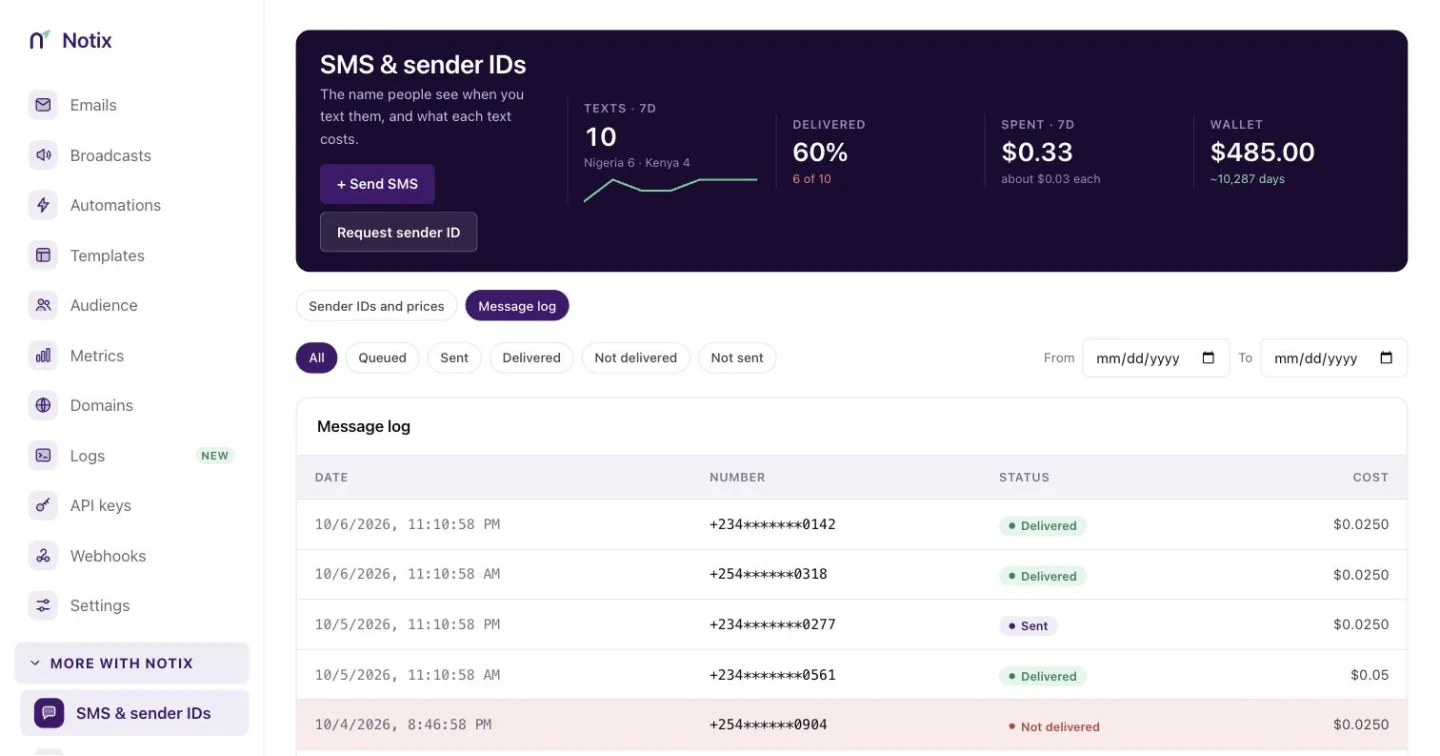
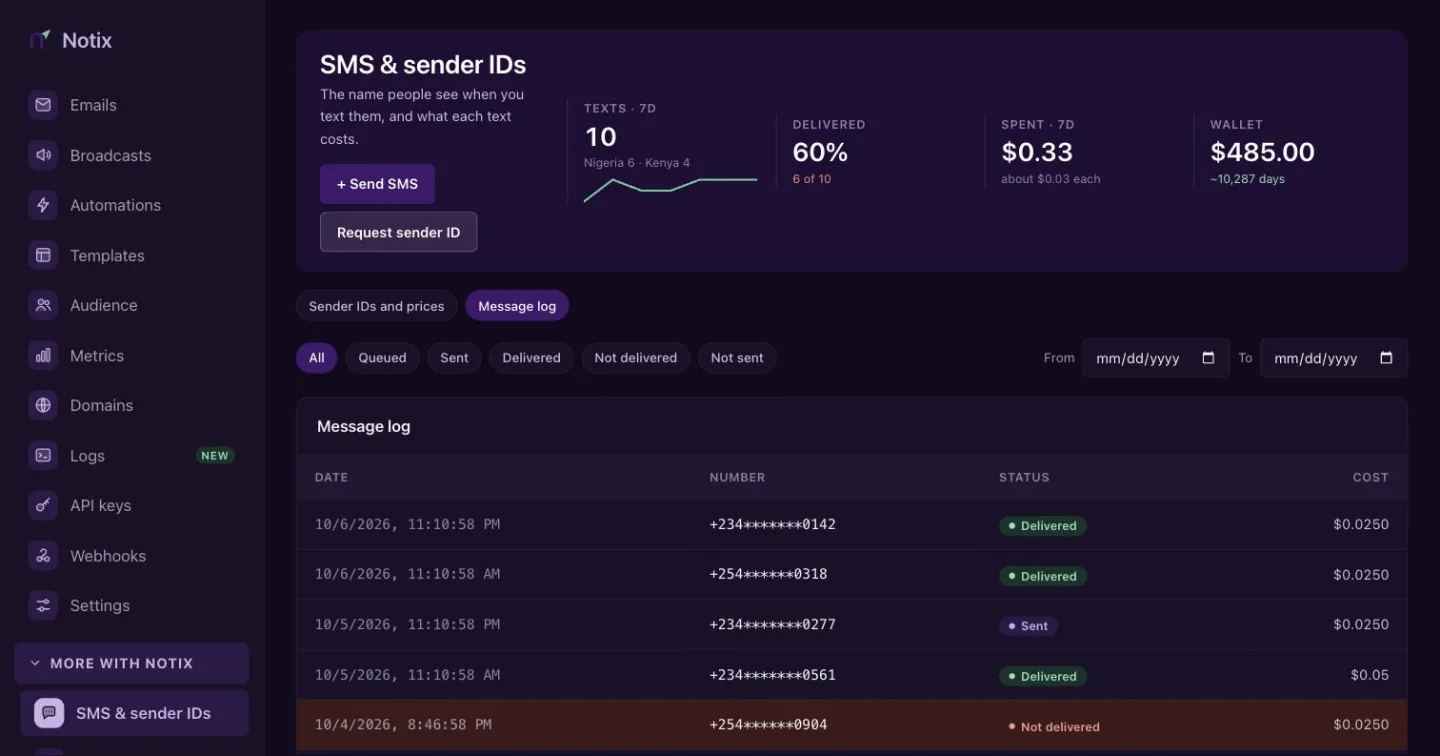
Your server can follow each message too:
- The
sms.sent,sms.deliveredandsms.failedwebhook events. - Get an SMS message reads one message back.
deliveryReasonsays why a message failed, for example that the number is on DND or not in service. - List SMS messages pages through them.
A message refused before it was sent (Not sent) is returned to your wallet. A message that was sent but never delivered (Not delivered) stays charged, because the network was paid to carry it.