Send emails
Send one email with the API: from, to, subject and body, plus cc, bcc, reply-to and headers.
One API call sends one email. You get back an emailId, and every webhook event for that email carries the same id.
You need an API key and a from address on a domain you have verified. See Create an API key and Add and verify a domain.
Send your first email
Keep your key on the server
Store the key in your server environment as
NOTIX_API_KEY. Never ship it to a browser or a mobile app.Make the call
Send a
POSTto/v1/emailswith a JSON body.fromis required. Sendhtml,text, or both. Send both when you can, because some mail clients show only one.curl -X POST https://app.usenotix.dev/api/v1/emails \ -H "Authorization: Bearer $NOTIX_API_KEY" \ -H "Content-Type: application/json" \ -d '{ "from": "Acme <receipts@acme.com>", "to": "customer@example.com", "subject": "Your receipt for order 4471", "html": "<p>Thanks for your order.</p>", "text": "Thanks for your order." }'import { Notix } from "notix-js"; const notix = new Notix(process.env.NOTIX_API_KEY); const { data, error } = await notix.emails.send({ from: "Acme <receipts@acme.com>", to: "customer@example.com", subject: "Your receipt for order 4471", html: "<p>Thanks for your order.</p>", text: "Thanks for your order.", });from notix import Notix notix = Notix() # reads NOTIX_API_KEY data, error = notix.emails.send({ "from": "Acme <receipts@acme.com>", "to": "customer@example.com", "subject": "Your receipt for order 4471", "html": "<p>Thanks for your order.</p>", "text": "Thanks for your order.", })use Notix\Notix; $notix = new Notix(getenv('NOTIX_API_KEY')); $email = $notix->emails->send([ 'from' => 'Acme <receipts@acme.com>', 'to' => 'customer@example.com', 'subject' => 'Your receipt for order 4471', 'html' => '<p>Thanks for your order.</p>', 'text' => 'Thanks for your order.', ]);Keep the id
The answer is
200with the new email's id:{ "emailId": "cmg8x2k4b0001qz8v3hf7d2ab" }Store it next to your order or user. Webhook events and Get an email use it.
The fields
| Field | What it does |
|---|---|
from | Required. An address on a verified domain. Add a name with "Acme <receipts@acme.com>". |
to | One address or a list. Optional when cc or bcc names someone. |
cc, bcc | Copied and blind copied recipients. |
replyTo | Where replies go. One address or a list. |
subject | Up to 998 characters. Optional when you send a templateId. |
html, text | The body. Up to 2,000,000 characters each. |
templateId, variables | Send a saved template and fill its variables. See Templates and library. |
headers | Up to 50 custom headers. |
attachments | Up to 10 files. See Attachments. |
scheduledAt | Send later. See Schedule email. |
The full list, with types, is in the Send an email reference.
Recipients
to, cc and bcc can name 50 different people between them. The same address in two fields counts once. Addresses are compared without case, so Ada@Example.com and ada@example.com are one person.
Each recipient counts as one email against your daily and monthly limits and on your bill. A recipient on your suppression list is skipped and not counted. See Bounces and suppressions.
A message that names more than 50 people is refused with 422 before anything is sent:
{
  "error": {
    "code": "UNPROCESSABLE_ENTITY",
    "message": "A message can name at most 50 recipients across to, cc and bcc; this one names 63."
  }
}
To send to more people, use Batch sending for different messages, or a broadcast for a list.
Send a template
Build the email once in the console, then send it by id. The template carries its own subject, so subject is optional.
curl -X POST https://app.usenotix.dev/api/v1/emails \
  -H "Authorization: Bearer $NOTIX_API_KEY" \
  -H "Content-Type: application/json" \
  -d '{
    "from": "Acme <hello@acme.com>",
    "to": "ada@example.com",
    "templateId": "cmg8x9t2c0004qz8vbk1m7e3d",
    "variables": { "firstName": "Ada", "actionUrl": "https://acme.com/welcome" }
  }'
You can pass up to 200 variables, each up to 10,000 characters. A link that is only a variable, such as {{actionUrl}}, is filled only with an http, https, mailto or tel address.
Custom headers
Use headers for your own headers, such as a tag your systems read:
{ "headers": { "X-Order-Id": "4471" } }
You can send up to 50. A name is letters, digits and dashes, up to 100 characters. A value is up to 2,000 characters with no line breaks. Notix sets identity headers itself, such as From, Reply-To, Message-ID and DKIM-Signature, and drops them if you send them here.
Preview without sending
Add the header Notix-Dry-Run: true to see what a send would do. The answer says who it would reach, what it would cost, whether it would be allowed and which limits it counts against. Nothing is sent, charged or saved.
curl -X POST https://app.usenotix.dev/api/v1/emails \
  -H "Authorization: Bearer $NOTIX_API_KEY" \
  -H "Notix-Dry-Run: true" \
  -H "Content-Type: application/json" \
  -d '{ "from": "receipts@acme.com", "to": "customer@example.com", "subject": "Test", "text": "Hello" }'
Errors
| Status | Code | Meaning |
|---|---|---|
| 400 | BAD_REQUEST | The request is invalid. The message names the field and the limit. |
| 401 | UNAUTHORIZED | The API key is missing or not valid. |
| 403 | FORBIDDEN | The key is restricted to a different domain than the from address. |
| 413 | The request body is over 20 MB. | |
| 422 | UNPROCESSABLE_ENTITY | More than 50 recipients. |
| 429 | RATE_LIMITED | You reached the rate limit or your send limit. |
Every error has the same shape. See Errors. To retry safely after a timeout, add an idempotency key. See Idempotency keys.
See what happened
Every email you send shows up on the Emails page in the console, with its status and timeline.
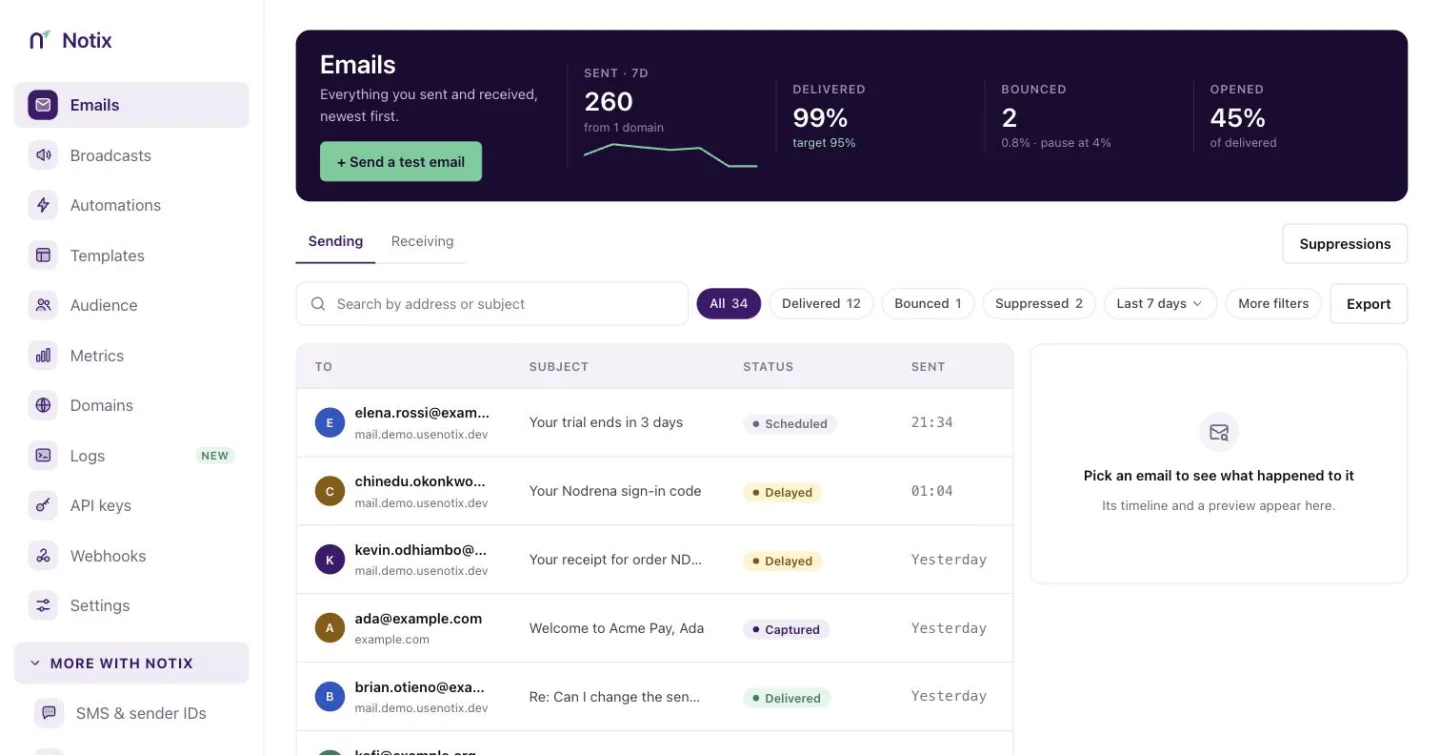
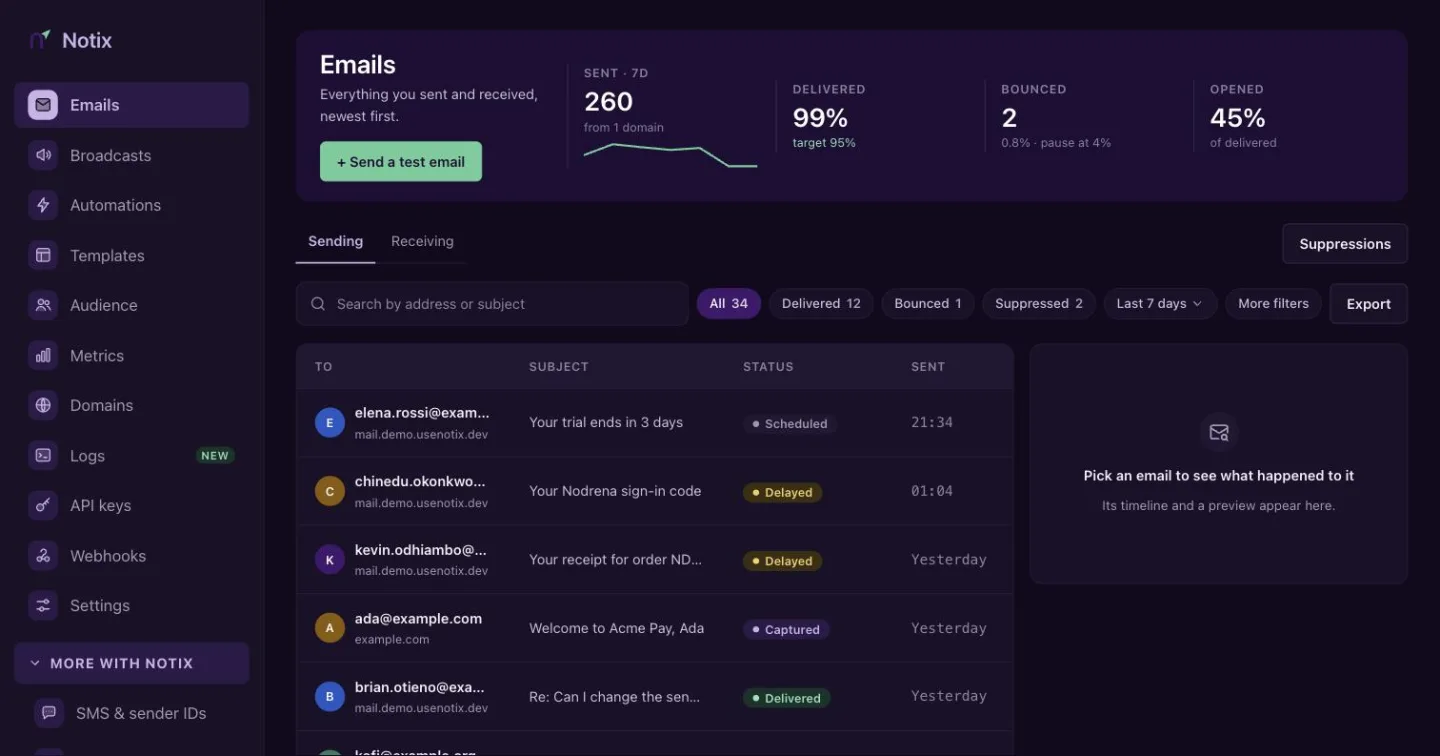
See Email logs for how to find an email and read why it bounced.