Verified domains
What a verified domain is, the records it needs, and how Notix keeps checking them.
A verified domain is one where you have added the Notix DNS records, so mailbox providers can tell your mail really comes from you. You need one to send from your own address, like receipts@acme.com. To add your first domain, follow Add and verify a domain.
Before your domain is verified, you can preview a send with a dry run. Nothing is sent. See Test emails.
Add a domain
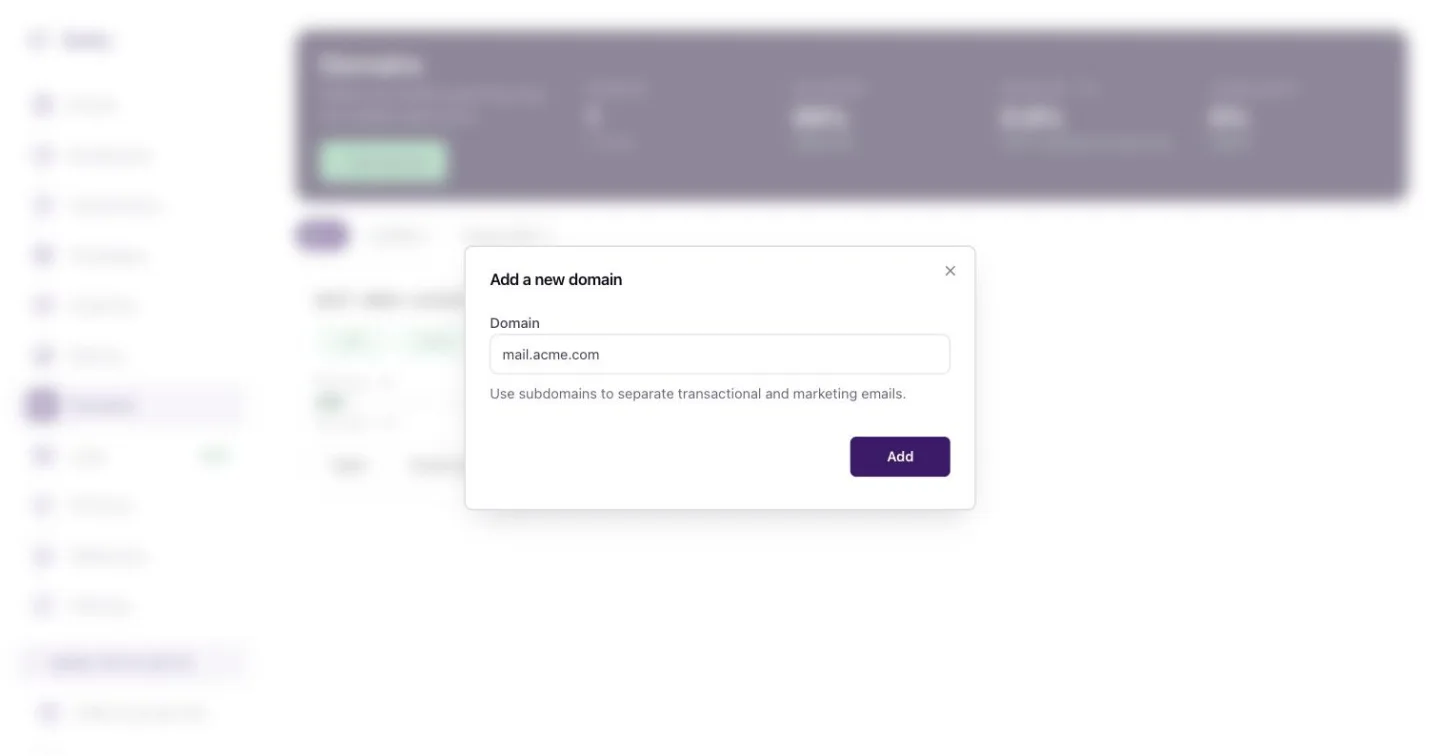
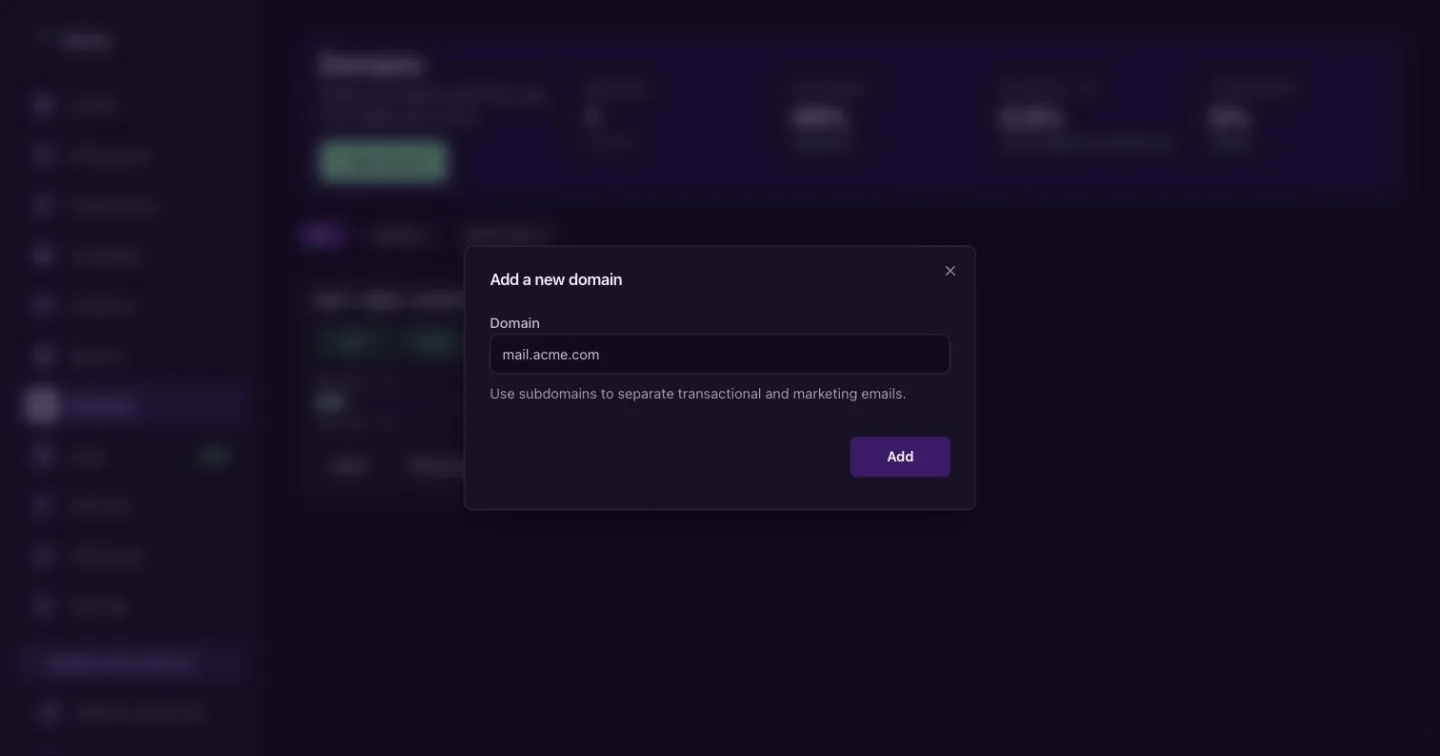
On the Domains page, press Add domain, type the domain and press Add. New domains go to the current default sending region.
The records Notix asks for
Every domain gets four records. The names below are for acme.com with the default mail subdomain.
| Type | Name | What it does |
|---|---|---|
| TXT | notix._domainkey | DKIM. Signs every email so inboxes can check it was not changed. Required. |
| TXT | mail | SPF, v=spf1 include:... ~all. Says Notix may send for this domain. Required. |
| MX | mail | Lets bounce and complaint reports come back to Notix. Required. |
| TXT | _dmarc | DMARC, v=DMARC1; p=none;. Tells inboxes what to do with mail that fails the checks. Recommended. See DMARC. |
Copy each value from the domain page. The DKIM value is a long public key that is different for every domain.
Check a domain
Open the domain
Go to Domains. Each card shows the domain, its status (Verified, Checking, Not checked or Needs DNS), a chip for each of SPF, DKIM, MX and DMARC, and the bounce rate for the last 7 days. Press a domain to open it.
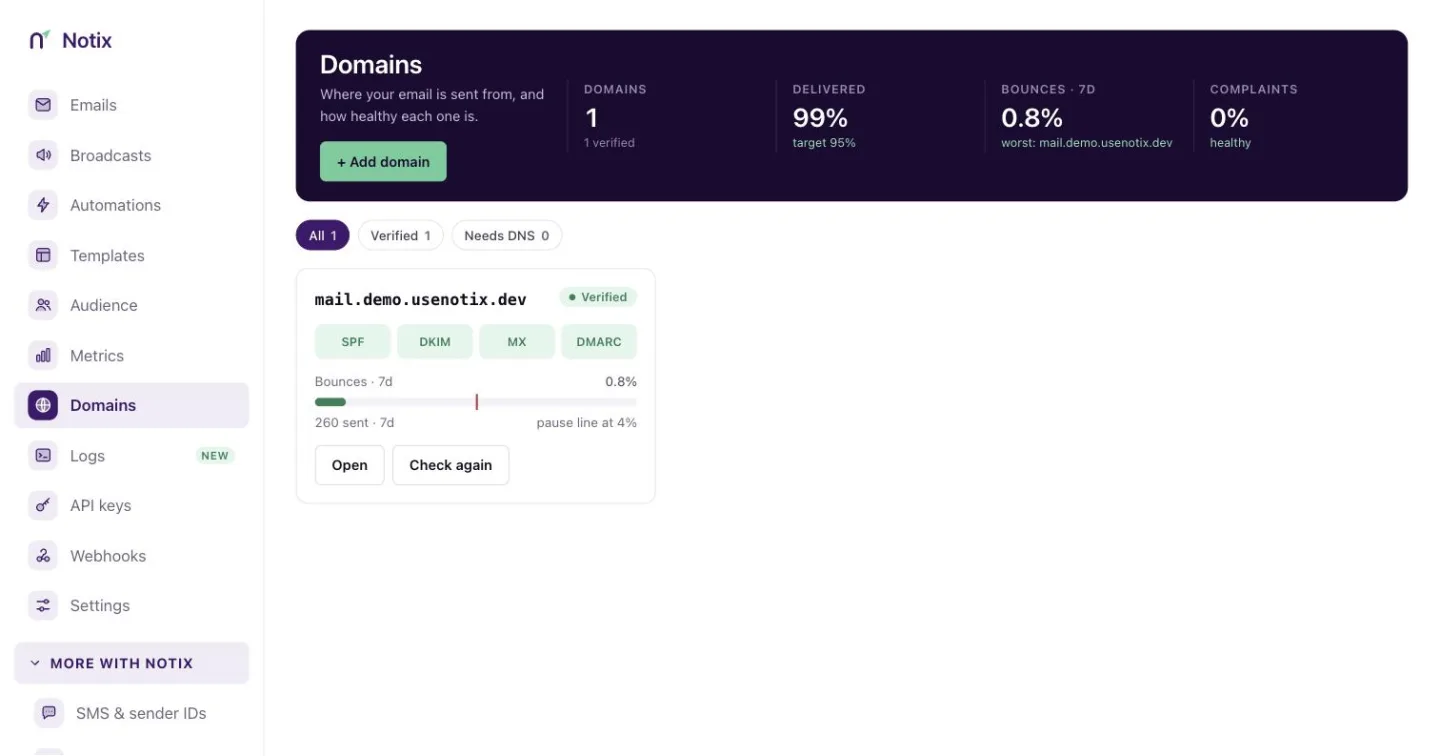
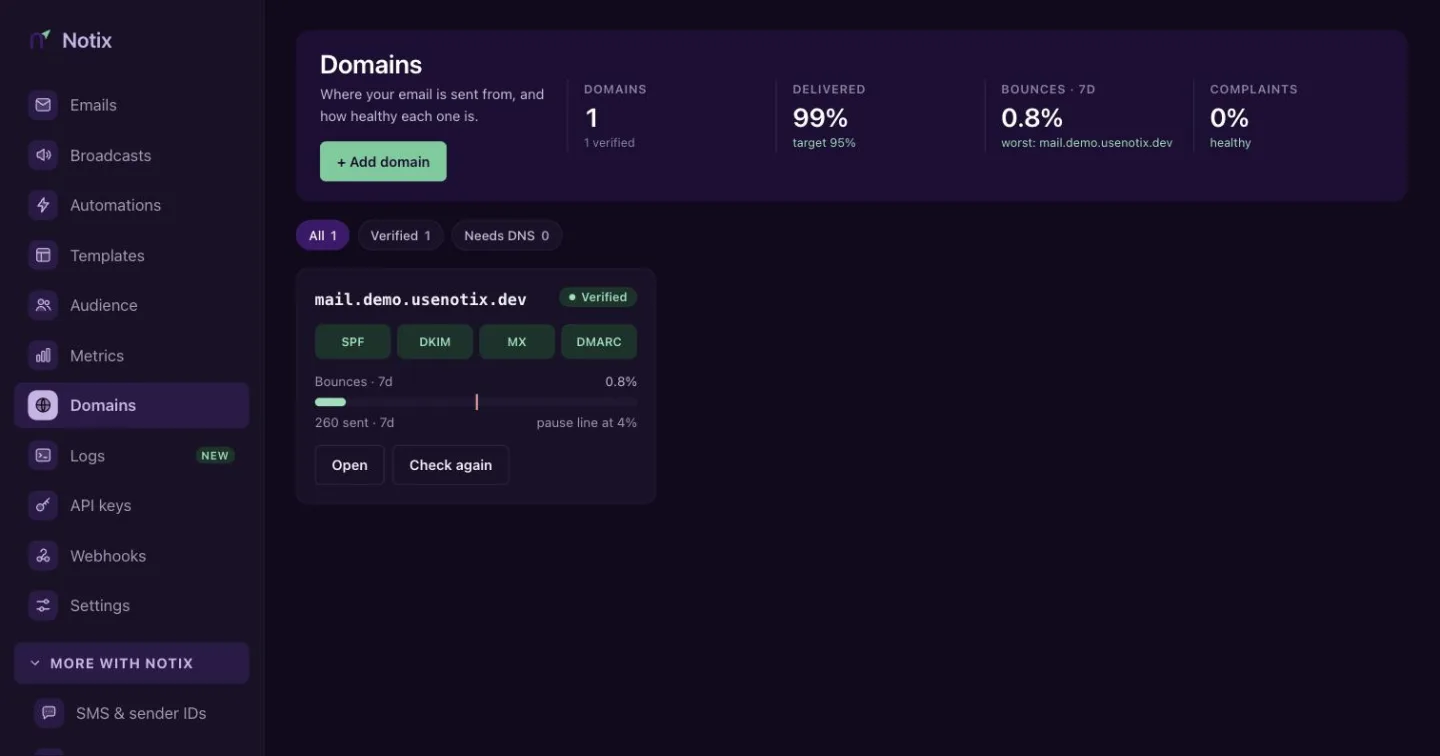
Domains: each card shows its records and bounce rate for the last 7 days. Read the records
The DNS records table lists each record with its type, name, value and status. A record that is missing or different shows in red. If a check finds a mistake, such as a record added at the wrong name, the page says what to fix.
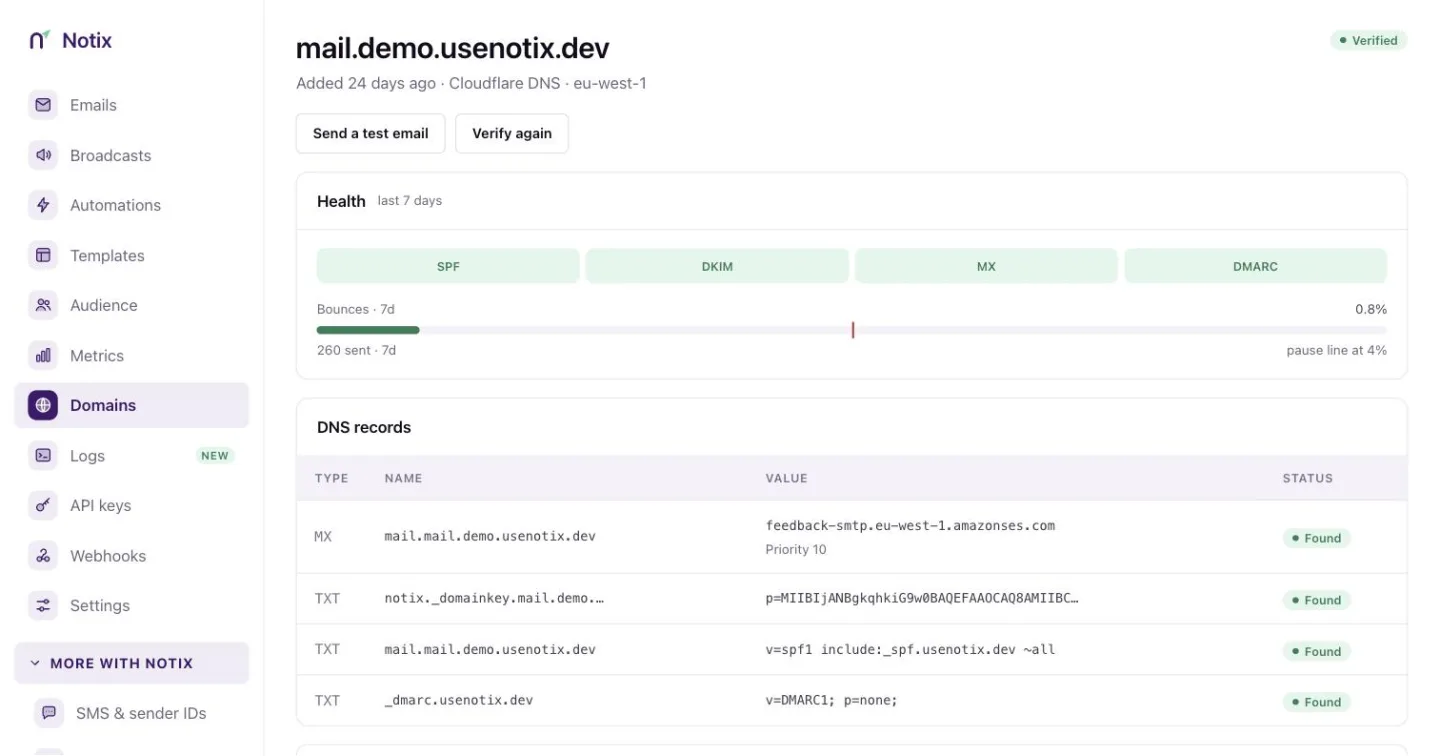
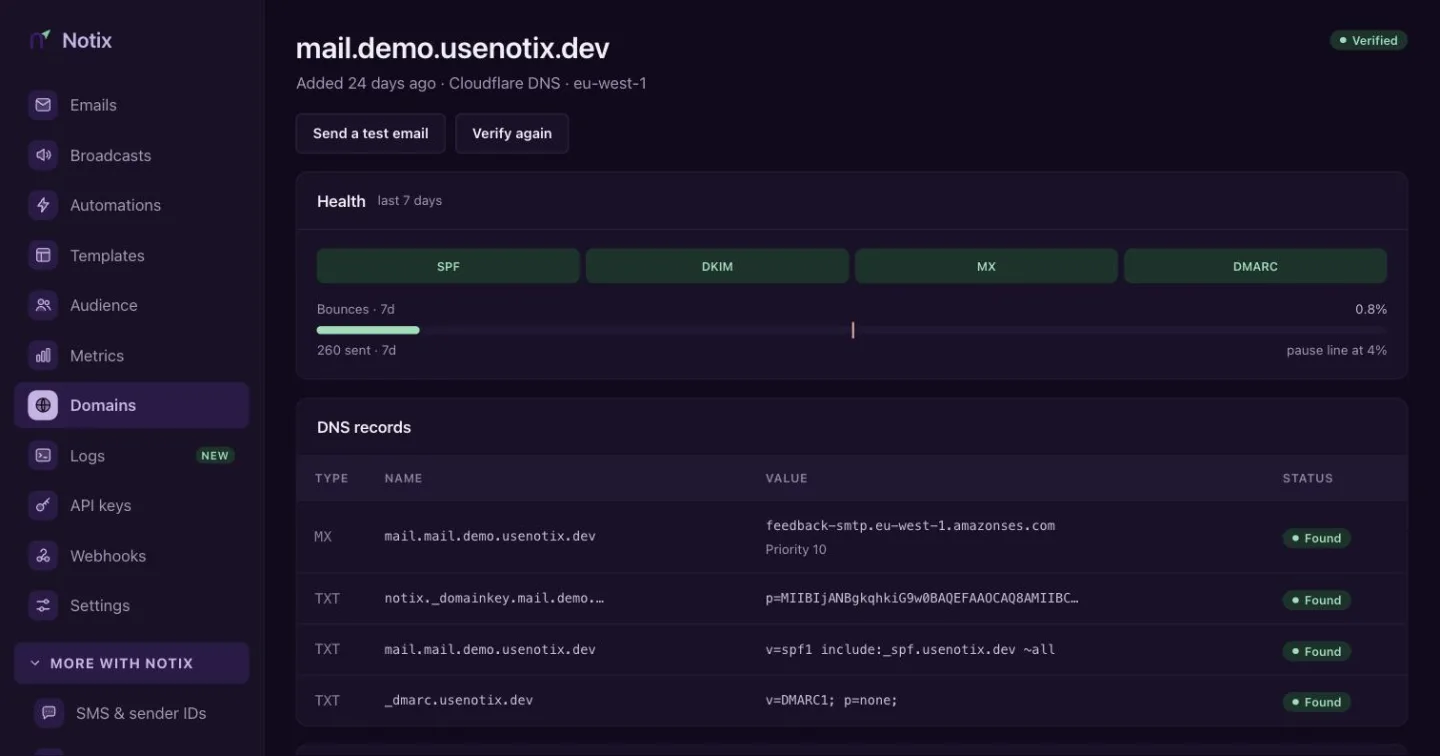
A domain page: health, the four records, and the tracking switches. Verify again
After you change a record, press Verify again. Most records show as found within 10 minutes. The domain turns Verified when the required records are found.
Set up automatically
If your DNS provider supports Domain Connect, the domain page shows Set up automatically. You approve the change at your provider, and the records are added for you. Cloudflare and NameSilo support it for Notix today, and more DNS hosts are being added. The button only appears when it will work for your domain. Every other provider gets the records to copy, and a link to the Notix guide for that DNS host. All the guides are in Add your DNS records.
After it is verified
- Notix keeps checking your records. When a check finds that a domain's verification has changed, everyone on the team gets an email. The emails Notix sends are listed in Settings.
- The Health card shows the record chips and a bounce gauge for the last 7 days. See Domain health and pauses.
- Send yourself a test from the domain page with Send a test email.
Manage domains with the API
| Task | Call |
|---|---|
| Add a domain | Add a domain |
| Read its records and status | Get a domain |
| Check the records again | Verify a domain |
| List every domain | List domains |
| Delete a domain | Delete a domain |
The Free plan includes one domain and Pro includes up to 50.
Delete a domain
At the bottom of the domain page, a team admin can press Delete and type the domain name to confirm. Mail can no longer be sent from it. The records at your DNS provider stay until you remove them.