Test emails
Send a test copy to your team, or preview a send with a dry run.
There are two ways to test before real people get your mail. Send a test copy to your own team, or preview a send with a dry run.
| Way | Who gets it | Costs |
|---|---|---|
| Test copy from the console | Up to 5 people on your team | Nothing |
| Dry run header | Nobody. Nothing is sent | Nothing |
Send a test copy to your team
Open Send a test email
On the Emails page, press Send a test email. A menu lists your templates under Send a template to your team. Pick one.
No templates yet? The menu links to Templates so you can make one. See Templates and library.
Pick a From address and recipients
The Send a test copy dialog opens. A template has no From address of its own, so name one on a verified domain, or press one of the suggested addresses. Then pick up to 5 people from your team.
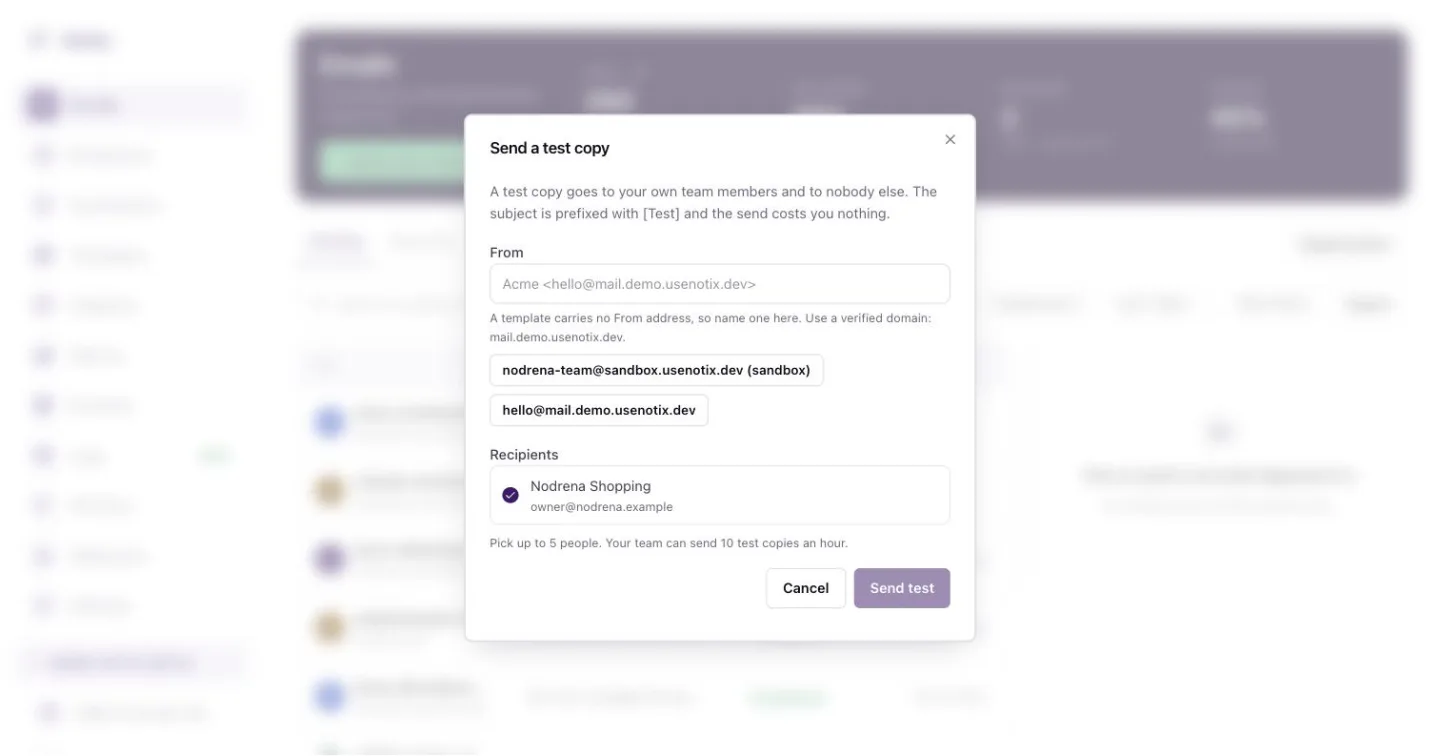
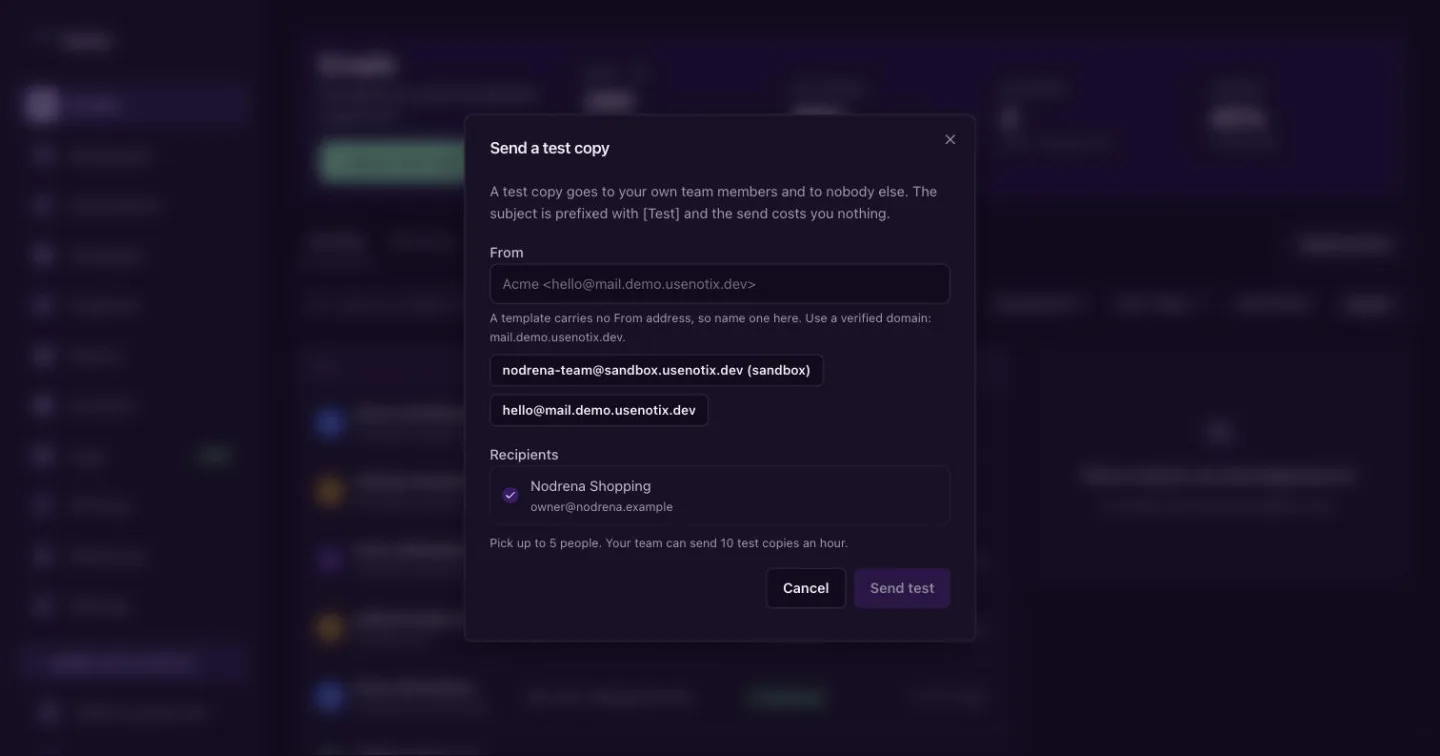
Send a test copy. It goes only to people on your team. Send it
Press Send test. The copy arrives with
[Test]in front of the subject. On the Emails page it carries a Test tag.
Test copies go only to your own team members, never to anyone else. You can send 10 test copies an hour. They cost nothing.
The same Send a test copy dialog opens from Template Studio and from a broadcast's review page, so you can check an email exactly where you write it. See Broadcasts.
If your team has no verified domain yet, the test copy comes from Notix so you can still see it in your inbox. The dialog tells you when that happens.
Preview with a dry run
Add the header Notix-Dry-Run: true to a send. Notix answers with who it would reach, what it would cost, whether it would be allowed and which limits it counts against. Nothing is sent, charged or saved.
curl -X POST https://app.usenotix.dev/api/v1/emails \
  -H "Authorization: Bearer $NOTIX_API_KEY" \
  -H "Notix-Dry-Run: true" \
  -H "Content-Type: application/json" \
  -d '{
    "from": "Acme <receipts@acme.com>",
    "to": "customer@example.com",
    "subject": "Your receipt for order 4471",
    "html": "<p>Thanks for your order.</p>"
  }'
A dry run is a good last check before you switch on a new integration. It is also how a read only API key can try a send.
Check the content too
A test copy shows how the email looks. To see how it might score with spam filters, run the pre-send check. See Check before you send.