One-time codes
Send a code by email or SMS, check what the user typed, and tune the risk checks.
A one-time code proves someone owns an email address or a phone number. You ask Notix to send a code, the user types it into your app, and you ask Notix to check it. Notix keeps only a keyed hash of each code.
Send and check a code
Send the code
Call Send a one-time code with the address. Keep the
idit returns.curl -X POST https://app.usenotix.dev/api/v1/verify/send \ -H "Authorization: Bearer $NOTIX_API_KEY" \ -H "Content-Type: application/json" \ -d '{ "to": "maria@example.com", "appName": "Acme" }'import { Notix } from "notix-js"; const notix = new Notix(process.env.NOTIX_API_KEY); const { data, error } = await notix.verify.send({ to: "maria@example.com", appName: "Acme", });import os from notix import Notix client = Notix(os.environ["NOTIX_API_KEY"]) data, err = client.verify.send({"to": "maria@example.com", "appName": "Acme"})use Notix\Notix; $notix = new Notix(getenv('NOTIX_API_KEY')); $verification = $notix->verify->send([ 'to' => 'maria@example.com', 'appName' => 'Acme', ]);Check what the user typed
Call Check a one-time code with the
idand the code. The answer says whether it matched and how many tries are left.curl -X POST https://app.usenotix.dev/api/v1/verify/check \ -H "Authorization: Bearer $NOTIX_API_KEY" \ -H "Content-Type: application/json" \ -d '{ "id": "ver_8f3k2", "code": "482913" }'const { data } = await notix.verify.check({ id: "ver_8f3k2", code: "482913" }); if (data?.verified) { // The code matched. }data, err = client.verify.check({"id": "ver_8f3k2", "code": "482913"})$result = $notix->verify->check(['id' => 'ver_8f3k2', 'code' => '482913']);
Send a code by SMS
Pass "channel": "sms" and a phone number with its country code. For SMS, appName is required and may not contain a link. SMS codes are paid from your wallet, like any text, and need no paid plan.
{
  "to": "+2348012345678",
  "channel": "sms",
  "appName": "Acme"
}
The default text is "Acme: your code is 482913. It expires in 10 minutes." With your own approved sender ID you can change it. See Sender IDs.
Options and limits
| Setting | Default | Allowed |
|---|---|---|
codeLength | 6 digits | 4 to 8 |
expiresIn | 600 seconds | 60 to 1800 |
| Wrong tries per code | 5 | Fixed |
| Codes per recipient | 5 every 10 minutes | Fixed, with 30 seconds between sends |
For email codes you can also set from, subject and a templateId whose subject and body use {{code}}, {{appName}} and {{expiresMinutes}}.
Risk checks
Every request is scored before anything is sent. The answer carries a risk object with the score, the level (Low, Medium or High) and each signal that fired, such as a disposable email domain. Pass clientIp, the address your user made the request from, so the per address signal can count. Notix stores only a keyed hash of it.
A refused request answers 422 RISK_REFUSED. Nothing is sent and no code exists.
Open the risk rules
Go to One-time codes and press Risk rules, or open Settings and then Verification risk.
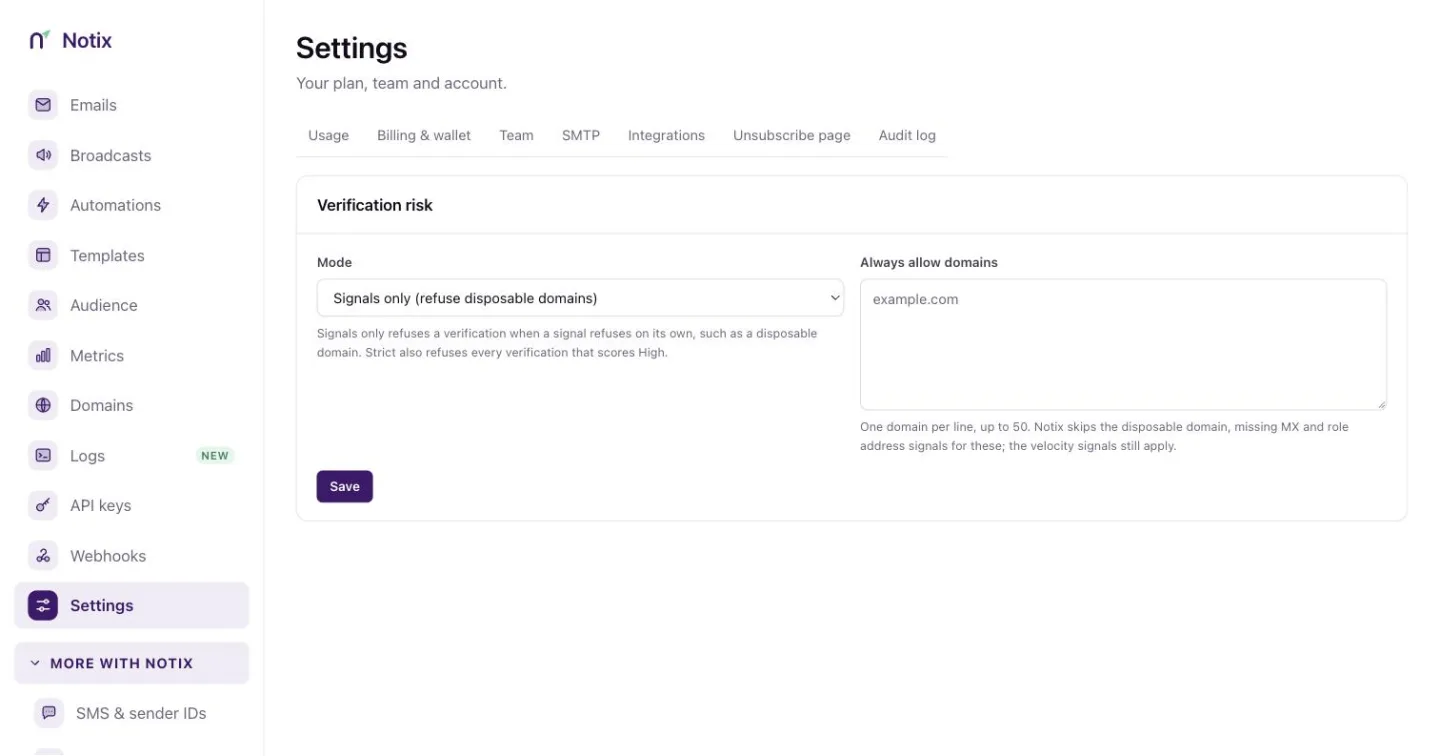
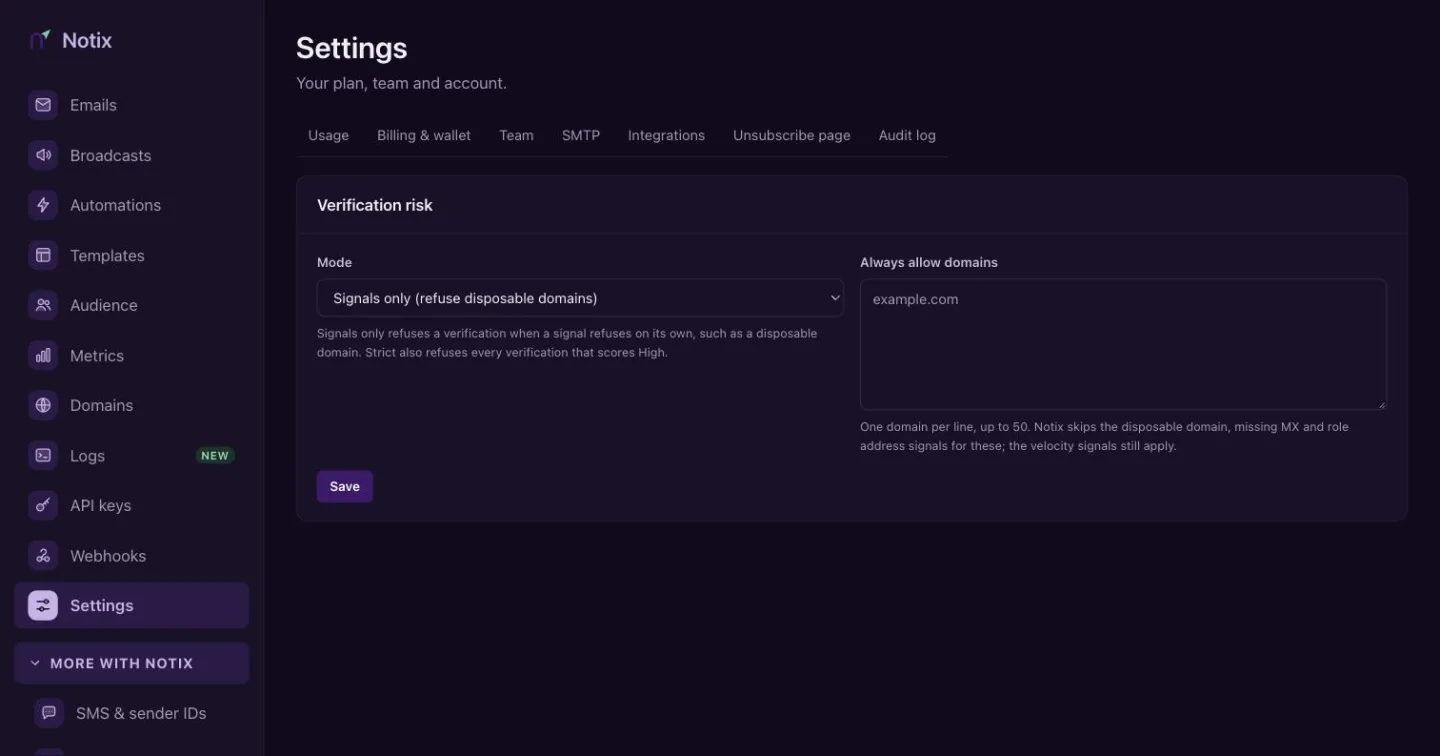
Verification risk: choose the mode and the domains Notix always allows. Pick a mode
Signals only (refuse disposable domains) refuses a code only when a signal refuses on its own, such as a disposable domain. Strict also refuses every request that scores High.
Always allow your own domains
Under Always allow domains, add one domain per line, up to 50. Notix skips the disposable domain, missing MX and role address signals for these. The speed checks still apply. Press Save.
Only a team admin can change these settings. Everyone else on the team sees them read only.
See every code you sent
One-time codes shows the week's figures at the top: codes sent, verified, the average time to enter and how many were blocked. Recent codes lists each code with its channel, recipient, risk, tries and status, such as Verified, Expired, Locked or Blocked. Filter by channel with the chips. The funnel beside it shows how many codes went from sent to verified.
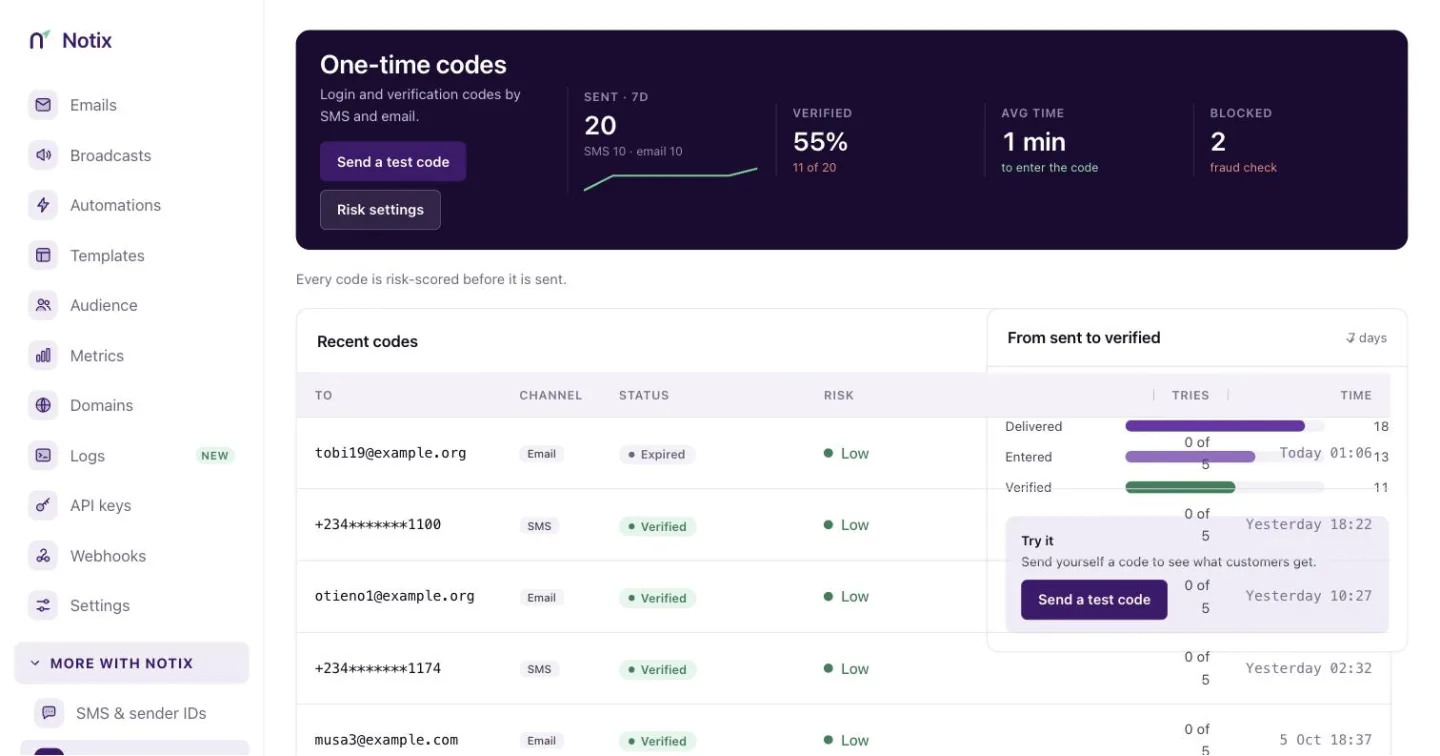
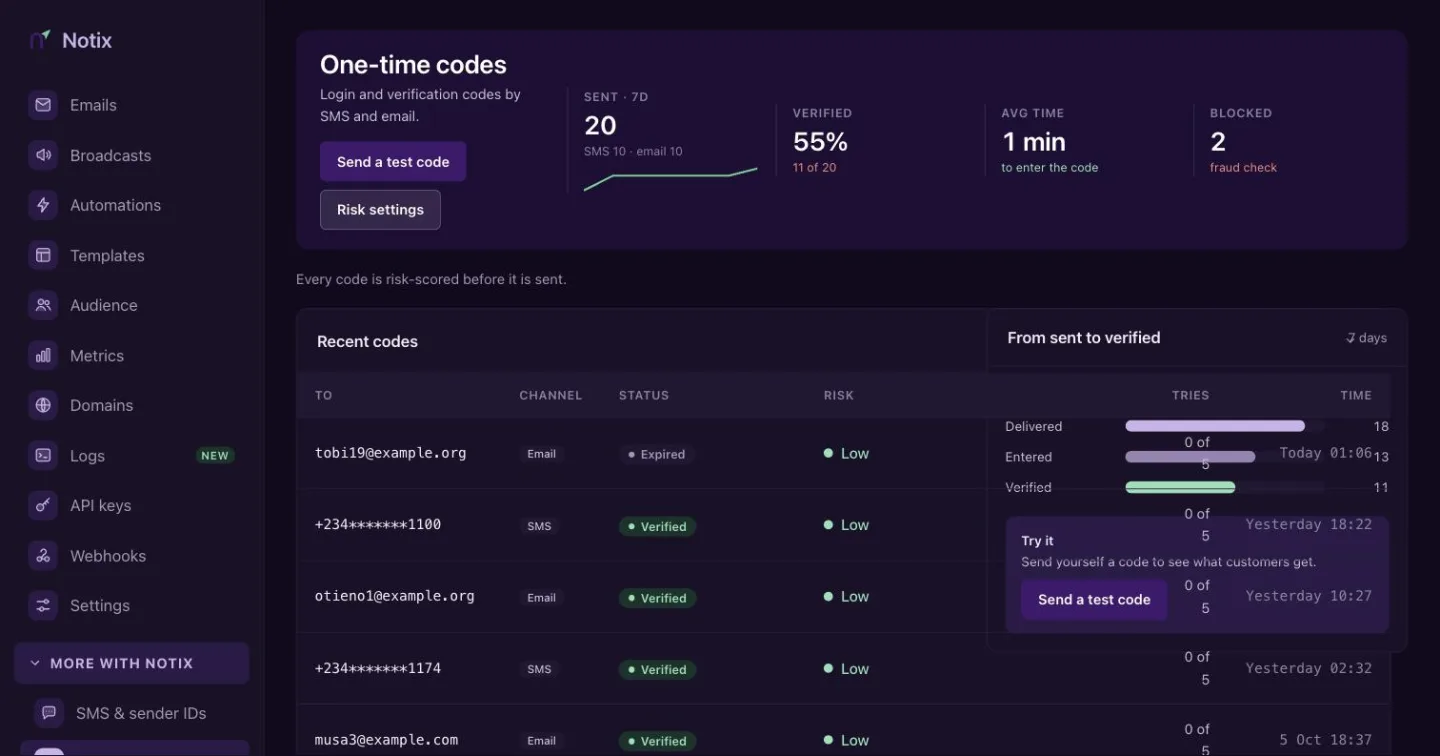
The same data is in the API: List one-time codes and Get one-time code figures. No answer ever holds a code, and phone numbers are masked to their last four digits.
Your server can follow each code with the verification.sent, verification.verified, verification.failed, verification.refused and verification.delivered webhook events.