Domain health and pauses
How Notix watches bounces and complaints, and pauses a domain to protect your reputation.
Notix watches the hard bounces and spam complaints of every sending domain. When a domain's rates climb, Notix warns you first, then pauses the domain before it can hurt your reputation and the mail of everyone else on Notix.
The rules
Rates are counted over the last 7 days, as hard bounces or complaints divided by emails sent. Notix only judges a domain that sent at least 200 emails in that time.
| Rate | Warning at | Paused at |
|---|---|---|
| Hard bounces | 2% | 4% |
| Spam complaints | 0.05% | 0.08% |
A pause for complaints also needs at least 5 complaints behind the rate, so one annoyed reader can never stop your domain. Several bounces or complaints from the same address count once.
Sudden bounces
Notix also checks a domain every time a hard bounce or complaint comes back, so a bad list is stopped within minutes, not after it has all gone out. It looks at the last day, or the time since the domain was last resumed, and counts only the emails mailbox providers have answered for. The lines are stricter for a new domain, and stricter again for a week after a resume.
What happens depends on the domain's history:
- A new or recently paused domain is paused, and all its email waits. The domain shows Paused: sudden bounces, with how many of the first emails bounced and how many are waiting.
- A domain with a long clean record has its broadcasts and automations put on hold the first time, while single emails from your app keep sending. Our team looks at it. A second run of bounces soon after pauses the domain.
- A team whose domains are over the line together (a list spread over several domains) has its broadcasts and automations put on hold for our team to review. Single emails keep sending.
A handful of complaints from a small list does not pause anything, and bounces or complaints that all come from one receiving company are checked by a person before anything stops.
A warning does not stop anything. Sending carries on, and the warning clears itself when the rates recover. It is your chance to clean your list before the domain is paused.
Read a domain's health
Open Domains
Go to Domains. Each card shows the bounce rate for the last 7 days. A warned domain shows an amber chip, Bounces high or Complaints high. A paused domain shows a red chip, Sending paused.
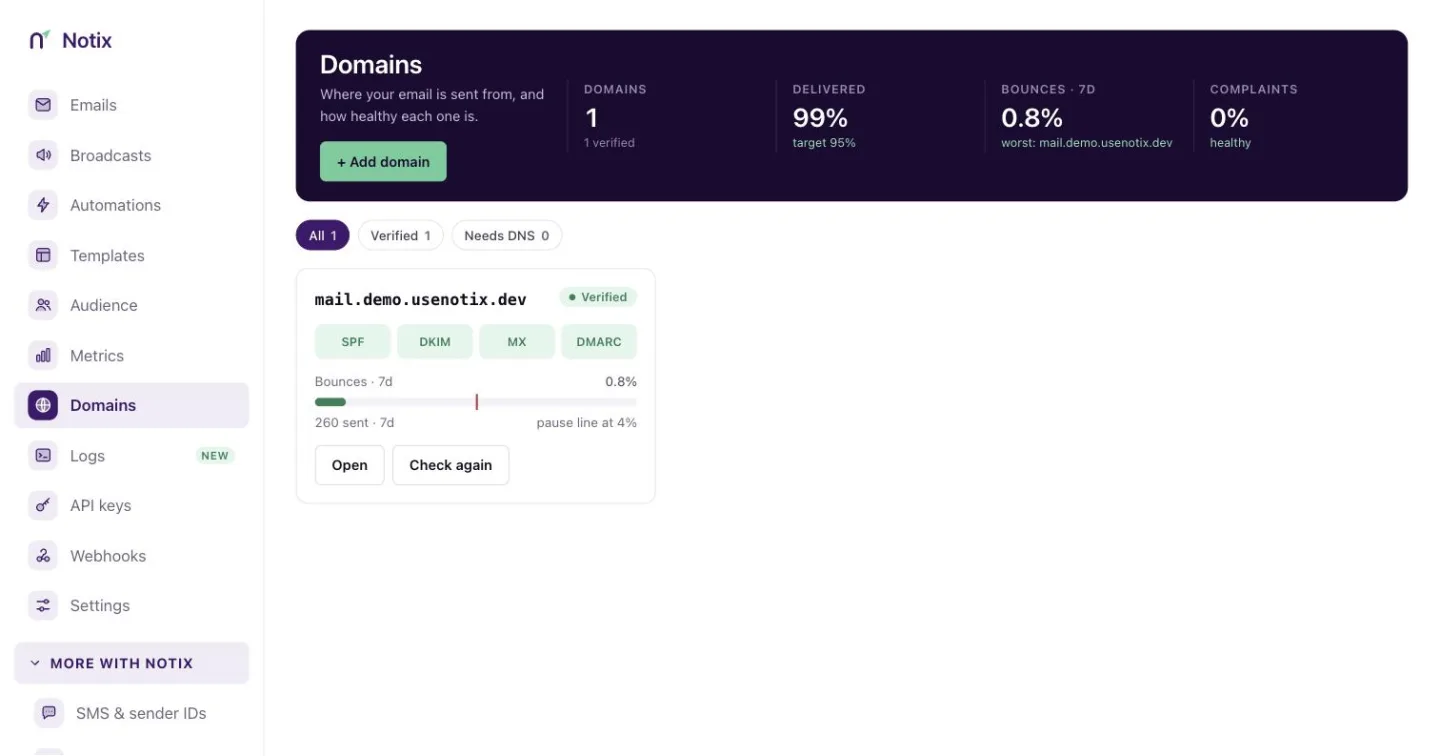
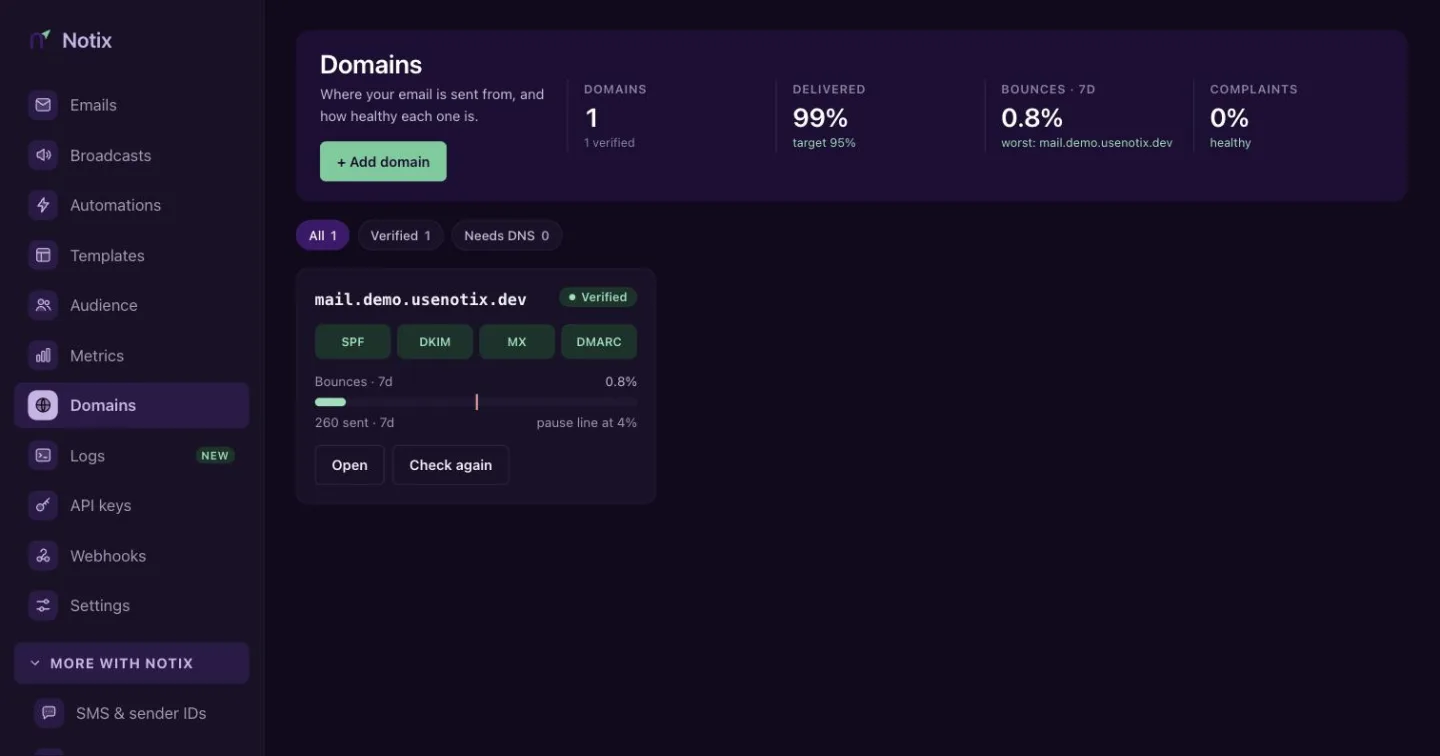
Each card shows its bounce rate for the last 7 days and any warning. Open the domain
Press the domain. The Health card shows the record checks and the Bounces · 7d gauge. The gauge is green below 2%, amber from 2% and red from 4%.
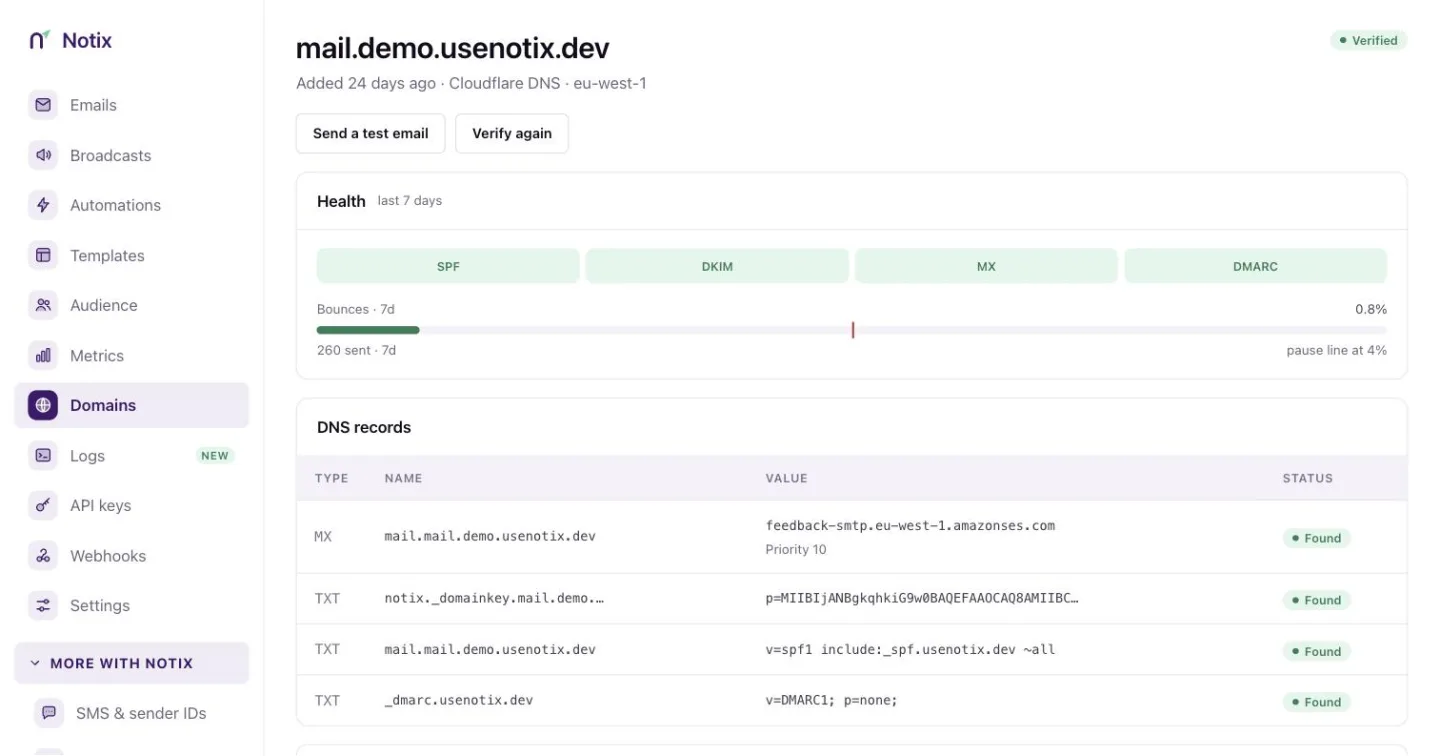
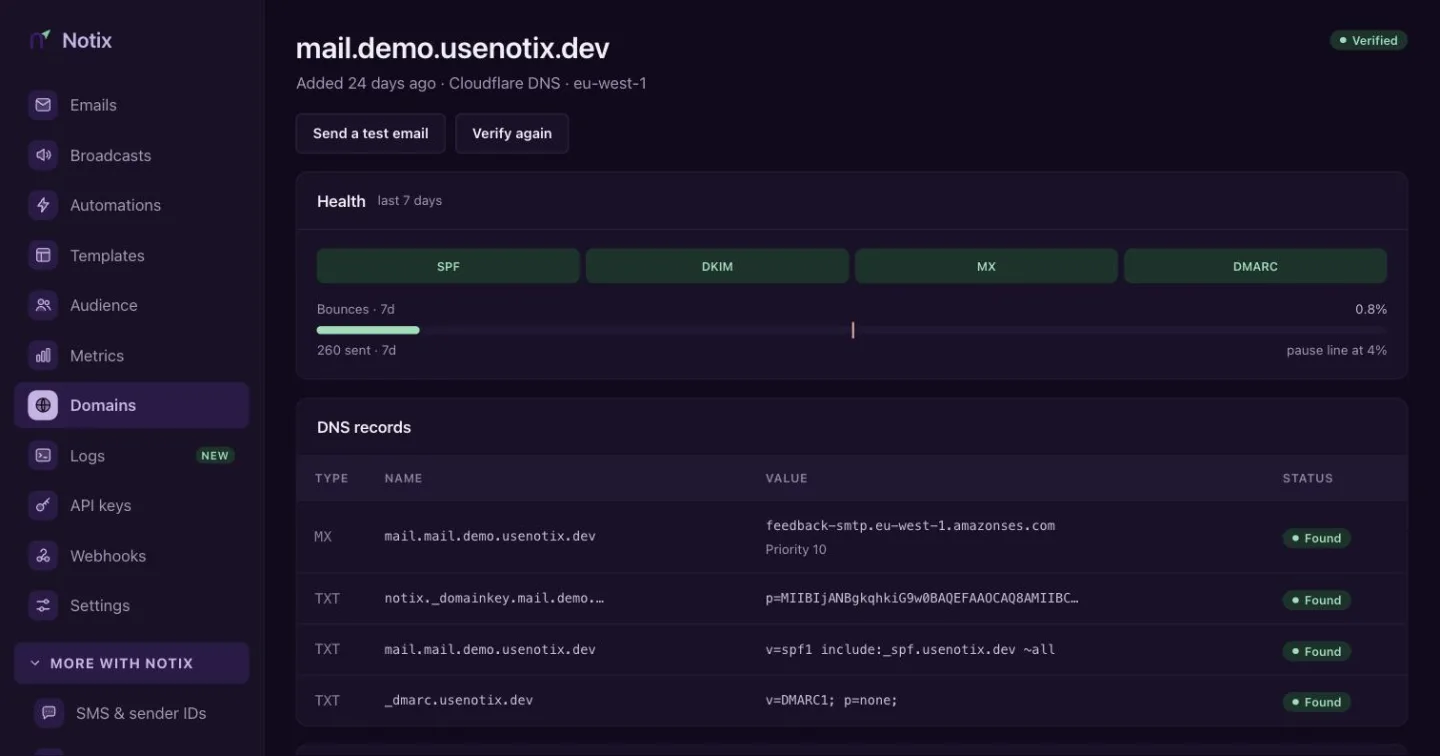
The Health card: a chip for each record and the bounce gauge for the last 7 days.
You can read the same thing with the API. Get a domain's sending status answers canSend, every reason it cannot send (blockers), and the warnings that will become blockers, such as a bounce rate near the pause line.
What a pause does
- New sends from the domain are refused with 403
FORBIDDENuntil it is resumed. - Emails already queued or scheduled are held, not lost. They keep their place in your monthly allowance. All of the domain's email waits, password resets and other transactional email included.
- Broadcasts still sending from the domain are paused too. Automations wait and carry on later.
- Everyone gets a clear reason. The card says, for example, "Paused on 3 Oct because hard bounces reached 4.6% of 1,240 emails in 7 days (limit 4%)."
Ask for a review
Only a person at Notix can resume a paused domain. A team admin asks for that review:
Fix the cause
Find out which list or send caused the bounces or complaints. Remove bad addresses, and stop sending to people who did not ask for your mail. Check your suppressions.
Press Request review
On the paused domain's card, press Request review. The card then shows when you asked. You only need to ask once per pause.
Wait for Notix
The Notix team looks at the domain and resumes it. When it is resumed, they choose whether the held emails go out or are cancelled, so a bad list does not go out just because the domain can send again. After a pause for bounces the waiting emails are usually cancelled. Your team is emailed when the domain is resumed.
Probation after a resume
For 7 days after a resume the domain is on probation. It can send up to 500 emails a day, and the sudden-bounce check is stricter, so a list that is still bad is stopped sooner. The domain page shows On probation with today's count and the bounce rate since the resume. After 7 days the normal limit comes back by itself.
The API shows the same thing. GET /v1/domains/{id} and Get a domain's sending status return probationUntil, warmup, dailyCap, bulkSending, and a pause reason of BURST_BOUNCE or BURST_COMPLAINT for a sudden pause.
A team admin can also ask with Request a review of a paused domain. It needs a full access key made by a team admin.
Keep your domain healthy
- Use double opt-in for marketing lists. See Double opt-in.
- Never send to a bought or very old list.
- Make it easy to unsubscribe. Every broadcast must have an unsubscribe link.
- Send marketing and transactional mail from different subdomains, like
news.acme.comandmail.acme.com, so one cannot pause the other. - Read the warning email. Team admins get one when a domain's rate gets close to the pause limit, at most once a week for each domain. See Settings.