DMARC
Add a DMARC record so mailbox providers trust mail from your domain.
DMARC is a DNS record that tells mailbox providers what to do with mail that claims to be from your domain but fails the SPF and DKIM checks. Gmail and Yahoo expect it from anyone who sends a lot of mail, and it helps your mail reach the inbox.
Notix marks DMARC as recommended, not required. Your domain verifies without it, but you should add it.
Add the DMARC record
Copy the record
Open your domain under Domains. In the DNS records table, find the TXT record named
_dmarc.Type Name Value TXT _dmarcv=DMARC1; p=none;Add it at your DNS provider
Add the record where your domain's DNS lives. The name is
_dmarcon your main domain, so formail.acme.comit is_dmarc.acme.com.Verify again
Back on the domain page, press Verify again. The DMARC chip on the Health card turns green when Notix finds a DMARC record on your main domain.
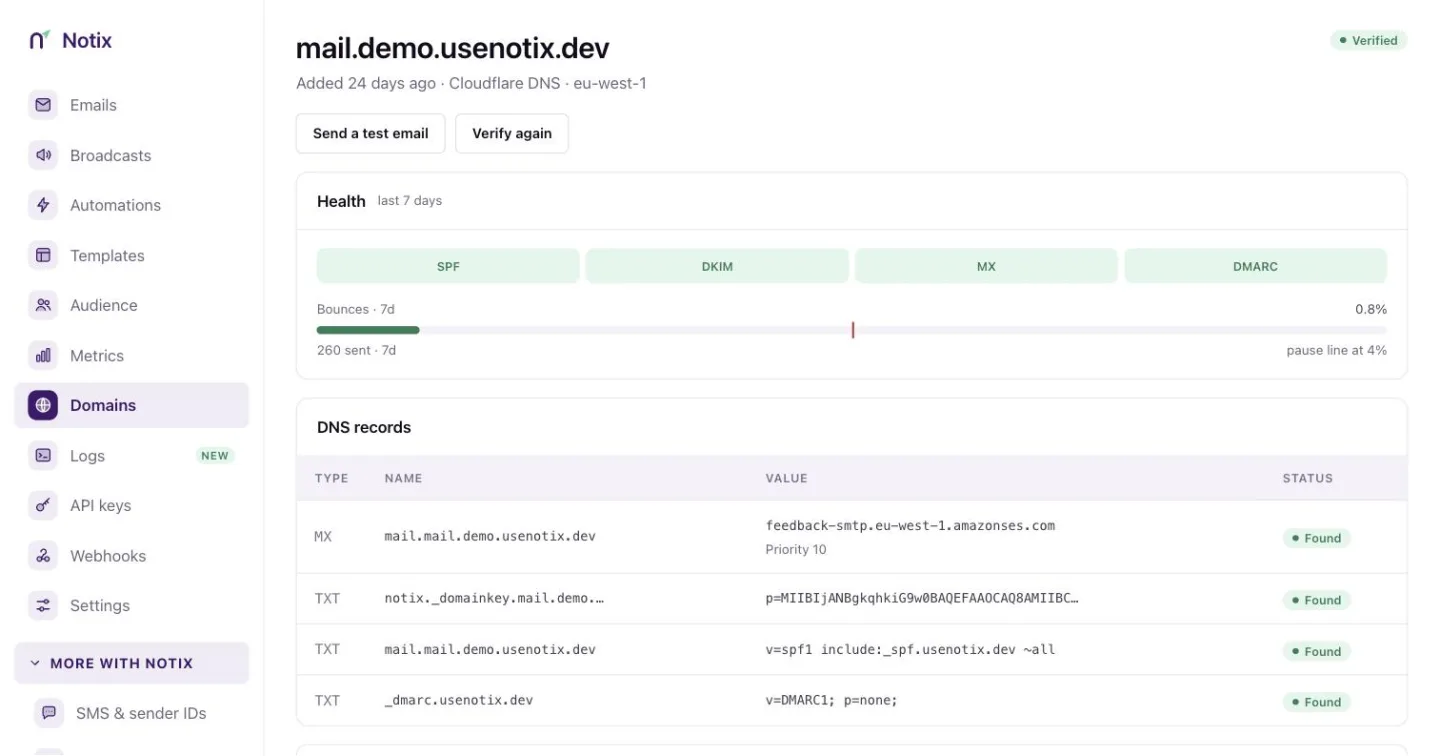
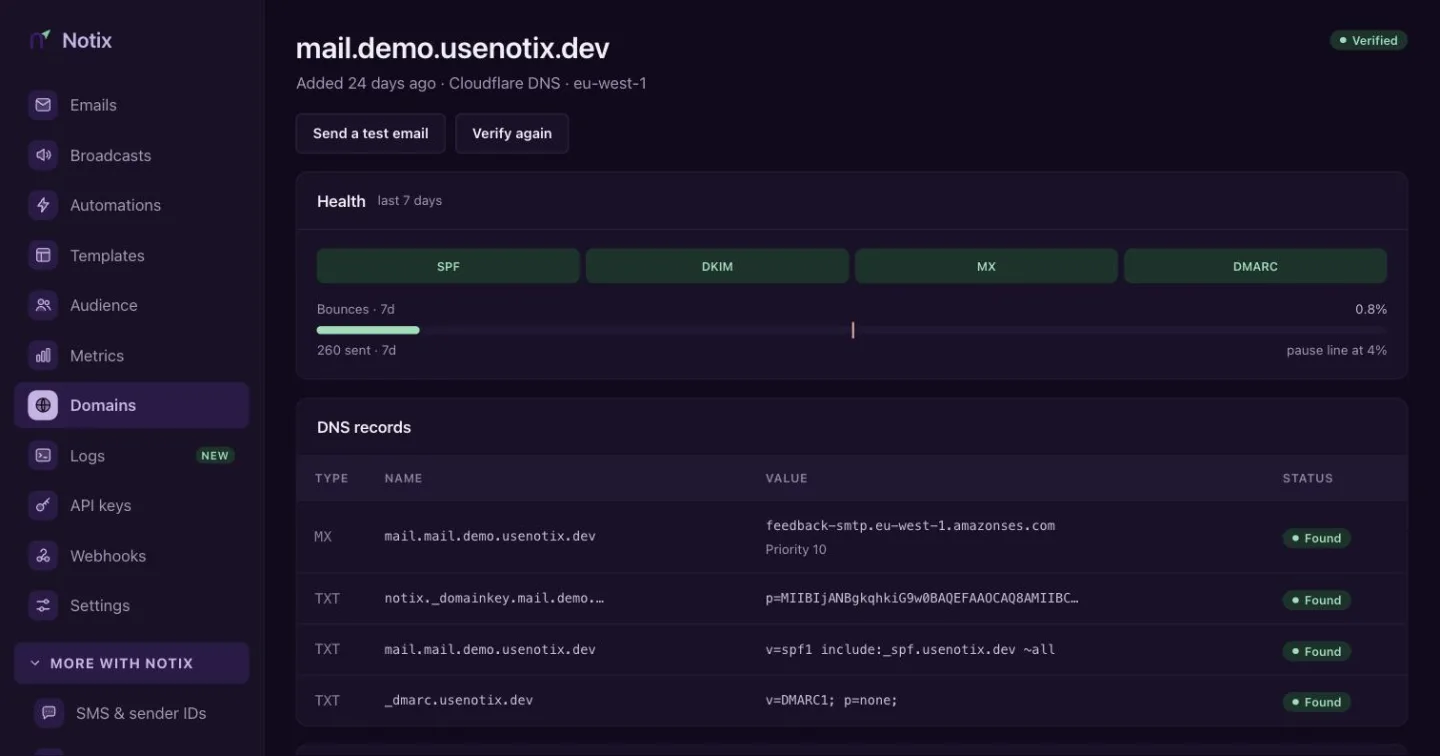
The Health card shows a chip for each record, DMARC included.
If your main domain already has a DMARC record, keep it. A domain can only have one, and Notix accepts the one you have.
What the policy means
The p= part says what a mailbox provider should do with mail that fails:
| Policy | What happens to failing mail |
|---|---|
p=none | Nothing. It is delivered as usual. This is what Notix suggests to start. |
p=quarantine | It goes to spam. |
p=reject | It is refused. |
Start with p=none. Once every service that sends mail for your domain passes SPF or DKIM, you can move to quarantine and then reject to stop others sending as you. Mail sent through Notix passes because Notix signs it with your DKIM key.
DMARC on received mail
When you receive mail in Notix, each message carries the DMARC result of the sender's domain. Only a pass proves who sent it. See AI agents and untrusted email.