
Bounce reason codes are the SMTP reply, a three-digit number, plus an optional enhanced X.Y.Z status that together tell you whether to retry or suppress an address. The practical rule: a 4xx reply means a transient failure, so retry per policy, while a 5xx reply means a permanent failure, so suppress. Before acting, inspect the Status, Diagnostic-Code, Final-Recipient, Remote-MTA, and Last-Attempt-Date fields in the delivery status notification.
TL;DR:
- Retry 4xx failures on an increasing backoff, cap attempts at 24 to 72 hours, then escalate persistent cases for manual review.
- The same 421 reply can indicate a connection timeout with 4.4.2 or temporary system capacity limits with 4.3.2, so normalize the enhanced code.
- Suppress most 5xx failures immediately, but treat 5.7.1 as a sender or content issue first, not automatic recipient suppression, when the address is valid.
- Use the enhanced X.Y.Z status to classify failures, retain raw diagnostic text, and inspect the recipient, remote server, and attempt date before changing handling.
- Validate addresses at collection, confirm them through a second opt in, maintain shared suppression lists, and configure SPF, DKIM, and DMARC to prevent avoidable bounces.
Table of Contents
- What Bounce Codes Are: The Standards Behind the Two Layers
- Soft vs. Hard Bounces: What to Do With Each
- Traditional SMTP Codes vs. Enhanced Status Codes: Reading Both
- Glossary of Common Bounce Reason Codes and What to Do
- How to Read a DSN and SMTP Transcript for an Accurate Diagnosis
- Bounce Handling Policies: Retries, Suppression, and Logging
- Practical Ways to Cut Down on Bounces Before You Send
- How Notix Surfaces Bounce Reason Codes and Simplifies Handling
- A Quick Post-Mortem Checklist for Elevated Bounces
- Getting Started With Notix for Bounce Handling
- FAQ
- Sources
What Bounce Codes Are: The Standards Behind the Two Layers
Every SMTP reply falls into one of three classes: 2xx means success, 4xx means a transient failure, and 5xx means a permanent failure. That three-digit code alone rarely tells you enough to automate a decision, which is why RFC 3463 defines enhanced status codes in the format class.subject.detail, written as X.Y.Z. The class mirrors the SMTP reply (2, 4, or 5), the subject narrows the category (addressing, mailbox, network, and so on), and the detail pins down the exact condition.
- The 3-digit SMTP reply sets the broad class: success, temporary failure, or permanent failure.
- The enhanced X.Y.Z code adds a machine-readable subject and detail layer on top of that class.
- RFC 3463 notes enhanced codes exist because traditional SMTP replies are overloaded and insufficient for deterministic automation.
Soft vs. Hard Bounces: What to Do With Each
Soft bounces (4xx) and hard bounces (5xx) call for different handling, and treating them the same way inflates both wasted retries and suppression lists that are too aggressive.
- Soft bounce causes: a full mailbox, provider throttling, or a transient network issue typically produce a 4xx reply; retry on a backoff schedule rather than immediately.
- Hard bounce causes: an unknown recipient, a closed account, or a policy rejection typically produce a 5xx reply; suppress the address immediately rather than retrying.
- Edge cases: Amazon SES's deliverability documentation notes that providers retry soft bounces for a period and then stop, so a 4xx that persists past a sender's own retry window should be treated as effectively permanent and escalated for manual review.
A temporary numeric class is not a guarantee of indefinite retries. Retry cadence and stop conditions belong to the sending system, not to the receiving server's class code alone.
Traditional SMTP Codes vs. Enhanced Status Codes: Reading Both
A bare 550 tells you the message failed permanently, but not why. Paired with 5.1.1, you learn the subject is addressing and the detail is "bad destination mailbox address," a distinction that separates a typo from a policy block. The enhanced code narrows the SMTP reply's broad class into something a rules engine can act on without parsing free text, a relationship RFC 2034 formalizes by specifying how servers preface response text with the enhanced code.
- A 421 paired with 4.4.2 points to a connection timeout, while a 421 paired with 4.3.2 points to the system being temporarily unable to accept the message, two different root causes under the same three-digit reply.
- Normalize the enhanced code into a standard reason category for your automation, but always store the raw diagnostic text alongside it.
- Administrators can customize the human-readable message attached to a bounce, so the text itself is not reliable evidence on its own, a point Microsoft's Exchange documentation on non-delivery reports makes when describing how DSNs separate status from diagnostic text.
Glossary of Common Bounce Reason Codes and What to Do
These are the codes that show up most often in production logs, with the classification and the action to take for each.
- 421 (4.4.2 common pairing): the remote server is temporarily unable to accept the connection, often a timeout. Soft bounce. Retry on your standard backoff and check Remote-MTA to confirm whether it is a single recipient server or a broader outage.
- 450: mailbox temporarily unavailable, frequently tied to greylisting. Soft bounce. Retry after a short delay, since greylisting typically resolves on a second attempt.
- 451: a local error on the receiving server, often a rate limit. Soft bounce. Slow your sending rate to that domain before retrying.
- 452: insufficient system storage, usually a full mailbox or a provider quota. Soft bounce. Retry over a longer window; if it persists past several attempts, treat as a likely abandoned mailbox.
- 550 paired with 5.1.1: no such user or mailbox does not exist. Hard bounce. Suppress immediately and check Final-Recipient to confirm the exact address rejected.
- 551: user not local, the server does not handle that address. Hard bounce. Suppress and verify the recipient domain's MX records before resending.
- 552 paired with 5.2.2: mailbox full and permanently over quota, or storage exceeded. Hard bounce in most provider implementations. Suppress, though some systems treat a first occurrence as soft; check Last-Attempt-Date and prior history before deciding.
- 554 paired with 5.7.1: message rejected for policy reasons, often a content or reputation block. Hard bounce. Suppress the send attempt, but investigate Diagnostic-Code for the specific policy violated rather than suppressing the recipient address itself.
- 521: the host does not accept mail, often a domain with no active mail service. Hard bounce. Suppress and flag the domain for review.
- 556: the server does not accept mail for that domain. Hard bounce. Suppress and confirm the domain is still active before future attempts.
- Enhanced code X.7.10: often used for authentication-related rejections tied to policy enforcement. Treat as hard unless the Diagnostic-Code indicates a temporary authentication service outage.
RFC 5248 established an IANA registry for these enhanced codes specifically to prevent conflicting definitions as new ones emerged, which is why normalizing to recognized values and storing unrecognized ones as raw text protects your pipeline from misclassifying future codes.
How to Read a DSN and SMTP Transcript for an Accurate Diagnosis
A delivery status notification carries more evidence than the bounce text alone, and the full SMTP transcript carries even more. Work through them in this order:
- Check the Status field first for the enhanced X.Y.Z code, since it is the most reliable machine-readable signal.
- Read the Diagnostic-Code for the server's own explanation, keeping in mind it can be customized by the receiving administrator.
- Confirm Final-Recipient to verify exactly which address triggered the failure, especially on forwarded or aliased addresses.
- Note the Remote-MTA to distinguish a single receiving server's issue from a domain-wide problem.
- Record Last-Attempt-Date to track how long a soft bounce has been recurring before you escalate it.
RFC 2034 provides example SMTP dialogues showing exactly how these fields appear in a real transcript, which is worth keeping as a reference when your logs look unfamiliar. Common pitfalls include truncated diagnostic messages that cut off the useful detail, localized server text that varies by provider and language, and mismatched semantics where a server returns a 4xx reply with enhanced text that reads like a permanent rejection.
Pro Tip: Always store the raw DSN alongside your normalized reason code, since a future investigation often depends on the exact text a server returned, not just your system's interpretation of it.
Bounce Handling Policies: Retries, Suppression, and Logging
A handling policy that treats every 4xx the same and every 5xx the same will either retry too aggressively or suppress addresses that would have delivered fine on a second attempt. Build the policy around the evidence, not just the class.
- Retry soft bounces on an increasing backoff, typically starting within minutes and spacing subsequent attempts hours apart, and cap the total retry window, commonly between 24 and 72 hours, before escalating to manual review.
- Suppress hard bounces immediately and treat provider-level global suppression lists as authoritative, since a provider's own list reflects signals you may not have access to directly.
- Escalate to manual review when a soft bounce recurs past your retry cap, when a single domain generates an unusual concentration of bounces, or when an enhanced code you have not seen before appears repeatedly.
- Treat suppression as address-level remediation and keep it separate from sender or content remediation, since a 5.7.1 policy rejection may call for fixing your content or authentication rather than suppressing a legitimate recipient.
Amazon SES's documentation on receiving bounce actions describes exactly this split: soft bounces get retried for a period, hard bounces feed a suppression list, and both are exposed through DSN fields in the provider's API rather than left in opaque bounce text alone.
Pro Tip: Log the raw DSN, the normalized reason, every attempt timestamp, and the Remote-MTA for each bounce, since root cause analysis three months later almost always needs more detail than the summary dashboard shows.
Practical Ways to Cut Down on Bounces Before You Send
Most bounce volume is preventable before a message ever reaches the SMTP conversation.
- Validate addresses at the point of collection and use double opt-in to confirm the address belongs to an active, reachable inbox.
- Maintain a suppression list that merges your own hard bounces with any list your sending provider maintains, so you never resend to an address already flagged permanent.
- Configure SPF, DKIM, and DMARC correctly for every sending domain, since authentication failures are a common source of 5.7.1 and related policy rejections. DMARC record examples for none, quarantine, and reject policies are worth reviewing before you tighten enforcement.
- Separate transactional and marketing traffic onto distinct domain reputations where your platform supports it, and review your DMARC configuration alongside your sending setup.
- Warm up new sending domains gradually, throttle volume to match a receiving server's tolerance, and run idempotency checks so retries never duplicate a message that already delivered.
How Notix Surfaces Bounce Reason Codes and Simplifies Handling
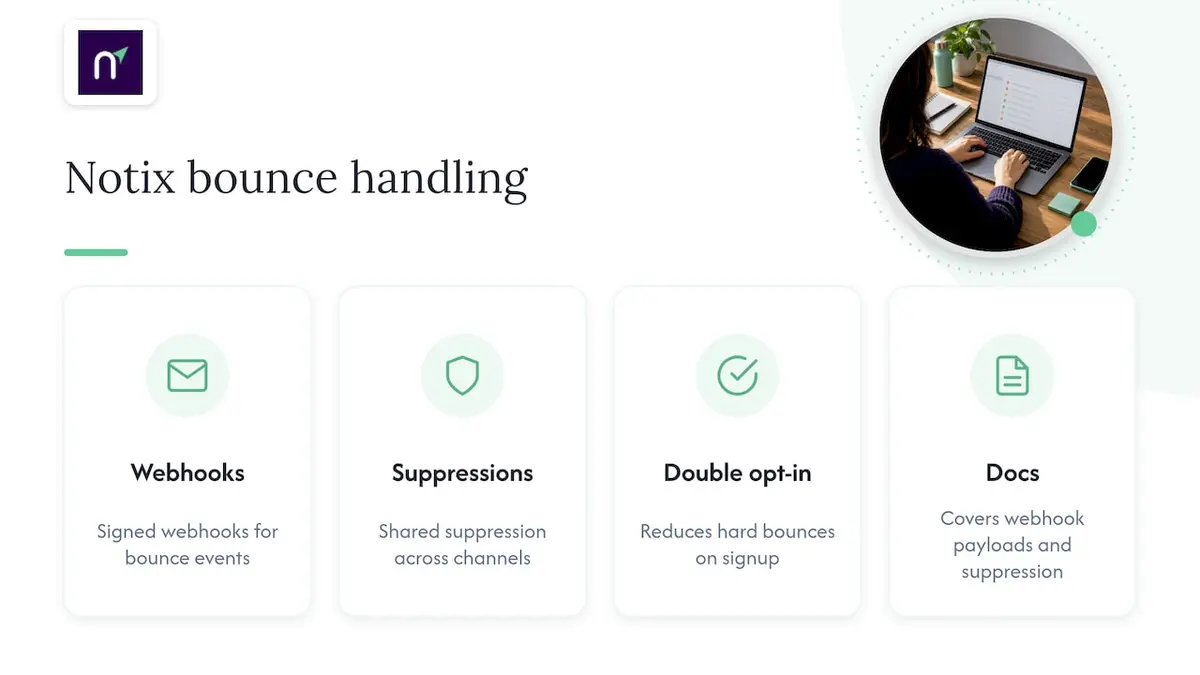
We built our platform around the same signals this guide walks through. Our Email API and SMTP relay emit signed webhooks on bounce events, so your system receives the enhanced status, diagnostic text, and DSN fields without polling or parsing raw transcripts yourself. We maintain unified suppression lists shared across transactional and campaign sends, so a hard bounce on one channel suppresses the address everywhere, and double opt-in on contact collection reduces hard bounces before they happen. Our documentation on bounce handling covers webhook payloads and suppression behavior in detail for teams wiring this into their own retry logic.
A Quick Post-Mortem Checklist for Elevated Bounces
When a send shows elevated bounces, the fastest path to a root cause runs through five checks in order: confirm the DSN class (4xx or 5xx), read the enhanced code for subject and detail, inspect Remote-MTA to see if one receiving server is involved, check whether the affected addresses were already on a suppression list, and review recent sending pattern changes alongside authentication failures. Most of this triage should take under an hour if your logging captured the raw DSN fields up front. The conventional wisdom treats bounce rate as a single health number to watch, but a rate without a breakdown by enhanced code and remote MTA hides the actual fix, whether that is a content issue, an authentication misconfiguration, or a single receiving domain having a bad day.
— Paul
Getting Started With Notix for Bounce Handling
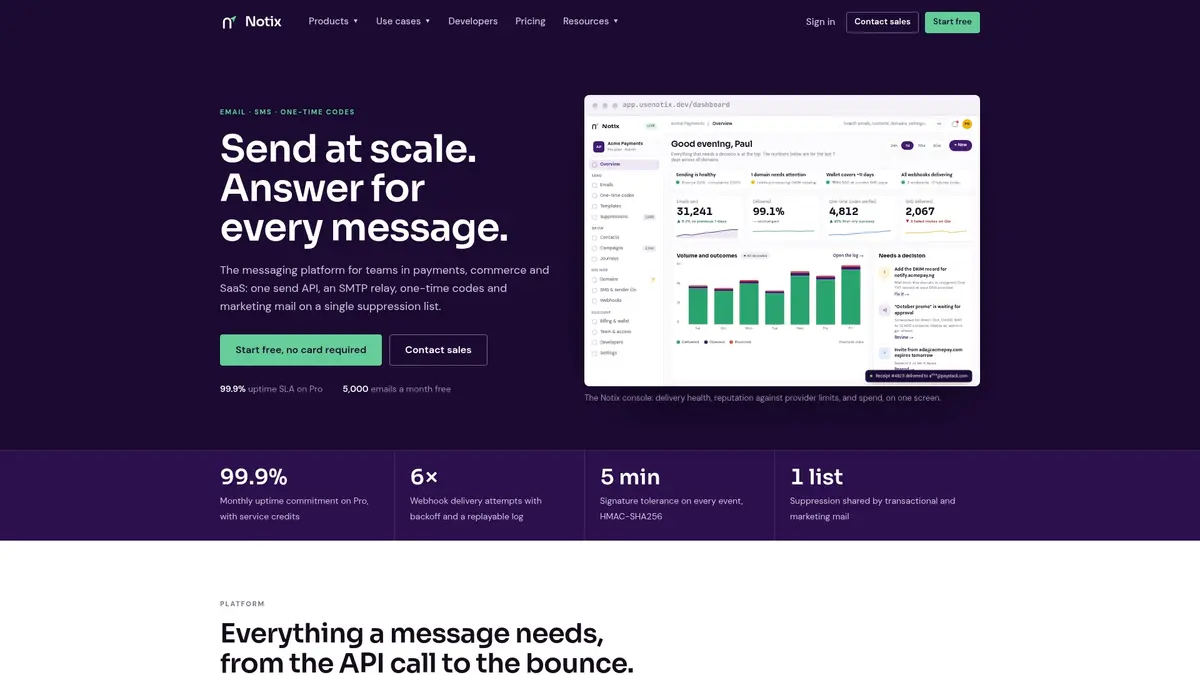
We give email and SMS teams one place to see the DSN fields, enhanced codes, and suppression state this guide walks through, instead of stitching that view together across separate tools. Our Email API and SMTP relay both expose bounce webhooks and shared suppression lists, and our plans run from a Free tier at $0 per month through Pro at $15 per month, with custom Enterprise agreements available on request.
If you are setting up a new relay, our 9-step SMTP relay checklist walks through the Postfix configuration alongside DSN capture. When you are ready to see bounce webhooks and suppression in practice, check our pricing to find the right tier for your volume.
FAQ
What are the common reasons why emails bounce?
Emails most often bounce because the recipient address does not exist, the mailbox is full, the receiving server rejects the message for policy or reputation reasons, or a temporary network or server issue blocks delivery. The first two show up as hard bounces with 5xx codes, while mailbox-full and network issues typically show up as soft bounces with 4xx codes.
What are the reason codes for check bounces?
Check bounce reason codes belong to banking systems, not email delivery, and they use entirely separate numbering maintained by each bank or clearing system. They are unrelated to SMTP bounce codes and fall outside the scope of email deliverability.
What is an acceptable hard bounce rate?
There is no universal acceptable hard bounce rate stated in SMTP standards, since it depends on your sending provider's policy and list hygiene practices. Keeping hard bounces as close to zero as possible through validation and suppression is the safer operational target regardless of any specific threshold a provider sets.
What are the common email bounce back error codes?
The most common codes are 550 paired with 5.1.1 for a nonexistent mailbox, 552 paired with 5.2.2 for a full or over-quota mailbox, 554 paired with 5.7.1 for a policy rejection, and 421 or 450 for temporary server or greylisting issues. The three-digit reply tells you the broad class, and the enhanced X.Y.Z code, defined in RFC 3463, narrows down the exact cause.