
Pick a token bucket when traffic is bursty and you can tolerate some short-term slack, or a sliding-window counter when you need tighter accuracy with modest memory cost. Either way, the operational payoff comes from pairing the algorithm with standards-based headers and real metrics, not from the algorithm alone. Implement the 429 response and RateLimit headers first, then instrument throttle counts before you tune thresholds.
TL;DR:
- Layer limits globally, by tenant, API key, and endpoint; define a steady rate, burst allowance, and longer period quota for each tier.
- Return 429 responses with required limit and reset headers, add remaining quota when possible, and state retry delays in seconds to avoid clock skew.
- Choose token buckets for bursts, leaky buckets to smooth fragile backends, and sliding counters for accuracy; fixed windows can permit double traffic at boundaries.
- Track 429 rates and throttle counts by tenant and endpoint, test steady and burst traffic, then canary thresholds on a small tenant group before widening.
Table of Contents
- What API rate limiting is and why it matters
- Core algorithms: token bucket, leaky bucket, and window counters
- Trade-offs that actually drive engineering decisions
- Designing rate limits for multi-tenant SaaS
- HTTP signaling: 429, Retry-After, and RateLimit headers
- Implementation patterns at scale
- Observability and load testing for rate limits
- Decision checklist: picking an approach for your API
- A few production lessons worth remembering
- Keeping downstream messaging predictable once limits are in place
- FAQ
- Sources
What API rate limiting is and why it matters
Rate limiting caps how many requests a client, key, or tenant can send in a given window. It differs from concurrency limiting, which caps how many requests run at once regardless of time. A system can allow high concurrency but low request rate, or the reverse, and conflating the two leads to the wrong control for the problem you actually have.
Rate limiting exists to solve a few concrete problems:
- Protect backend services and databases from being overwhelmed by a single noisy client or a traffic spike.
- Enable fair sharing of finite capacity across many tenants, so one account cannot starve the rest.
- Support monetized usage tiers, where quota itself is part of the product.
- Slow down credential-stuffing, scraping, and other abusive request patterns.
When a client exceeds its allotment, the server should respond with the HTTP 429 status code and enough information for the client to back off intelligently rather than retrying blindly.
Core algorithms: token bucket, leaky bucket, and window counters
Each algorithm trades accuracy, memory, and burst tolerance differently, and the right choice depends on which of those three you can least afford to sacrifice.
- Token bucket: a bucket holds tokens up to a capacity, refilling at a fixed rate; each request consumes a token, and requests are rejected once the bucket is empty. It allows short bursts up to the bucket size while enforcing a long-run average rate, which makes it a good fit for APIs that expect occasional spikes from legitimate clients.
- Leaky bucket: requests enter a queue (the bucket) and are processed at a constant output rate, smoothing bursts into a steady stream rather than allowing them through. It favors predictable downstream load over permissiveness, which suits systems where a sudden spike would hurt a fragile backend.
- Fixed window: a counter resets at the start of each time window (for example, every 60 seconds). It is cheap to implement and reason about, but it allows up to double the intended rate if a client sends a burst right at the boundary between two windows.
- Sliding window counter: approximates a true sliding window by weighting the current and previous fixed windows, correcting most of the boundary-burst problem for a small amount of extra arithmetic.
- Moving window (timestamp log): keeps an exact log of request timestamps and counts those within the trailing window. It is the most accurate option but also the most memory-intensive, since it stores one entry per request rather than a single counter.
The limits library's strategy documentation summarizes this spectrum well: fixed window is cheapest, moving window is most accurate, and the sliding-window counter sits in between as a practical default for most APIs.
Trade-offs that actually drive engineering decisions
The algorithm you pick determines what you pay for and where. Timestamp logs give exact counts but scale memory linearly with request volume. Counters are cheap but approximate. Probabilistic structures trade a small, bounded error for a large memory saving at extreme scale.
- Memory versus accuracy: logs are exact but expensive; fixed-window counters are cheap but imprecise at boundaries; sliding-window counters land in between.
- Latency versus central contention: checking a shared store on every request adds a round trip and a point of contention; edge or local enforcement cuts latency but can drift from the global truth.
- Smoothing versus throughput: leaky-bucket smoothing protects fragile backends but can frustrate clients that need occasional bursts, such as batch jobs.
- Fairness: without per-tenant isolation, one heavy account can consume shared capacity and degrade service for everyone else, the classic noisy-neighbor problem.
Pro Tip: Combine a short window (per second) with a longer window (per minute or hour) so a client can't burn its entire hourly quota in the first second and then coast under the average.
Designing rate limits for multi-tenant SaaS
Multi-tenant APIs need limits at more than one layer, or a single aggressive tenant can degrade service for everyone sharing the same infrastructure. AWS architecture guidance on tiered, multi-tenant APIs recommends layering limits rather than relying on a single global ceiling.
A workable layering looks like this:
- Global limit: a hard ceiling protecting the backend regardless of tenant count.
- Per-tenant limit: a quota tied to the paying account's plan.
- Per-API-key limit: useful when a tenant issues multiple keys for different services or environments.
- Per-endpoint limit: tighter caps on expensive operations like search or export, looser caps on cheap reads.
Usage plans typically express three parameters per tier: a steady rate, a burst allowance, and a longer-period quota. A Free tier might allow a low rate with a small burst, while an Enterprise tier gets a higher rate, a larger burst, and a much larger quota. On API keys, AWS notes a trade-off: one key per tenant simplifies billing and attribution, while one key per tier simplifies operations but makes it harder to isolate a single misbehaving tenant. A common partitioning rule of thumb is to reserve a fixed percentage of total capacity for the global ceiling, then allocate the remainder across tiers so no single tier's burst can starve another.
HTTP signaling: 429, Retry-After, and RateLimit headers
RFC 6585 defines the 429 "Too Many Requests" status code and recommends that the response include enough detail for the client to understand the limit, optionally with a Retry-After header indicating how long to wait. The IETF RateLimit header fields draft builds on this by standardizing RateLimit, RateLimit-Policy, and related fields so servers can advertise quota state in a machine-readable way.
- Include RateLimit-Limit and RateLimit-Reset as required fields, and RateLimit-Remaining where possible, so clients can self-throttle before hitting the wall.
- Prefer Retry-After in delay-seconds rather than an absolute timestamp, since clock skew between client and server can otherwise cause premature or delayed retries.
- Avoid exposing more headroom than necessary in the Remaining field, since that number can be used to probe capacity.
The IETF draft recommends treating Limit and Reset as mandatory response fields, with Remaining as a strong recommendation, which gives clients a standardized way to back off instead of guessing.
Implementation patterns at scale
A single Redis counter works fine until request volume turns that counter into a bottleneck. Cloudflare's engineering write-up on Pingora's counting infrastructure describes exactly this problem: naive, centralized counters can become a source of lock contention at very high request rates, and the fix usually involves moving work closer to the request path.
- Edge enforcement: reject obviously over-quota requests at a CDN or edge worker before they ever reach the origin, cutting load on backend services and the central counter store.
- Sharded counters: split a single logical counter across multiple physical keys or nodes, aggregating periodically, to spread write contention instead of serializing it on one key.
- Local caching with periodic sync: let each application instance keep a local approximate count and sync with a central store every few hundred milliseconds, trading a small accuracy window for a large latency win.
- Probabilistic counters: a Count-Min Sketch or similar structure approximates request counts with bounded error and constant memory, useful when exact counts are not worth their storage cost.
For teams integrating rate-aware clients, pairing this logic with idempotency keys for retried requests prevents a throttled-then-retried request from being processed twice downstream. Developers building against regulated systems, such as dental practice management APIs, face the same contention problem at smaller scale; the guidance on integrating gestionale odontoiatrico APIs covers similar patterns for production API integration outside the rate-limiting context specifically.
Pro Tip: Keep the rate-limit check itself on the fast path: a single atomic increment or a local cache read, never a query that joins against other tables.
Observability and load testing for rate limits
A rate limiter you cannot see is a rate limiter you cannot trust. Before shipping thresholds to production, instrument the system and load-test it against both steady and spiky traffic.
- Track throttle hits and the 429 ratio per tenant and per endpoint, not just in aggregate, so a single misconfigured tier doesn't hide inside a healthy-looking average.
- Run sustained-throughput tests to find the steady-state capacity your backend can hold indefinitely, separate from burst tests that find how much short-term spike it can absorb.
- Set alerting thresholds that distinguish between "traffic grew, scale out" and "a limit is misconfigured, adjust the number," since the two require opposite responses.
- Watch CPU, queue depth, and central-store latency alongside the 429 ratio, since a rate limiter can look healthy while the backend it protects is already struggling.
AWS Well-Architected reliability guidance frames rate limits as one control plane among several, backed by load-tested capacity numbers, rather than the sole defense against traffic spikes.
Decision checklist: picking an approach for your API
Match the requirement that matters most to the algorithm built for it, then verify the implementation before rollout.
- Bursty but trusted clients: token bucket, sized to the largest burst you want to tolerate.
- Protecting a fragile backend: leaky bucket, to smooth bursts into steady throughput.
- Low memory, acceptable boundary slop: fixed window.
- Tight accuracy without full timestamp logs: sliding-window counter.
| Requirement | Recommended algorithm |
|---|---|
| Allow short bursts from trusted clients | Token bucket |
| Smooth traffic into steady backend load | Leaky bucket |
| Minimize memory, accept some boundary burst | Fixed window |
| Balance accuracy and cost | Sliding-window counter |
| Exact accounting required | Moving window (timestamp log) |
Before launch, confirm you have an enforcement point, 429 responses with RateLimit headers, per-tenant metrics, and at least one burst load test. Roll out new thresholds as a canary on a small tenant slice, watch the 429 ratio for a few days, then widen.
A few production lessons worth remembering
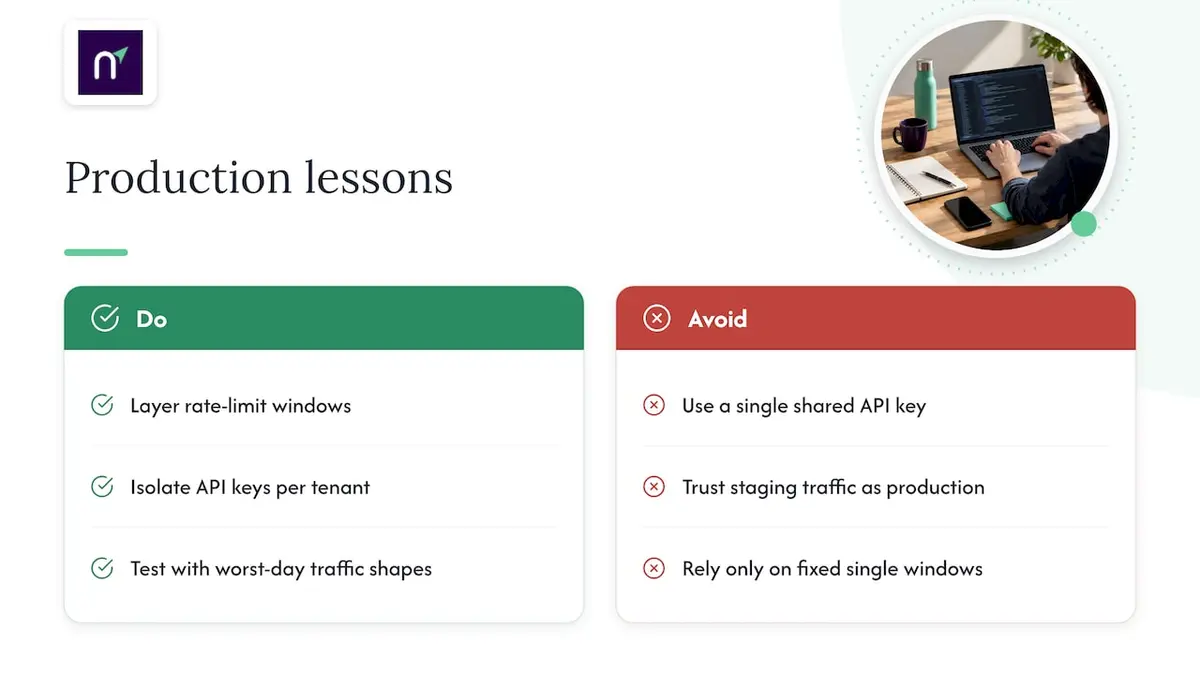
The surprises rarely come from the algorithm itself. They come from boundary effects in fixed windows, from a single shared API key masking which tenant is actually responsible for a spike, and from a rate limiter that works perfectly in staging because staging never generates a real burst.
The fix is almost always the same: layer your windows, isolate your keys per tenant, and test with traffic shapes that look like your worst day, not your average one.
— Paul
Keeping downstream messaging predictable once limits are in place
Rate limiting controls incoming request volume, but the messages your own systems send out, verification codes, password resets, order confirmations, need the same predictability on the way out. Our Email API and SMTP relay are designed as a single integration point so teams do not have to manage separate throttling logic for transactional and marketing traffic.
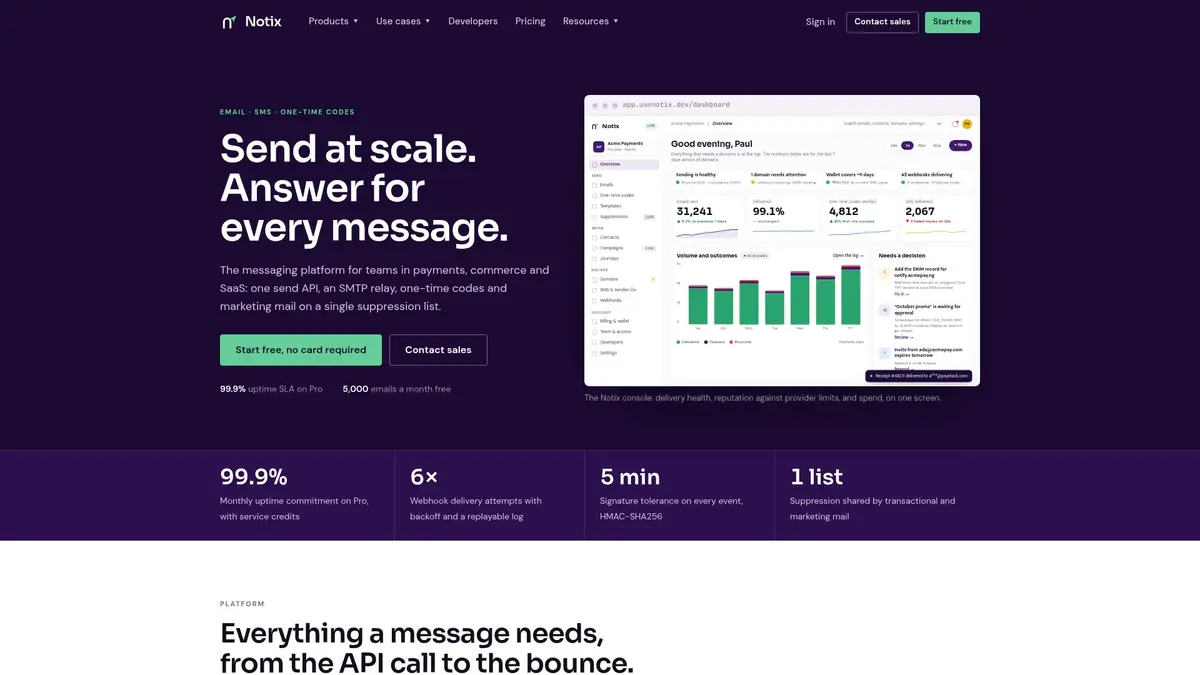
Check pricing or start with the Email API to see how fast onboarding goes.
FAQ
What are some effective strategies for rate limiting?
Token bucket and leaky bucket handle bursty and steady traffic respectively, while sliding-window counters balance accuracy against memory cost. Most production systems layer a short window with a longer one to prevent clients from exhausting quota in a single spike.
How do you implement API rate limiting?
Pick an algorithm based on your burst and accuracy needs, enforce it at the edge or in a shared store like Redis, and return 429 responses with RateLimit headers when a client exceeds its quota. Instrument throttle metrics and load-test before rolling the limits out widely.
How will you design rate limiting for an API?
Layer limits across global, per-tenant, per-key, and per-endpoint scopes, following patterns like those in AWS's tiered multi-tenant throttling guidance, so one tenant cannot degrade service for the rest. Back the design with usage plans that define rate, burst, and quota per tier.
What does API rate limiting mean?
API rate limiting means capping how many requests a client can make in a given time window to protect backend capacity and keep usage fair across tenants. It is distinct from concurrency limiting, which caps simultaneous requests rather than requests over time.
Sources
- RFC 6585 - Additional HTTP Status Codes
- Throttling a tiered, multi-tenant REST API at scale using API Gateway (AWS blog)
- How Pingora keeps count (Cloudflare engineering blog)